
Quick answer: Which should you pick?
- Screen Studio remains a strong choice if you live entirely on macOS, want a premium native Mac workflow, and can justify its paid pricing for your volume of recordings.
- Cubix Capture is the practical pick if you need Windows (or want a cross-platform workflow), want auto-zoom + smooth cursor + live backgrounds applied during capture, and prefer no edit bay between record and publish.
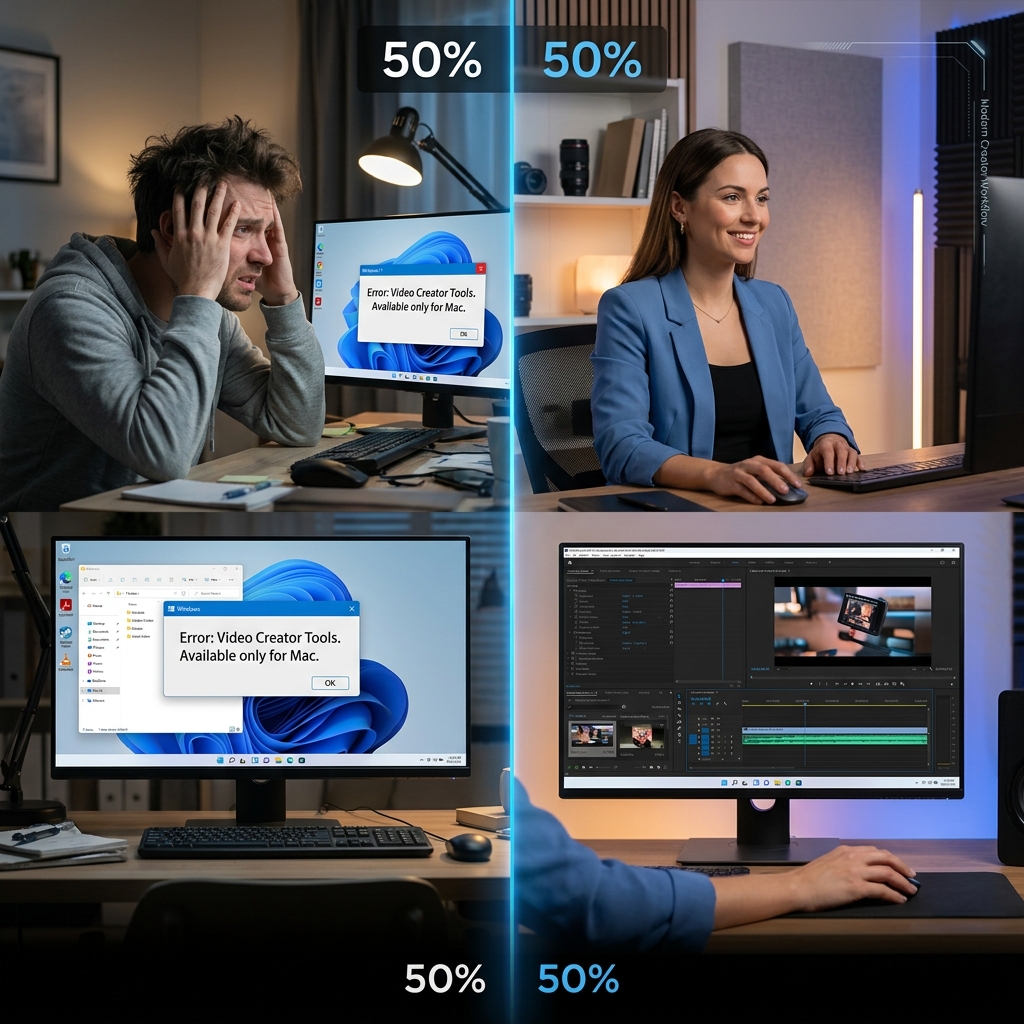
If you are on Windows, Screen Studio is not an option today—so the real decision is not “Cubix vs Screen Studio” on equal footing; it is “what actually delivers the same outcome on PC?” That is why Cubix Capture exists: to bring presentation-grade screencasts to the platform most of the world actually uses.
For a focused Windows-only buyer guide, read Free Screen Studio Alternative for Windows — Does One Exist?. For the ecosystem-wide shortlist, bookmark Best Screen Studio Alternatives in 2026 — Full List.
Why this comparison matters in 2026
Software tutorials are not judged on information alone anymore—they are judged on followability. Viewers decide in seconds whether your UI is readable on a phone, whether your cursor feels intentional, and whether your frame looks intentional or accidental.
Screen Studio helped establish a new baseline: capture-time motion design (zooms that track intent, cursor paths that feel calm, backgrounds that look staged). That baseline is now the expectation on YouTube, LinkedIn, onboarding flows, and sales demos.
The gap for Windows creators was never “talent.” It was tooling: either buy into manual post-production (OBS + editor hours) or accept raw captures that fail on mobile.
Cubix Capture vs Screen Studio at a glance
| Dimension | Screen Studio | Cubix Capture |
|---|---|---|
| Primary audience | macOS creators prioritizing polished motion | Creators who need Windows + instant polish (also macOS-friendly—see Cubix Capture product page) |
| Core promise | Cinematic screencasts with automated motion | Zero-edit tutorials: readable zooms + calm cursor + clean stage |
| Typical workflow | Record on Mac; export/share with studio styling | Record; stop; share—minimal or no timeline work |
| Windows support | No | Yes—download Cubix Capture for Windows |
| Pricing posture | Paid product | Free access positioned for broad creator use |
This table is not a spec sheet war—it is a workflow map. If your bottleneck is time-to-publish and mobile readability, both tools philosophically align. If your bottleneck is OS access, only one side is even available.
What “Screen Studio quality” actually means (so you can compare fairly)
When people say “Screen Studio look,” they usually mean three measurable viewer outcomes:
- Legibility on small screens — The viewport must move to the locus of attention; otherwise a 1440p desktop becomes unreadable on a phone.
- Cursor credibility — Raw hand jitter reads as nervous software; smooth motion reads as confidence.
- Stage control — Backgrounds and framing signal “this was intentional,” not “this was my messy desktop.”
Whether you are evaluating Screen Studio or Cubix Capture, you are really evaluating whether the tool bakes production decisions into capture—because that is what removes editing labor.
For the underlying concept, read What Is Auto-Zoom Screen Recording? (Complete Guide). For technical intuition, How Auto-Zoom Technology Actually Works.
Feature-for-feature: what creators actually feel in the timeline
Intelligent auto-zoom
Both philosophies assume the same constraint: most viewers are not sitting at your desk. Screen Studio’s popularity proved that zoom is not decorative—it is comprehension.
Cubix Capture approaches the same constraint with a presentation-first mindset: track clicks and typing regions so the viewer’s eyes land where your explanation already is.
Smooth cursor motion
This is one of the subtlest quality signals. A jittery cursor increases cognitive load; a calm path keeps attention on the UI story.
If you have only used raw capture tools before, this is the moment you realize why forums say “just use OBS” fails many tutorial creators—OBS does not negotiate intent for you. For the demo-specific critique of raw capture, see The Problem With OBS for Product Demos.
Live backgrounds and clean staging
Professional tutorials hide environmental noise. Live backgrounds are not vanity—they reduce distractions and keep brand consistency across a content library.
Pricing reality (why “free alternative” is not a gimmick)
Screen Studio’s pricing is part of its positioning: a premium tool for creators who standardize on macOS.
Cubix Capture’s free positioning matters because paywalls often gate the exact features that make tutorials readable—which pushes creators back to OBS + DaVinci Resolve, i.e., paying with time instead of money.
If you want the broader market scan, see Best Free Screen Recorders with Auto-Zoom in 2026.
When Screen Studio is still a rational purchase
Be blunt about fit:
- You are Mac-only and want the native Screen Studio workflow you have already seen creators praise.
- You are standardized on macOS hardware across your team and procurement is aligned.
If that is you, Screen Studio can be the right tool—even if you also keep Cubix Capture in mind for collaborators outside the Apple ecosystem.
When Cubix Capture is the better business decision
Choose Cubix Capture when:
- You ship tutorials from Windows (developers, IT, enterprise analysts, PC-first creators).
- You need consistency without hiring an editor.
- You compare total cost as software + labor—not sticker price alone.
For async workplace comparisons (different buyer), see Cubix Capture vs Loom: Which Is Better in 2026?.
A 5-question decision framework (copy/paste for your team)
- Who watches first—desktop engineers or mobile executives? Mobile favors capture-time zoom.
- Do you publish weekly? Weekly publishing punishes heavy post workflows.
- Is your demo mostly browser or full OS? Full OS favors desktop-native capture polish.
- Do you sell clarity or spectacle? Clarity favors guided zoom; spectacle may lean heavier marketing animation stacks (compare Cubix Capture vs Kite).
- What is your real bottleneck—minutes or dollars? That answer picks the stack.
FAQ
Is there a Screen Studio for Windows?
Not officially. Screen Studio is Mac-only. Windows creators typically choose a Screen Studio–class alternative with automated zoom and staging—see Why Screen Studio Only Works on Mac (And What Windows Users Should Do).
Is Cubix Capture actually a free alternative?
Cubix Capture is positioned so creators can access presentation-grade capture without funding an edit bay. For how “free auto-zoom” compares across the market, read Best Free Screen Recorders with Auto-Zoom in 2026.
Can Cubix Capture replace manual OBS + Premiere workflows?
For many tutorial and demo use cases, yes—because it removes the manual zoom + cursor cleanup loop. Deep dive: OBS vs Cubix Capture: Why Most People Should Switch.
Is Cubix Capture only for Windows?
No—Cubix Capture is built for creators who need real desktop capture and cross-platform flexibility. Grab builds from the Cubix Capture hub or jump to Download for Windows.
How does Cubix Capture compare to “editor-first” auto-zoom tools?
If you want heavy post control inside a built-in editor, compare Cubix Capture vs FocuSee. Cubix Capture optimizes for stop recording → share.
Bottom line
Screen Studio helped define a genre. Cubix Capture exists so Windows-first creators do not have to rent a Mac—or rent an editor—to publish in that genre.
If you are ready to standardize on modern tutorial production, start here: Cubix Capture.
Related reading