
Free Screen Recorder for Mac & Windows with Auto Zoom
Auto-Zoom.
Gorgeous Backgrounds.
Zero Effort.
The cinematic screen recorder for Mac & Windows. Auto-zooms when you click, live backgrounds, studio-quality output. A free Screen Studio alternative, just hit record.
Without Cubix Capture
Standard recording, no zoom, static view.
With Cubix Capture
Auto-zoom enabled, dynamic focus, professional motion.
Everything you need. Nothing you don't.
Record screen and audio, record screen with audio, record screen and sound, and capture screen and audio together for tutorials, demos, walkthroughs, and team updates.
Auto Zoom & Tracking
Auto zoom screen recorder with no editing required. Zooms into your clicks automatically, no timeline, no post-production.
Live Backgrounds
The screen recorder with live backgrounds built in. Apply stunning Live, Gradient, Textured, or Solid backdrops instantly, no design skills needed.
Webcam Integration
Record your screen and face together with a clean floating bubble.
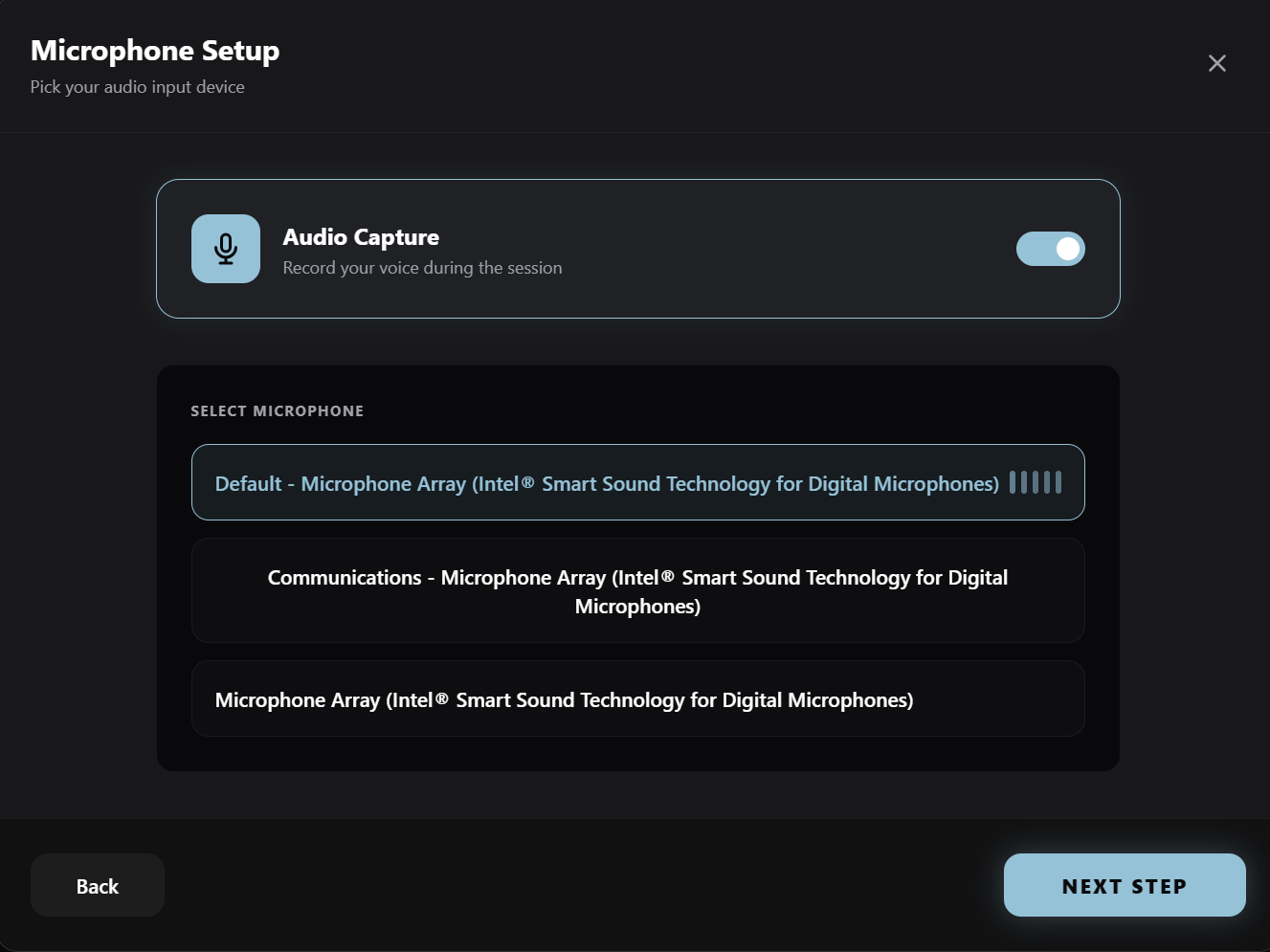
Studio Audio
Crystal clear mic and system audio, captured together.
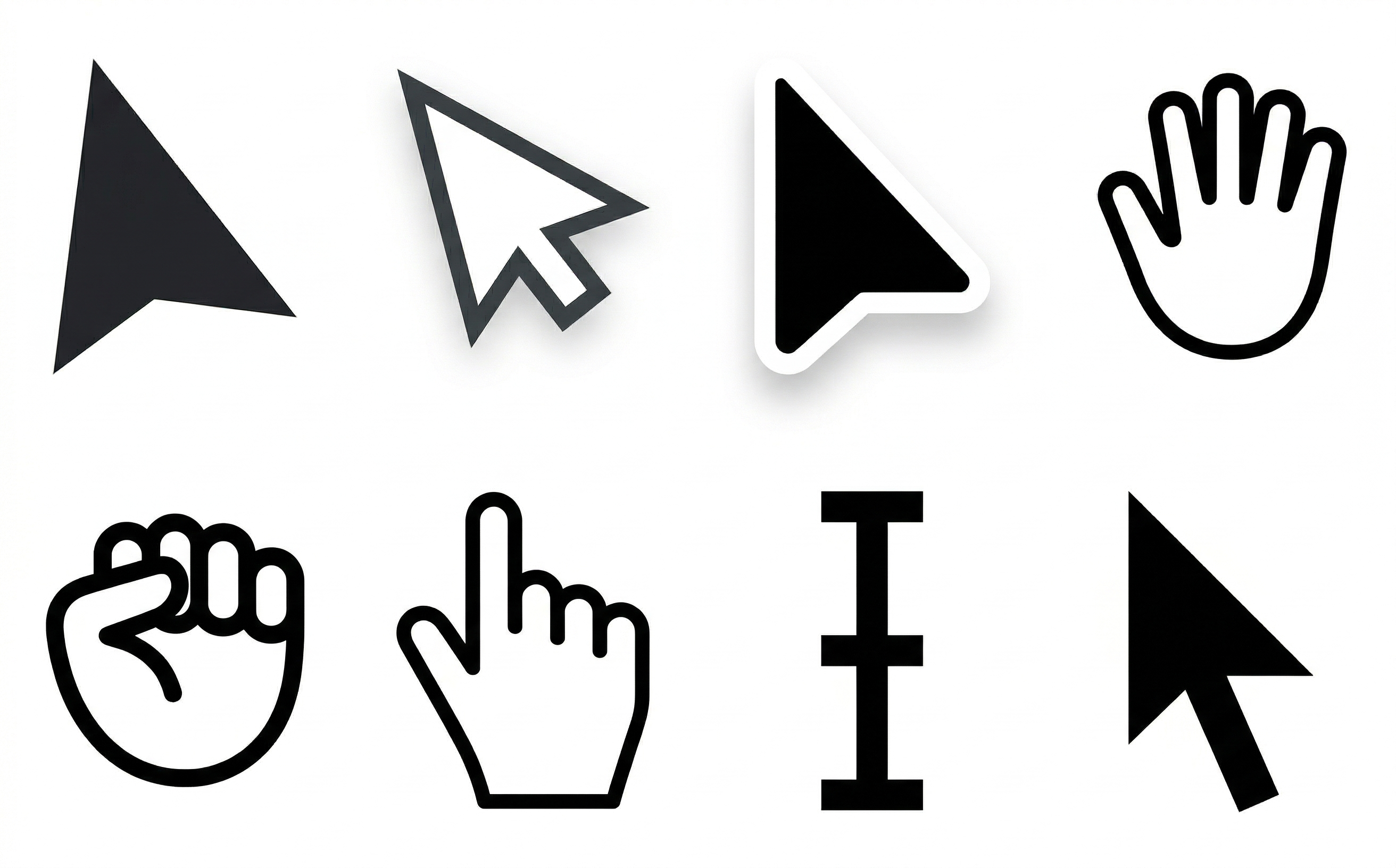
Smooth Custom Cursors
No more jerky mouse movements, silky smooth cursors automatically.
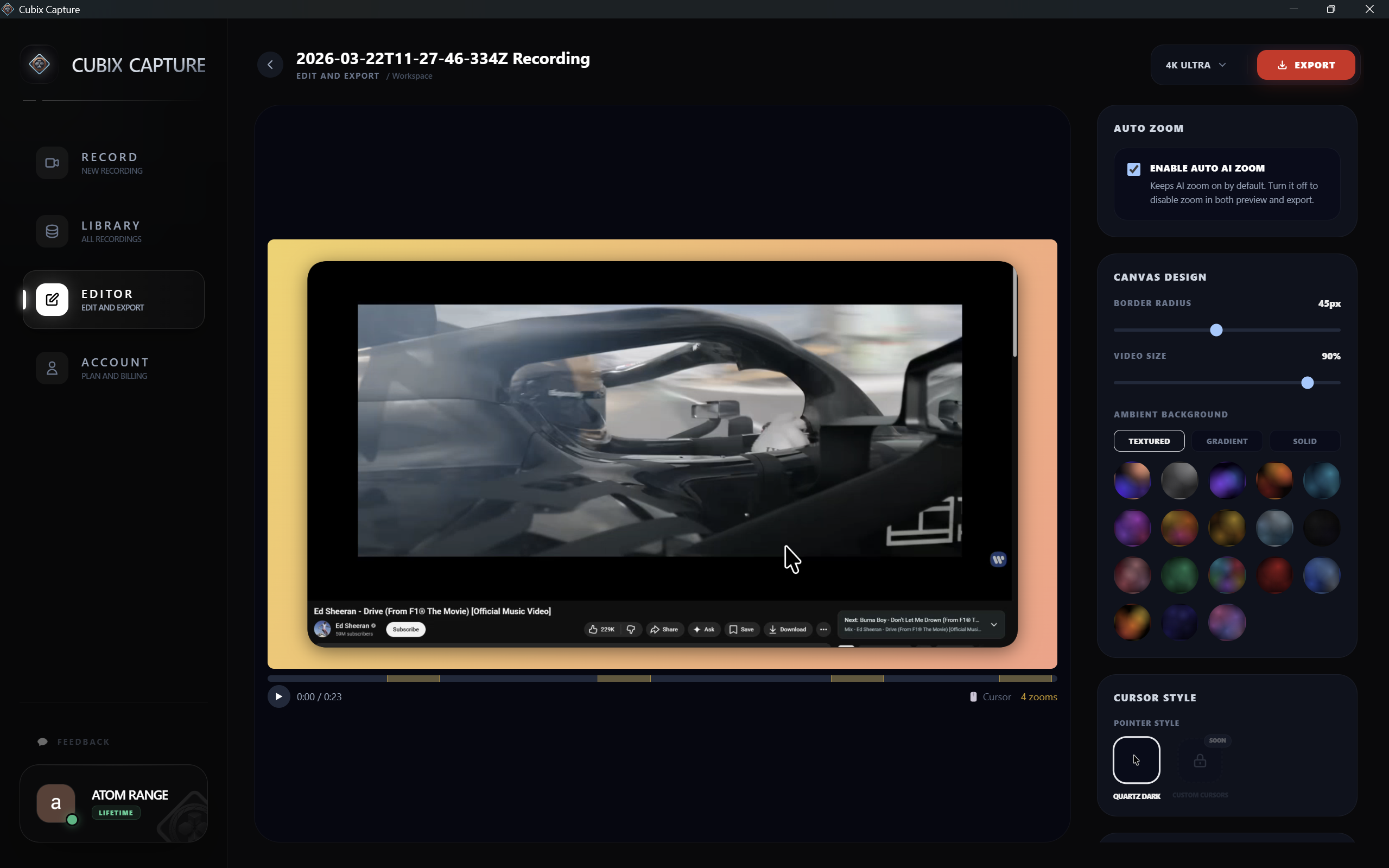
60fps HD Recording
Buttery smooth, native resolution. Every pixel, every frame.
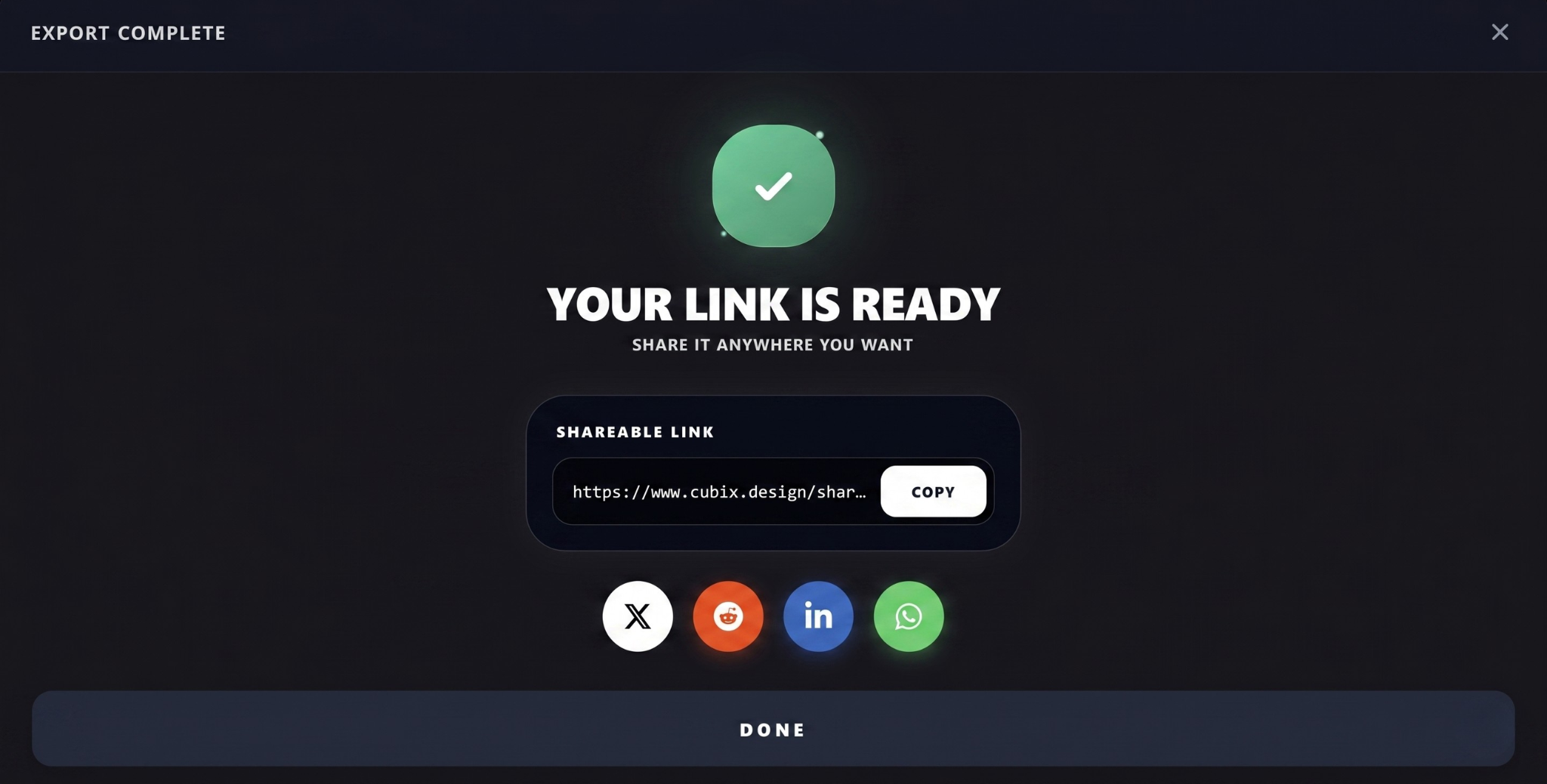
Sharable Links
Instantly upload and share your recordings with team members and clients. Cloud hosting with one-click secure links.
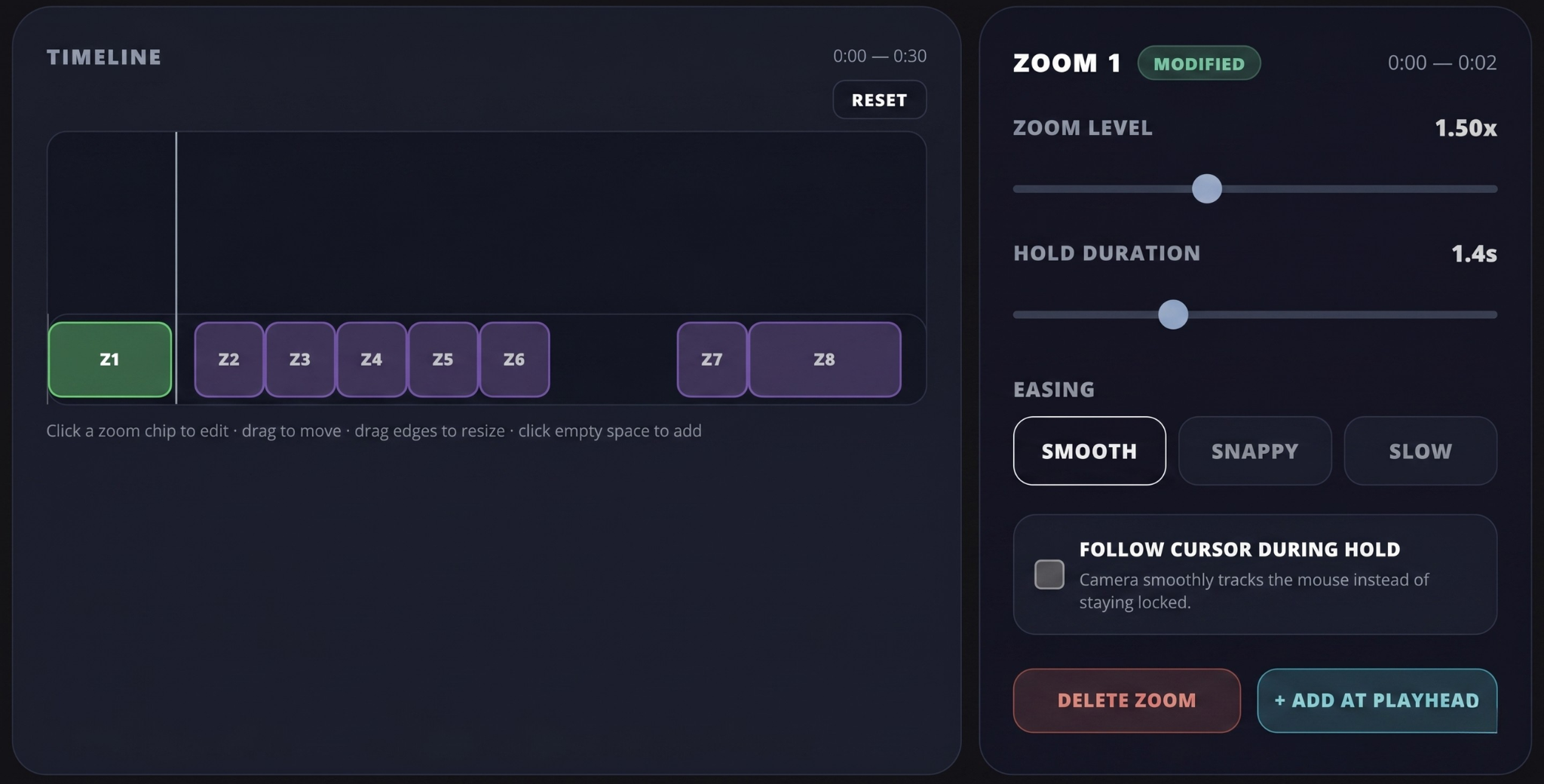
Manual Zoom Control
Take full creative control. Fine-tune automatic zooms or add your own manual zoom points for the perfect focus every time.
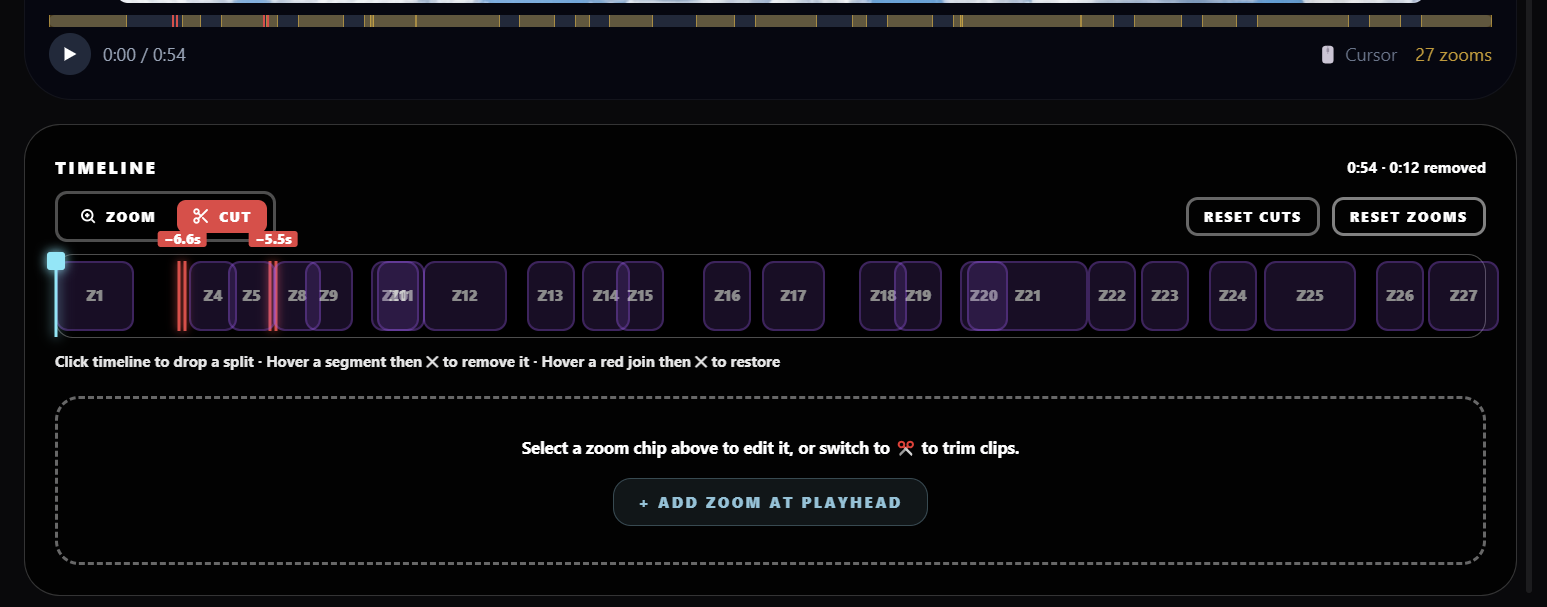
Video Cuts
Easily trim and cut unwanted sections of your recording with zero effort. Keep only the parts that matter.
Cloud Export
Render and export recordings directly in the cloud at lightning-fast speeds, saving time and disk space.
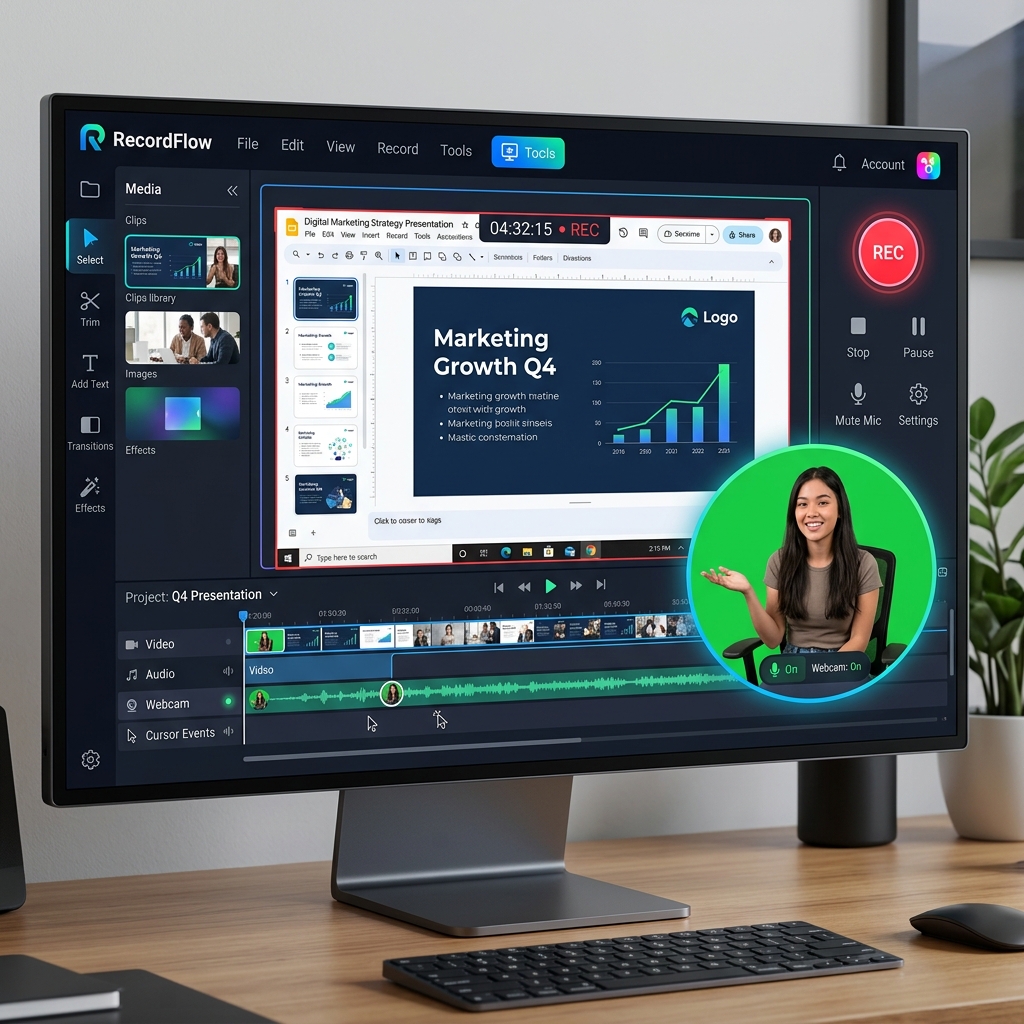
Background Camera Effects
Add background blur, insert custom background images, or apply green screen keys directly to your webcam feed.
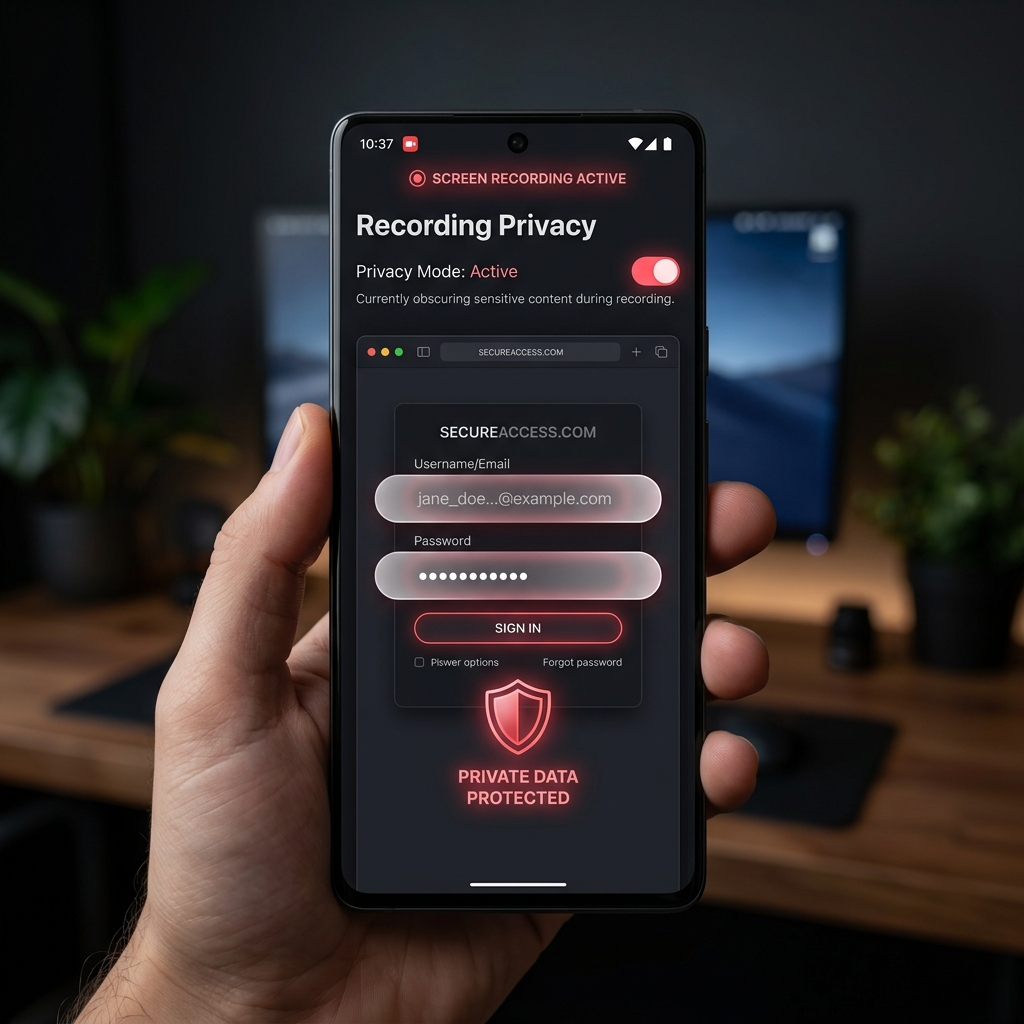
Sensitive Info Blurring
Easily blur out passwords, API keys, emails, or personal data on your screen with smart, automated privacy filters.
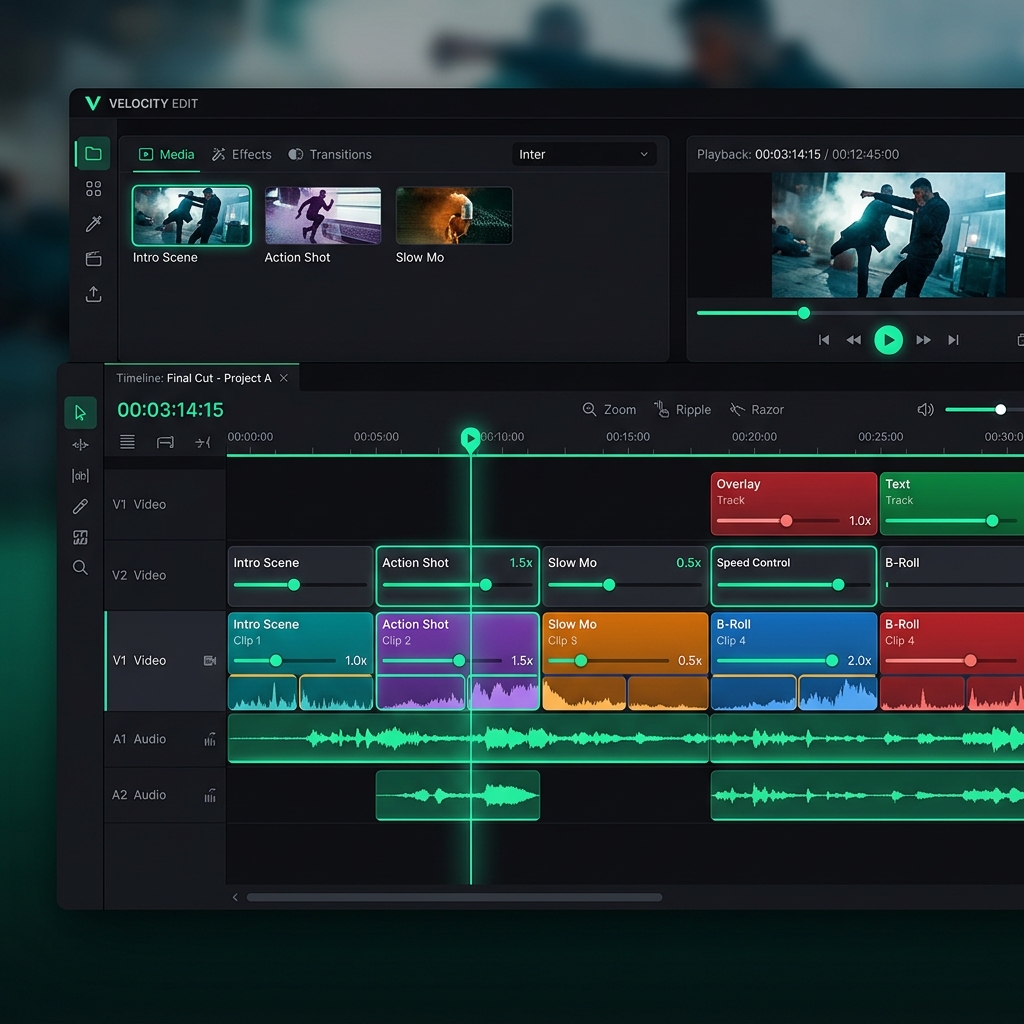
Clip Splicing
Combine multiple recordings into one and trim timeline gaps effortlessly.
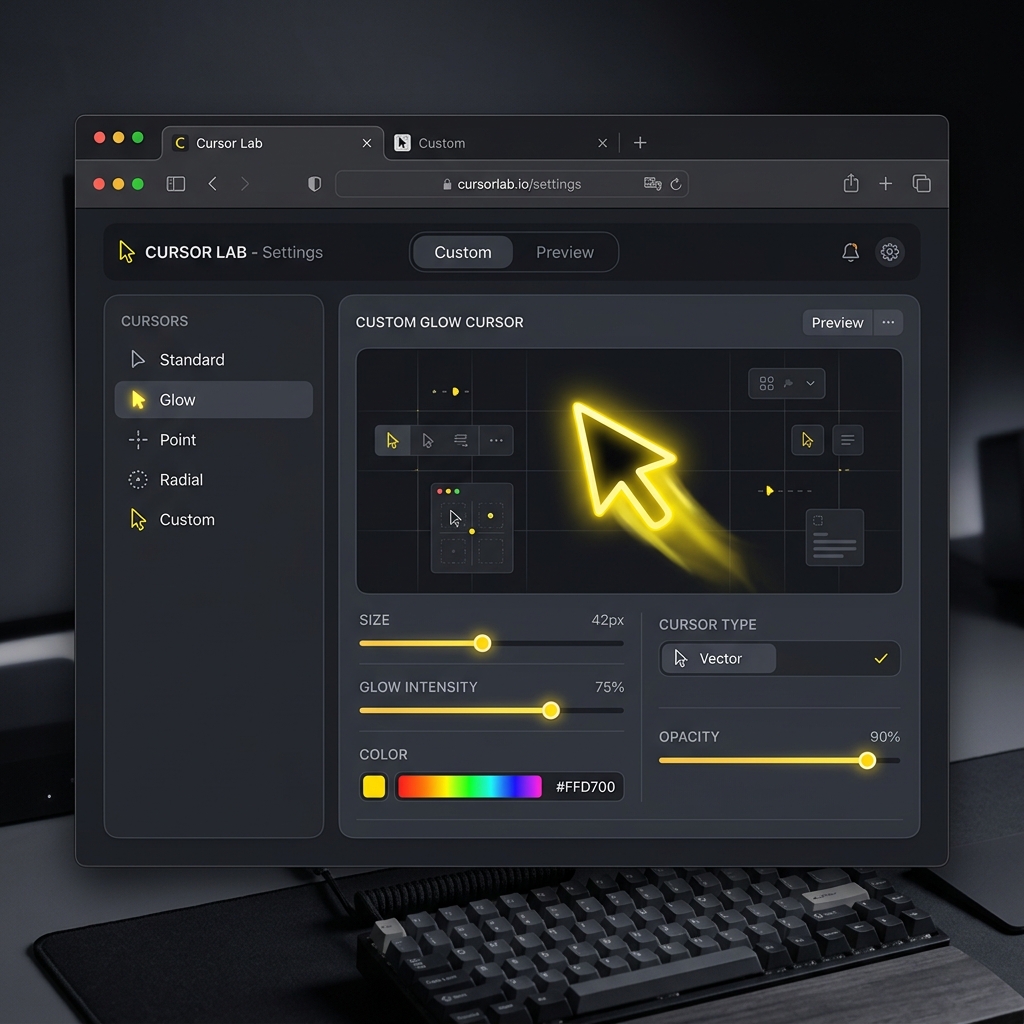
Cursor Size Customization
Adjust mouse cursor sizes dynamically to keep your viewers focused on key actions and navigation points.
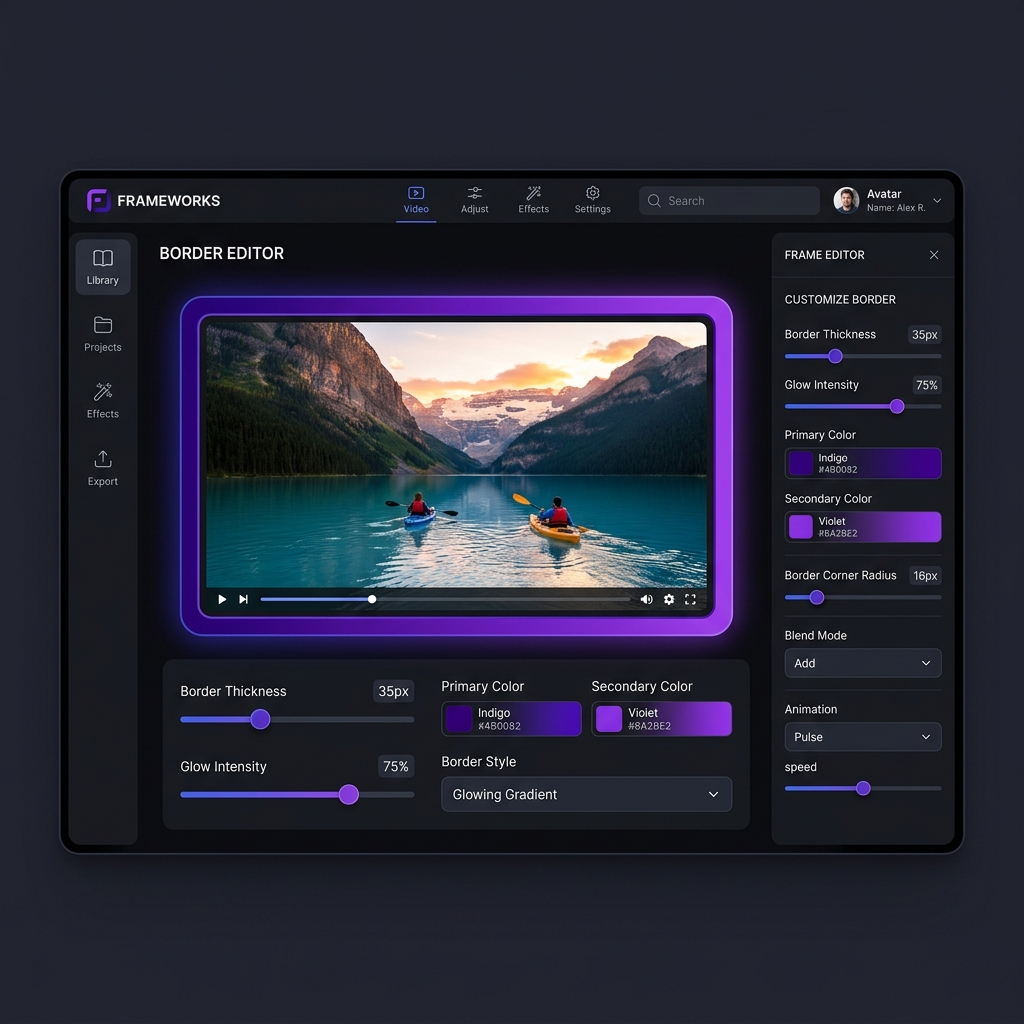
Custom Border Thickness
Easily increase or decrease border thickness and add elegant frame-like styles to your videos for a polished, premium look.
Auto Zoom & Tracking
Auto zoom screen recorder with no editing required. Zooms into your clicks automatically, no timeline, no post-production.
Live Backgrounds
The screen recorder with live backgrounds built in. Apply stunning Live, Gradient, Textured, or Solid backdrops instantly, no design skills needed.
Webcam Integration
Record your screen and face together with a clean floating bubble.
Studio Audio
Crystal clear mic and system audio, captured together.
Smooth Custom Cursors
No more jerky mouse movements, silky smooth cursors automatically.
60fps HD Recording
Buttery smooth, native resolution. Every pixel, every frame.
Sharable Links
Instantly upload and share your recordings with team members and clients. Cloud hosting with one-click secure links.
Manual Zoom Control
Take full creative control. Fine-tune automatic zooms or add your own manual zoom points for the perfect focus every time.
Video Cuts
Easily trim and cut unwanted sections of your recording with zero effort. Keep only the parts that matter.
Cloud Export
Render and export recordings directly in the cloud at lightning-fast speeds, saving time and disk space.
Background Camera Effects
Add background blur, insert custom background images, or apply green screen keys directly to your webcam feed.
Sensitive Info Blurring
Easily blur out passwords, API keys, emails, or personal data on your screen with smart, automated privacy filters.
Clip Splicing
Combine multiple recordings into one and trim timeline gaps effortlessly.
Cursor Size Customization
Adjust mouse cursor sizes dynamically to keep your viewers focused on key actions and navigation points.
Custom Border Thickness
Easily increase or decrease border thickness and add elegant frame-like styles to your videos for a polished, premium look.
Wall of Love
Loved by Creators & Developers


"I used Cubix again today and holy the auto zoom is getting so good. I cut some zooms out but all the ones it applied I left alone. Couldn't have manually made them any cleaner"
Luke
Dev
"this is how solid products are made tbh , keep going 💪"
Alex Ibragimov
founder & dev
"Kudos. This was one big bottleneck in video editing for tutorials. When I worked as a TA, I had to make tutorials for the students to follow along for the labs, and I had to manually use keyframe animation to zoom into what I'm exactly clicking."

Hamsa
Dev
"Great bro 👍 Excellent really"

Kumaraj MFD
Financial planner
"that's so great man"

mscode07
Building in Solana
"this is sick man. love this"

BChop
Solo dev
"Cubix Capture looks interesting."

RepoRunner
App
"I used Cubix again today and holy the auto zoom is getting so good. I cut some zooms out but all the ones it applied I left alone. Couldn't have manually made them any cleaner"
Luke
Dev
"this is how solid products are made tbh , keep going 💪"
Alex Ibragimov
founder & dev
"Kudos. This was one big bottleneck in video editing for tutorials. When I worked as a TA, I had to make tutorials for the students to follow along for the labs, and I had to manually use keyframe animation to zoom into what I'm exactly clicking."
Hamsa
Dev
"Great bro 👍 Excellent really"
Kumaraj MFD
Financial planner
"that's so great man"
mscode07
Building in Solana
"this is sick man. love this"
BChop
Solo dev
"Cubix Capture looks interesting."
RepoRunner
App
"great project mate"
Aman Yadav
Dev
"Legend!"
Gene
Software Developer
"Great work."

Satoshi T.A.N
Entrepreneur
"classic dogfooding solve. best way to guarantee exactly what you need"

王科长
Department Head
"Cool"

TTT
Co-founder_CMO
"This would help a lot in growing"

Sattyam Samania
Helping businesses scale
"great project mate"
Aman Yadav
Dev
"Legend!"
Gene
Software Developer
"Great work."
Satoshi T.A.N
Entrepreneur
"classic dogfooding solve. best way to guarantee exactly what you need"
王科长
Department Head
"Cool"
TTT
Co-founder_CMO
"This would help a lot in growing"
Sattyam Samania
Helping businesses scale
"Crazy"

Arpit
Dev
"Nice one bro🔥"

Samteic
Programmer
"When the demo feels this smooth, the bottleneck usually becomes distribution, not product."

Thibault Jaigu
Co-founder
"this is one hell of a beast"

Dominik Martin
marketing & growth strategies
"Love the flexibility, will make editing way smoother"

Mykhailo Sorochuk
Founder
"The UI looks amazing to my eye"

James Malsawm
Content Creator
"Crazy"
Arpit
Dev
"Nice one bro🔥"
Samteic
Programmer
"When the demo feels this smooth, the bottleneck usually becomes distribution, not product."
Thibault Jaigu
Co-founder
"this is one hell of a beast"
Dominik Martin
marketing & growth strategies
"Love the flexibility, will make editing way smoother"
Mykhailo Sorochuk
Founder
"The UI looks amazing to my eye"
James Malsawm
Content Creator
Professional screen recordings,
now for Mac & Windows.
Get the same professional auto-zoom recordings on every desk.
Built for everyone who records on Mac & Windows

Product demos that sell
Record your SaaS product with auto-zoom that follows every click. Gradient backgrounds make your UI look polished without any design work. Ship demo videos in minutes, not hours.
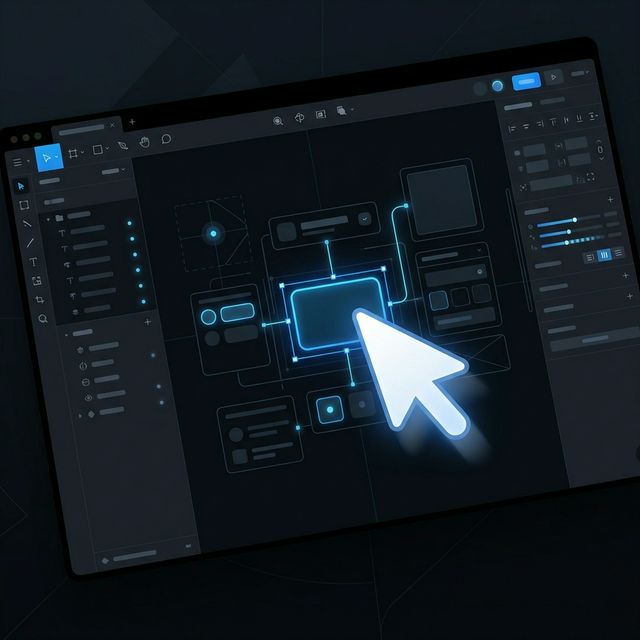
Tutorials that are easy to follow
Every click zooms in automatically so viewers always know where to look. No post-production. No timeline editing. Just record and share.

Onboarding videos for your team
Walk new users through your product clearly and professionally. Cubix Capture handles the zoom, the cursor, and the background you can focus on what you're explaining.
The Workflow
Record. Stop. Done.
The simplest screen recorder with auto zoom. From raw recording to studio masterpiece in seconds, no timeline editing required.
Start in One Click
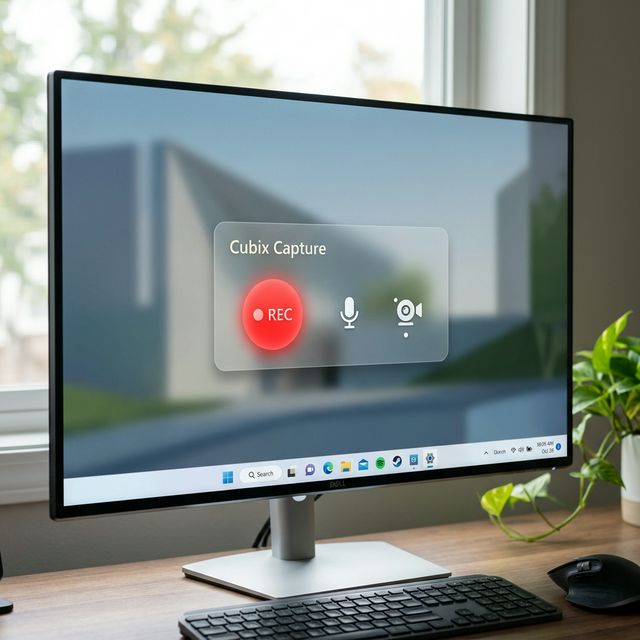
Open Cubix Capture and hit record. No drivers, no complicated setup. Just pick your screen and start.
Auto-Magic Zoom
As you click and scroll, our AI identifies important actions and applies smooth, cinematic zooms automatically.
Studio-Ready Export
Stop whenever you're done. Your recording is instantly wrapped in a beautiful gradient background with smooth cursor motion.
Simple Pricing For Cubix Capture
Choose the plan that fits your recording needs.
Free
For getting started
- 1 min recording
- 2 exports
- 720p export
- Adding additional zooms manually
- Limited canvas background
- With watermark
- Local export
- Camera background locked
Pro
For creators who publish regularly
- 4K @ 60fps Recording
- Unlimited Duration & Exports
- No Watermark
- AI Smooth Cursors
- All Canvas Backgrounds
- Cloud Export
- Link Sharing
- Full Zoom Editor
- Access to Cuts/Splits
- Priority Support
Lifetime
Pay once, use forever
- Everything in Pro
- All future updates included
- No subscription ever
Coming Soon to Capture
We're constantly evolving. Here are the features currently in development to supercharge your workflow.
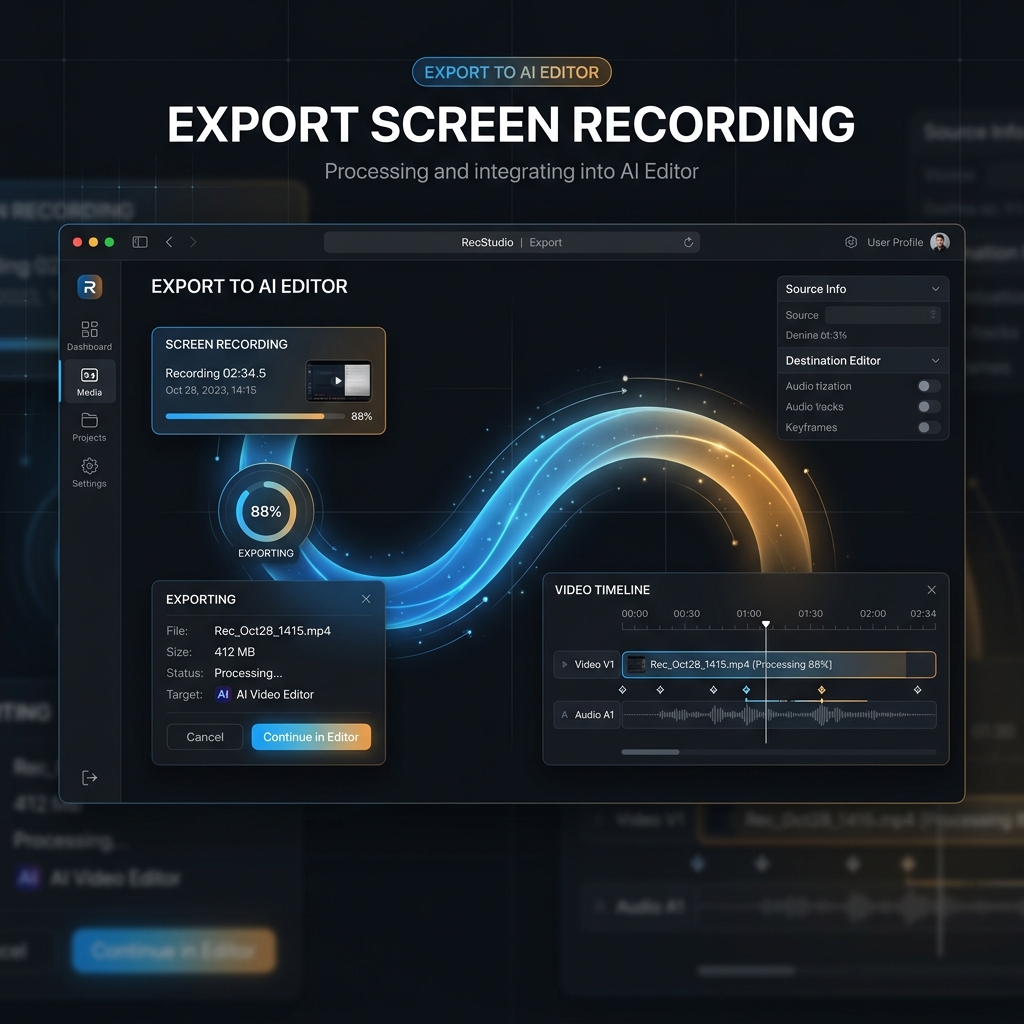
Connect with Cubix
One-click export to the Cubix AI Editor for professional-grade post-production and agentic video refinement.
Playback Speed Control
Adjust playback speed independently for each clip or section to create fast-paced sequences or slow-motion highlights.
Frequently Asked Questions
Is Cubix Capture really free?+
How does auto zoom work?+
Is Cubix Capture a free Screen Studio alternative?+
Cubix Capture vs Screen Studio, what's the difference?+
What operating systems are supported?+
Does it support Apple Silicon (M1/M2/M3)?+
Can I record my webcam and screen together?+
Does it capture system audio?+
How is Cubix Capture different from OBS?+
Is Cubix Capture good for recording software walkthroughs?+
Can I use Cubix Capture as a Windows screen recorder tool?+
Can Cubix Capture record screen and audio together?+
Is Cubix Capture free screen recording software?+
Can I screen record on Mac or MacBook?+
Stop sending boring screen recordings.
Download free for Mac & Windows. No account required.
Cubix Capture is a free screen recorder for Mac and Windows with auto zoom, live backgrounds, webcam overlay, and system audio capture. A Screen Studio alternative for PC and a screen recording program for creators who need a polished screen record program Windows users can start in one click. Record tutorials, product demos, presentations, and software walkthroughs with professional quality output.