
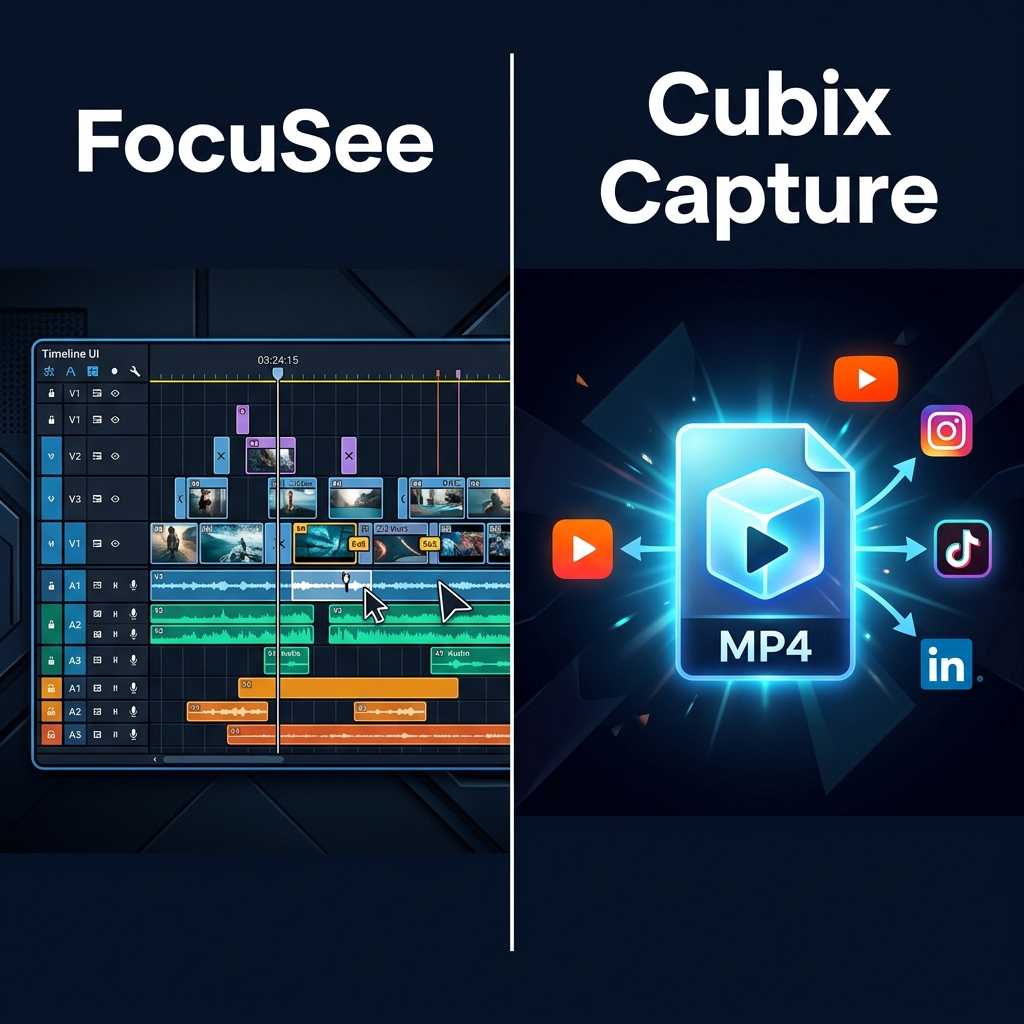
Quick comparison: what are you optimizing?
- FocuSee (Gemoo) is strongest when you want post-record control: captions, timeline tweaks, teleprompter-style recording aids, and optional interactive layers—especially if your workflow already accepts minutes of refinement after capture.
- Cubix Capture is strongest when you want presentation-grade output at stop-record: auto-zoom readability, smooth cursor motion, and staged backgrounds—optimized for high publishing cadence with minimal timeline work.
Neither approach is “wrong.” They solve different bottlenecks.
If you are also comparing marketing-heavy 3D tooling, read Cubix Capture vs Kite. For Windows Screen Studio-class framing, see Cubix Capture vs Screen Studio.
The modern viewer constraint (why auto-zoom is table stakes)
Auto-zoom is not “an effect.” It is how you preserve UI legibility when viewers watch on phones and laptops—not your calibrated creator monitor.
That is why auto-zoom belongs in the education layer, not the aesthetics layer. For a full conceptual baseline, read What Is Auto-Zoom Screen Recording? (Complete Guide) and How Auto-Zoom Technology Actually Works.
FocuSee: editor-forward workflow (when it is the right pick)
FocuSee is often chosen by teams that need structured corporate outputs:
- Captioning and transcription workflows inside the product loop
- Teleprompter-style guidance for scripted enablement
- Interactive elements for certain hosted experiences (where platform fit matters)
The tradeoff is inherent: “more control” usually means more screens to click through before export.
Best when: your org accepts post-production as part of compliance, localization, or interactive training requirements.
Cubix Capture: capture-forward finishing (when it is the right pick)
Cubix Capture is purpose-built for creators who measure success in shipping:
- Auto-zoom tracks interaction so viewers can follow on small screens.
- Smooth cursor presentation reduces subconscious “this UI looks twitchy” reactions.
- Live backgrounds keep visual framing consistent across a content library.
Best when: you publish tutorials, demos, and walkthroughs weekly—and want the “finished feel” to happen during capture, not after.
Side-by-side: decision matrix
| If your priority is… | Lean FocuSee | Lean Cubix Capture |
|---|---|---|
| Fastest path to shareable MP4 | Possible, but often delayed by refinement steps | Optimized for stop → share |
| Caption/transcript iteration inside app | Strong fit | Not the primary design center |
| Maximum weekly output | Depends on editor throughput | Optimized for throughput |
| Desktop-native demos across apps | Check your workflow needs | Built around desktop presentation capture |
Practical scenarios (read these literally)
Scenario A: Sales engineering demo library
You need crisp UI storytelling more than classroom interactivity. Bias: Cubix Capture.
Scenario B: Mandatory training modules with quizzes
You may still use an LMS—but if interactivity is central, evaluate whether FocuSee’s workflow fits your hosting constraints. Bias: situational.
Scenario C: YouTube educator publishing 3× weekly
Throughput dominates. Bias: Cubix Capture.
FAQ
Is Cubix Capture “less powerful” because it is simpler?
No—different optimization function. Cubix Capture invests in capture-time motion design so you spend less life in timelines—see How to Add Auto-Zoom to Screen Recordings (No Editing).
How does this relate to Screen Studio alternatives?
Both tools compete in the auto-zoom category; “Screen Studio alternative” searches are often Windows-led. Start here: Best Screen Studio Alternatives in 2026 — Full List.
Where do I download Cubix Capture?
Use the hub: Cubix Capture · Windows · Mac.
Bottom line
If your calendar is eaten by editor hours, you don’t have a recording problem—you have a workflow mismatch.
For instant tutorial polish with Cubix Capture.
Related reading