
Executive summary
- Kite fits high-production marketing visuals—think glossy hero assets where you accept timeline work after recording (3D devices, stylized motion, AI-assisted narration experiments).
- Cubix Capture fits repeatable tutorial and demo publishing—where mobile readability, calm cursor motion, and staged framing matter more than spinning mockups.
If your KPI is weekly publishing, optimize for capture-time polish. If your KPI is one flagship launch film, optimize for production tooling.
Cross-links for adjacent comparisons: Cubix Capture vs FocuSee · Cubix Capture vs Screen Studio.
What problem each tool is actually solving
Kite: marketing spectacle as the product
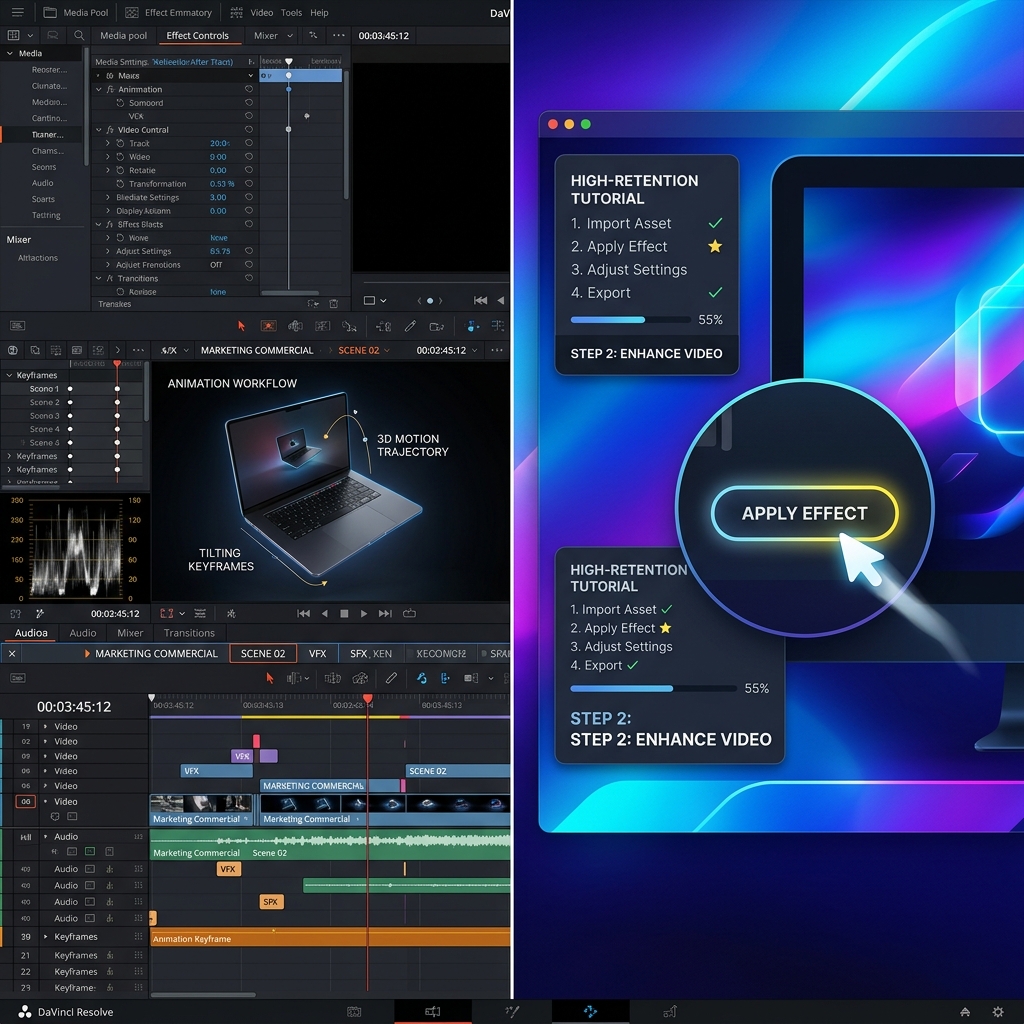
Kite’s lane is closer to animated product storytelling than “record my IDE Tuesday afternoon.” Teams reach for it when the deliverable must feel like premium advertising: stylized devices, dramatic motion, synchronized audio design.
Tradeoff: spectacle workflows consume creative time—often acceptable for campaigns, expensive for documentation.
Cubix Capture: comprehension + throughput as the product
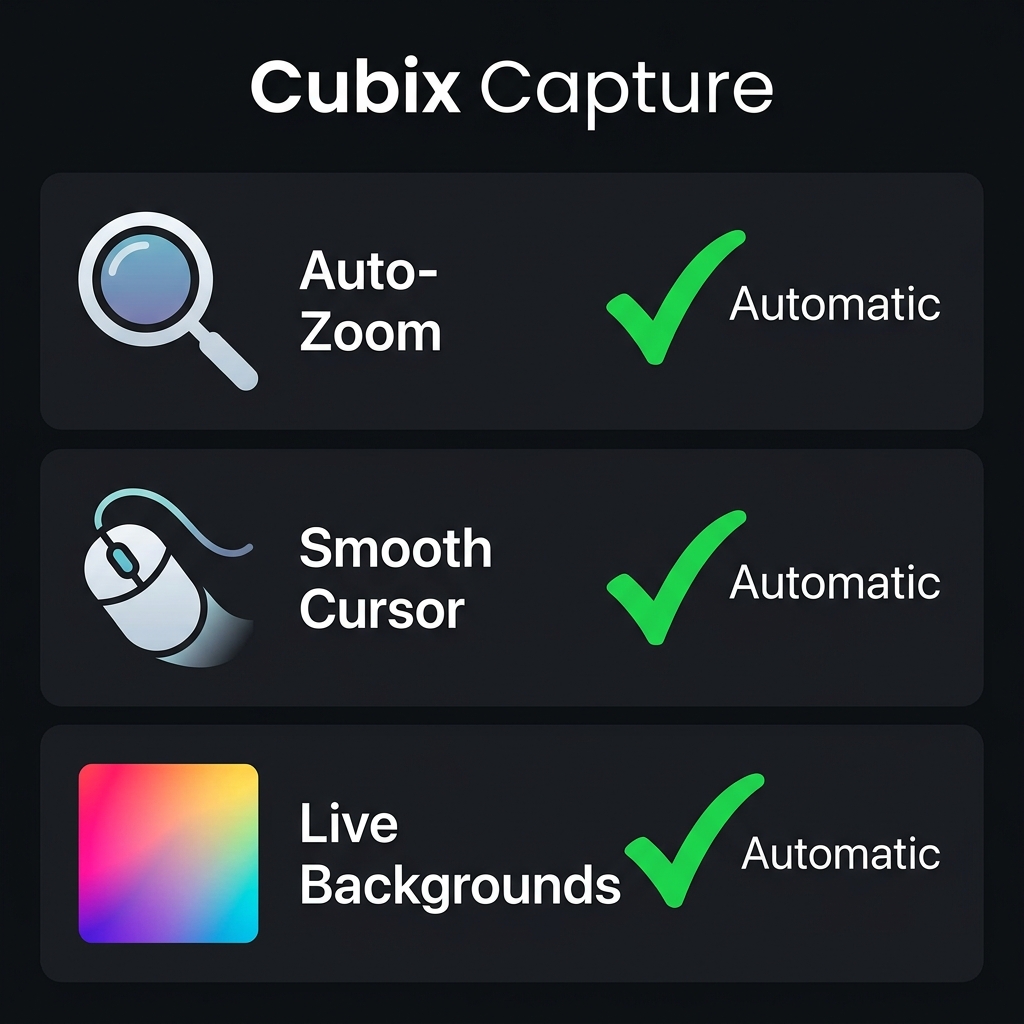
Cubix Capture optimizes followability:
- Auto-zoom keeps UI legible on phones.
- Smooth cursor motion reduces subconscious friction.
- Live backgrounds keep your library visually coherent.
For the underlying “why zoom matters” education, read The Psychology of Zoom: Why It Matters for Viewer Retention.
Comparison matrix (honest lanes)
| Dimension | Kite | Cubix Capture |
|---|---|---|
| Primary delight | Stylized 3D presentation | Readable guided tutorials |
| Time model | Often post-heavy | Capture-first finishing |
| Best KPI | Launch asset impact | Publishing cadence + clarity |
| Windows friendliness | Historically uneven for many “pro” creative stacks | Built for cross-platform desktop capture |
Where Kite tends to win
- Brand films for landing pages and conference keynotes
- Hero videos where art direction matters more than iteration speed
- Teams with editor bandwidth (in-house or agency)
Where Cubix Capture tends to win
- Developer advocates shipping weekly walkthroughs
- Customer education teams updating UI tours every sprint
- Creators competing for retention on YouTube and LinkedIn
If your bottleneck is editing, also read OBS vs Cubix Capture—many teams wrongly default to raw capture stacks.
FAQ
Is Cubix Capture trying to replicate Kite’s 3D look?
No—that is a different craft. Cubix Capture targets tutorial clarity and shipping speed, not replacing a 3D motion pipeline.
I’m on Windows—what should I prioritize?
Prioritize tools that make desktop tutorials legible without an edit bay: start at Free Screen Studio Alternative for Windows and Cubix Capture for Windows.
How does this compare to Loom-class messaging?
Different axis entirely—see Cubix Capture vs Loom.
Bottom line
Pick Kite when the timeline exists to craft a moment. Pick Cubix Capture when you must sustain a practice.
Related reading