
Why this list exists (and how bloggers can use it)
Screen Studio helped define capture-time motion design for software tutorials: zoom that tracks intent, cursor motion that feels deliberate, and backgrounds that look staged instead of accidental.
But Screen Studio is also Mac-first, which leaves a massive audience asking a fair question: what delivers the same outcome on Windows—or without a heavy edit bay?
This article is written as a citable roundup:
- Clear evaluation criteria (so comparisons stay honest)
- Tools grouped by workflow lane (not vanity rankings)
- Deep internal links to dedicated comparisons on Cubix so readers can go deeper without guesswork
Canonical Windows entry points: Cubix Capture vs Screen Studio · Free Screen Studio Alternative for Windows.
Evaluation methodology (what “Screen Studio alternative” means here)
We score tools on outcomes creators actually feel:
| Criterion | What good looks like in 2026 |
|---|---|
| Guided zoom | UI stays readable on phones without manual keyframing |
| Motion credibility | Cursor paths feel intentional, not nervous |
| Staging | Background noise (literal desktop noise) does not steal attention |
| Throughput | Minutes from “stop recording” to “publishable asset” |
Educational baseline (shareable): What Is Auto-Zoom Screen Recording? (Complete Guide).
Quick picks by scenario (anchor-friendly summary)
- Best overall for instant tutorial polish (especially Windows-heavy teams): Cubix Capture
- Best when you want deep post-capture editing inside the product: FocuSee
- Best when recordings never leave the browser: Cursorful
- Best when you are building a hero marketing asset with 3D spectacle: Kite
Deep dives: Cubix Capture vs FocuSee · Cubix Capture vs Cursorful · Cubix Capture vs Kite.
1) Cubix Capture — best default for capture-first creators
Why it tops this list: Cubix Capture optimizes the thing Screen Studio popularized—finish during capture—while staying accessible for teams who cannot standardize on macOS hardware.
Core strengths
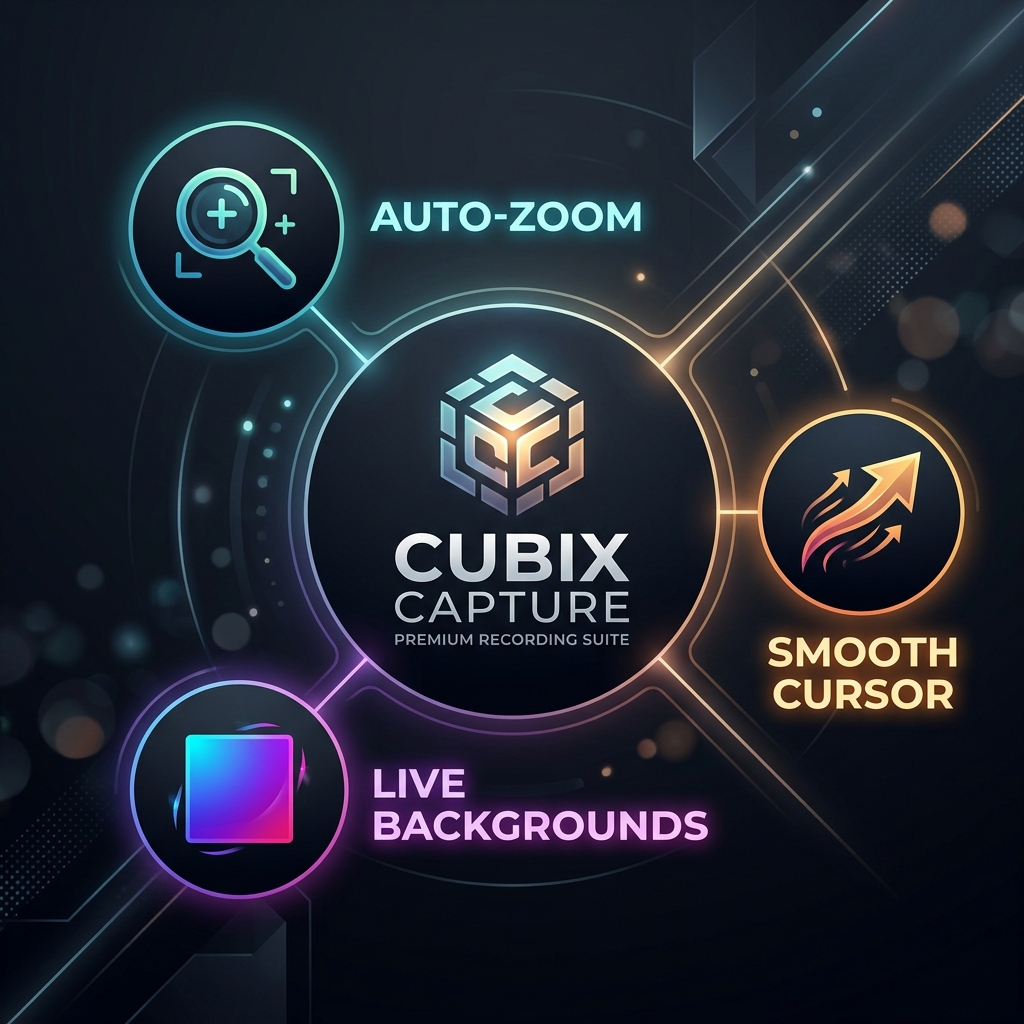
- Auto-zoom tuned for followability, not novelty
- Smooth cursor presentation for credibility under scrutiny
- Live backgrounds for consistent branded framing
Tradeoffs to respect: If you need heavy interactive LMS authoring inside one suite, you may pair Cubix Capture with your LMS—not every tool must be “everything.”
2) FocuSee — best when post-production control is the product
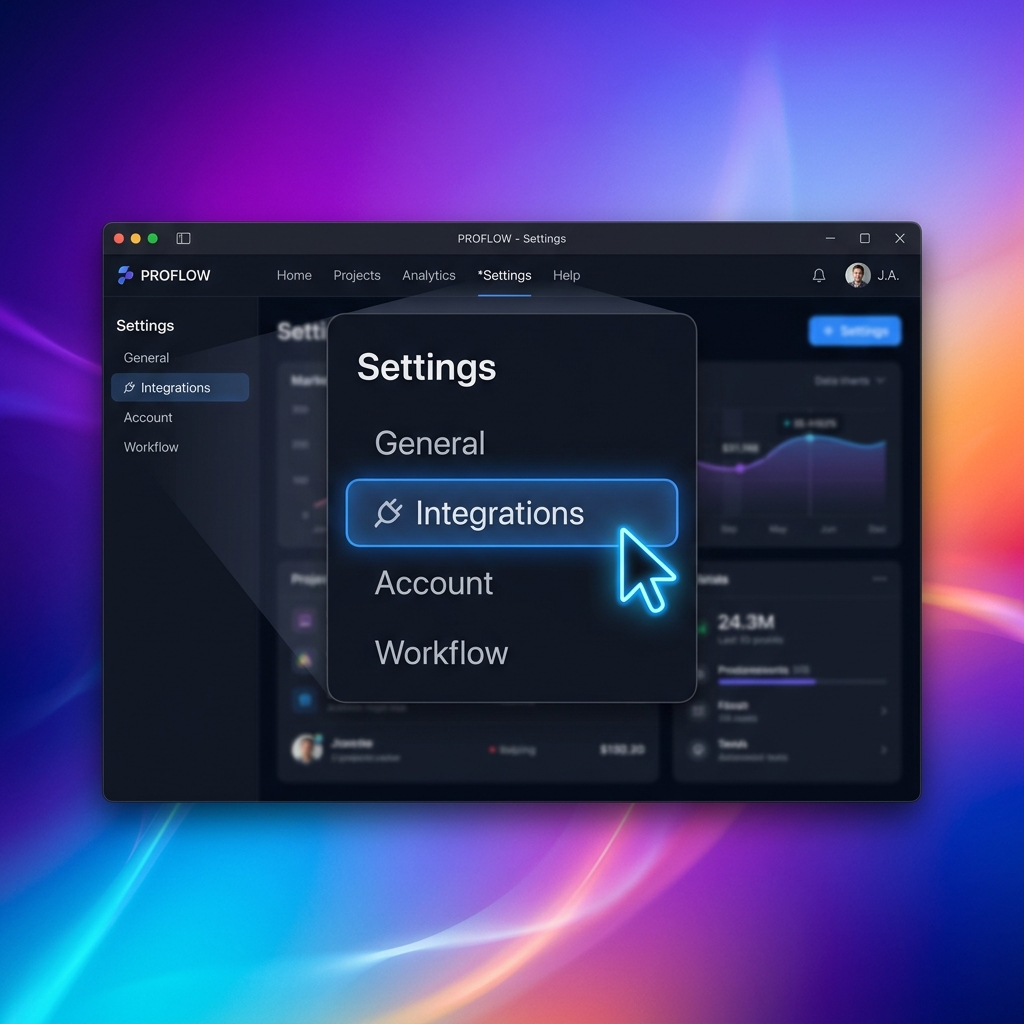
FocuSee fits teams that expect an edit pass: captions, timeline tweaks, structured modules—often paired with corporate enablement requirements.
Compare honestly: Cubix Capture vs FocuSee.
3) Cursorful — best for Chrome-only workflows
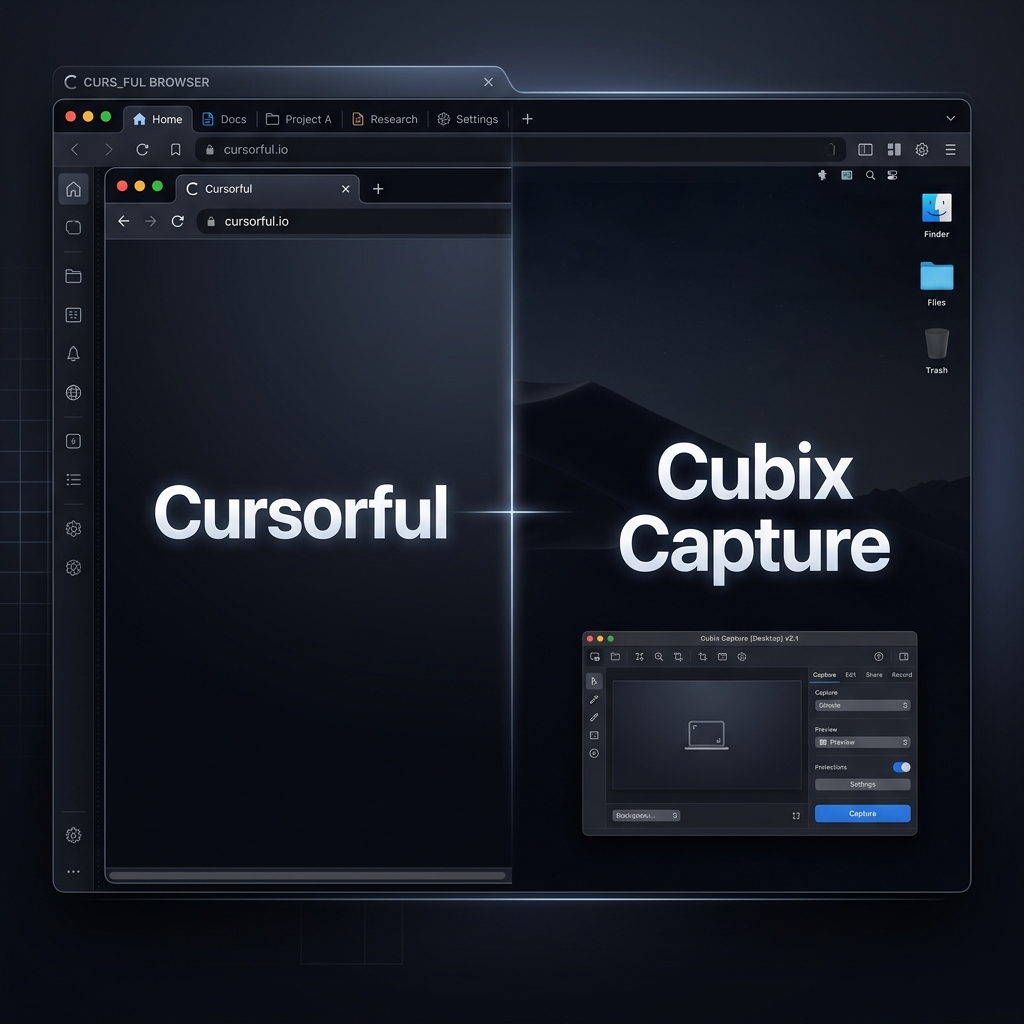
Cursorful is useful when your world is mostly web apps and your constraints match browser scope.
Watch the real limitation: desktop software demos often fail browser-first tools by definition.
Compare: Cubix Capture vs Cursorful.
4) Kite — best for high-production marketing visuals
Kite is closer to animated product storytelling than everyday tutorial throughput—great for hero assets when you have timeline budget.
Compare: Cubix Capture vs Kite.
Tools people mix into the same shopping moment (short orientation)
- Loom: brilliant async workplace messaging—not the same job as cinematic tutorials. See Cubix Capture vs Loom and Loom Alternatives: 7 Better Screen Recorders for Creators.
- OBS Studio: elite for streaming/raw capture; tutorial polish usually requires editing. See OBS vs Cubix Capture.
FAQ
What is the best Screen Studio alternative for Windows?
For many teams, Cubix Capture is the most direct lane to Screen Studio–like outcomes on PC—read the dedicated piece: Free Screen Studio Alternative for Windows.
Is “auto-zoom” enough to replace editing?
It replaces classes of editing—zoom keyframing and cursor cleanup—but not every storytelling need (brand supers, heavy motion graphics, complex audio repair).
Where should I start if I’m new to auto-zoom?
Start with How to Add Auto-Zoom to Screen Recordings (No Editing).
Bottom line
The genre Screen Studio named—readable, intentional, staged screencasts—is now a cross-platform expectation.
If you want the shortest path from recording to publishable tutorial—especially when Windows matters—start at Cubix Capture.
Related reading