
What this comparison is really about
“Auto-zoom” searches usually hide a second question: what surface area are you allowed to record?
- Browser-first tools shine for SaaS flows that live entirely in Chrome—until you touch desktop apps, IDEs, installers, or OS settings.
- Desktop-first tools optimize for full-stack demos—the kind customer education and developer relations teams publish constantly.
Cubix Capture is engineered for the second world: presentation-grade capture across what you actually run on your machine.
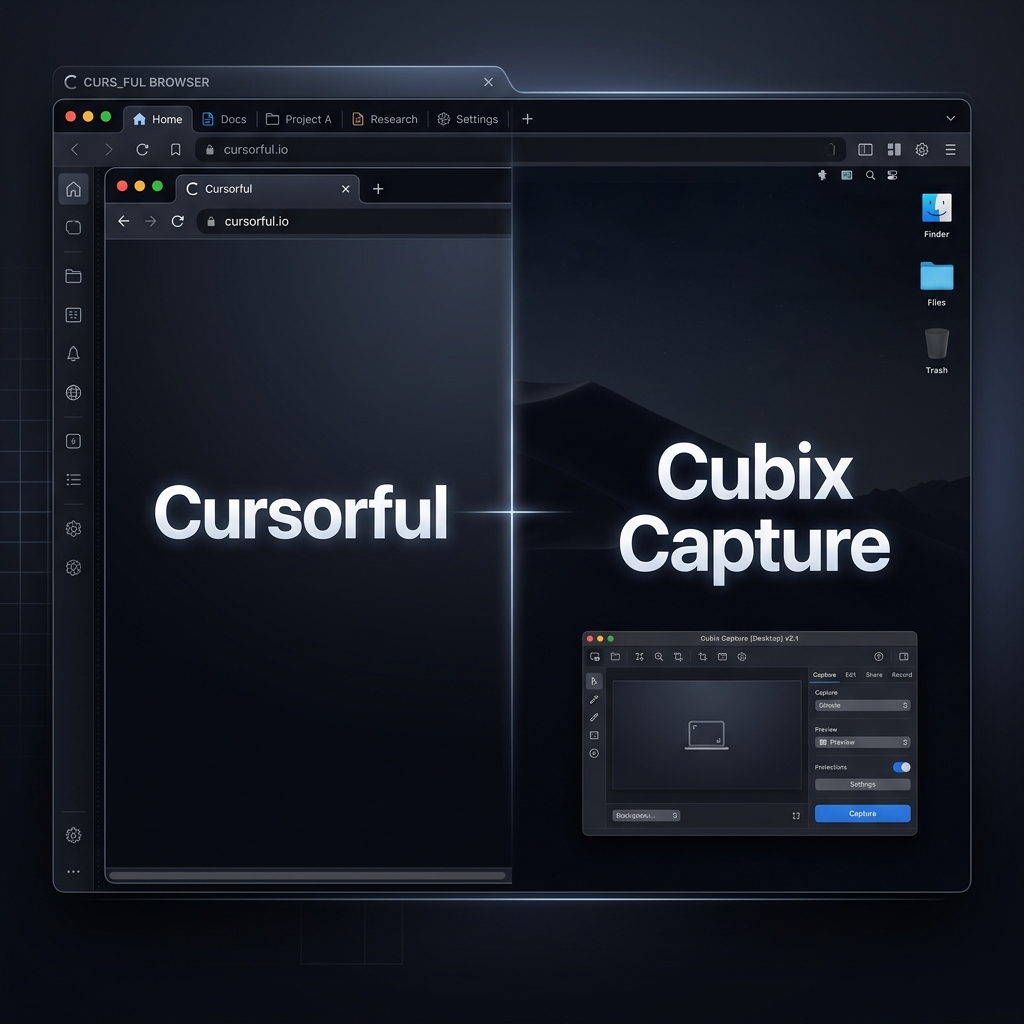
Cursorful: strengths, limits, and tier realities
Cursorful’s story is familiar: start as a Chrome extension, expand toward desktop over time. That progression matters because tiers often bundle:
- Capture scope (browser vs full desktop)
- Export fidelity
- Cursor treatment (raw vs smoothed)
- Post-capture editing (timeline tweaks)
Exact packaging changes—always verify on Cursorful’s site—but the strategic takeaway is stable: free tiers frequently optimize for web-only workflows, while desktop polish is commonly the upgrade path.
If your tutorials routinely leave the browser, measure total workflow cost—not only subscription price, but minutes-to-export.
Cubix Capture: desktop-native auto-zoom + staging
Cubix Capture targets creators who cannot negotiate scope:
- Auto-zoom keeps UI readable on phones.
- Smooth cursor motion prevents “twitchy product” subconscious reads.
- Live backgrounds reduce accidental branding leakage from desktops.
Install entry points: Windows · Mac.
Decision matrix
| You should strongly consider Cursorful when… | You should strongly consider Cubix Capture when… |
|---|---|
| Your demos are always inside Chrome | You demo desktop apps or multi-surface flows |
| You like timeline tweaking after capture | You optimize for stop-record → publish |
| Browser-only scope fits procurement | You need consistent weekly throughput |
Educational note: why “smooth cursor” shows up in paid tiers
Smoothing is not vanity—it is attention hygiene. Jerky cursor paths increase cognitive load; viewers mistake UI jitter for product jitter.
Read more in How Auto-Zoom Technology Actually Works.
FAQ
Is Cubix Capture trying to shame browser tools?
No—browser tools can be perfect for narrow SaaS recordings. The mismatch happens when teams assume browser scope equals product scope.
What if I’m comparing paid tiers?
Do a time study: average minutes from end-of-recording to exported asset. That number usually decides the stack.
Where does OBS fit?
OBS is raw capture—great for streaming, expensive for polished tutorials unless you edit. See OBS vs Cubix Capture.
Bottom line
If your demos keep escaping the browser, stop paying the tax twice—once in scope limits, once in editor hours.
Upgrade the desktop workflow with Cubix Capture.
Related reading