
If you only read one section: the category error
OBS Studio is world-class broadcast software. Scenes, audio routing, plugins, stream pipelines—if you are live, OBS is often correct.
The category error is using OBS as a default tutorial recorder and expecting presentation outcomes without a second tool (usually an NLE) that adds zoom, reframing, cleanup, and pacing.
That is not “OBS bad.” It is wrong tool → hidden labor.
For the same thesis with demo-specific language, read The Problem With OBS for Product Demos.
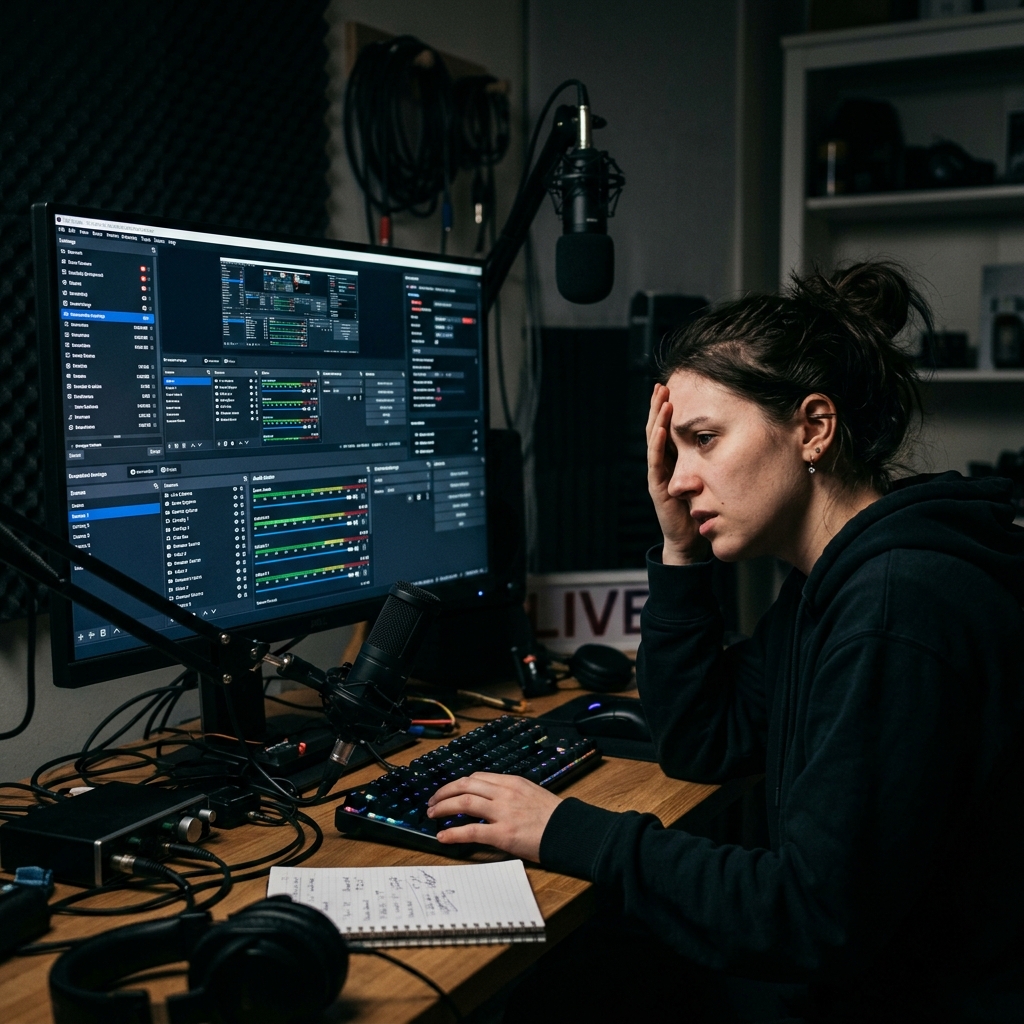
What OBS optimizes (truthfully)
OBS optimizes signal routing and live output:
- Multi-source layouts (cameras, captures, browser docks)
- Audio mixing and monitoring
- Streaming endpoints and encoding controls
If your job is “ship a live composited feed,” OBS’s complexity is justified complexity.
What most tutorial creators actually optimize
Tutorial creators usually optimize comprehension under constraints:
- Phone-first readability
- Predictable pacing
- Low-friction publishing cadence
Those constraints map better to capture-time guidance than to post-keyframing.
The hidden OBS tutorial tax (why forums feel “fine” until you publish)
1) Wide-field capture vs mobile screens
OBS faithfully records pixels. Viewers faithfully ignore unreadable UI.
2) Cursor fidelity
OBS records what your hand did. Viewers interpret cursor jitter as product jitter.
3) Environment leakage
Notifications, filenames, tabs—great for authenticity, risky for customer-facing polish.
4) The inevitable second tool
Raw capture pushes polish into Premiere / Resolve / Final Cut. Your workflow becomes record → edit → export, even for “simple” videos.
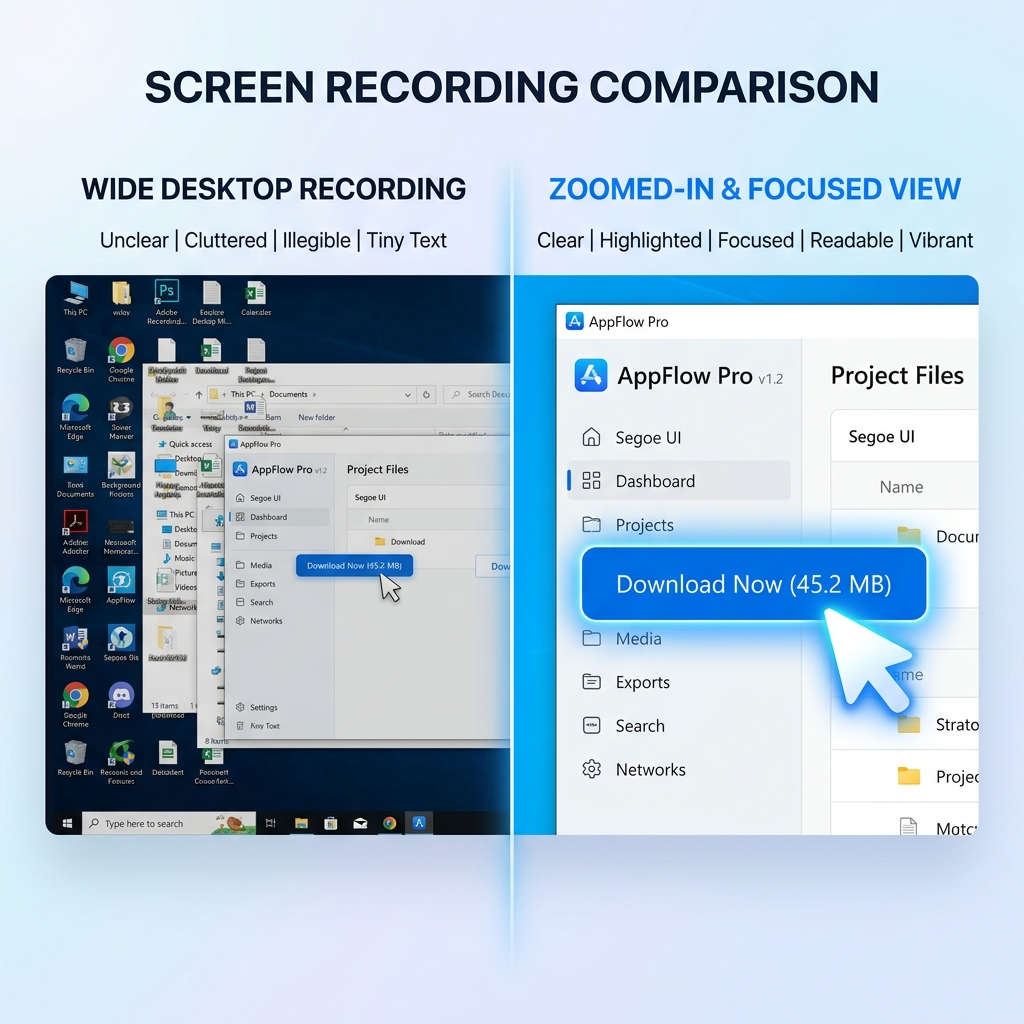
What Cubix Capture changes in the stack
Cubix Capture targets presentation-grade screencasts—where finishing moves happen during capture:
- Auto-zoom reframes to interaction so text survives phone playback
- Smooth cursor motion reduces subconscious friction
- Live backgrounds stage the frame without a physical studio
Conceptual reading: What Is Auto-Zoom Screen Recording? (Complete Guide).
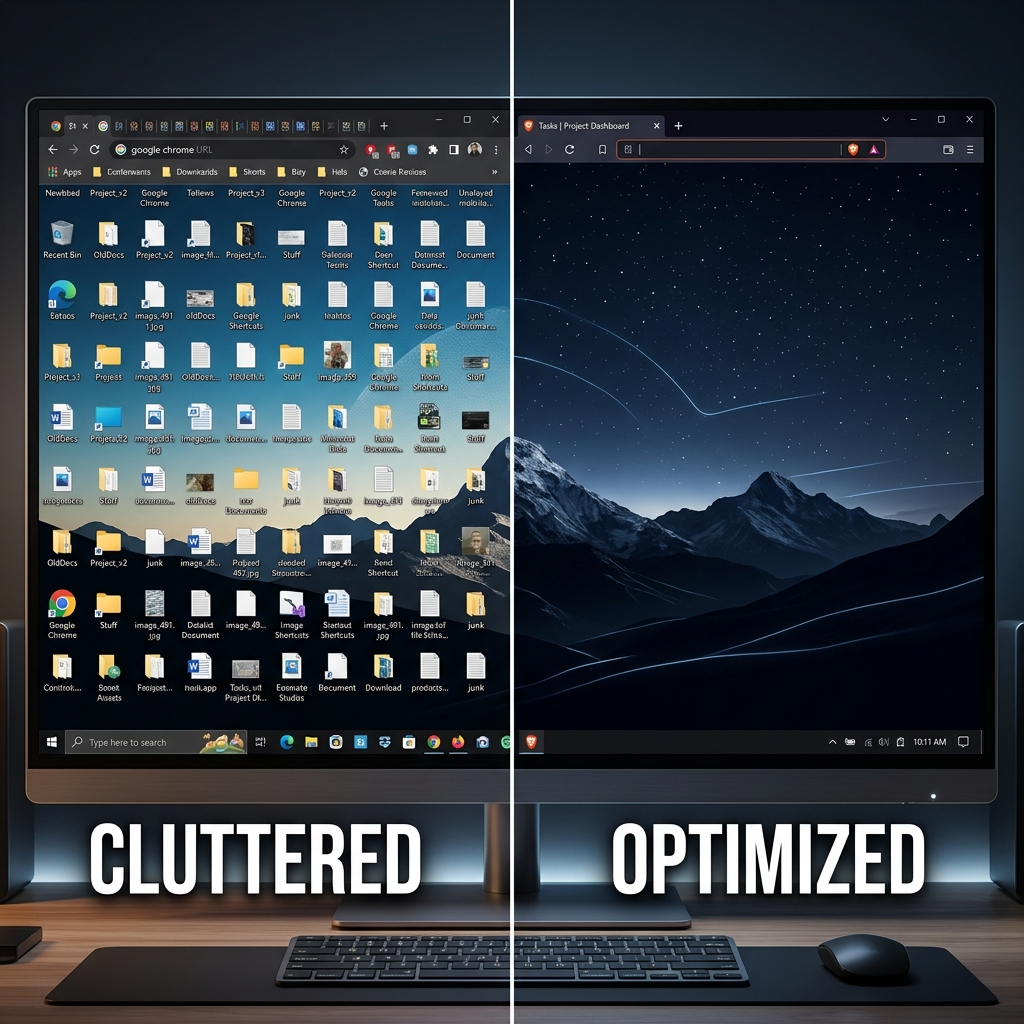
When you should NOT switch away from OBS
Keep OBS if you:
- Stream weekly with multi-source layouts
- Depend on deep audio routing or plugin ecosystems
- Treat OBS as the master output for live shows
When you should strongly consider Cubix Capture
Switch your tutorial stack if you:
- Publish demos/education videos repeatedly
- Measure “time in Premiere” in hours per week
- Need desktop-native flows across apps (not only a browser tab)
FAQ
Is Cubix Capture “easier” because it hides professional controls?
It is easier for presentation outcomes because it moves controls from timeline to capture intent.
Is this the same as “Screen Studio for Windows” searches?
Related problem domain—see Cubix Capture vs Screen Studio.
Does Cubix Capture replace OBS for streaming?
Not the core claim—streaming and tutorial finishing are different jobs.
Bottom line
Use OBS when you are building a broadcast. Use Cubix Capture when you are building a library of understandable demos.
Related reading