
Quick answer: Loom is not “cheap”—it is optimized for the wrong scoreboard
Loom is excellent at what it was built for: fast internal communication (latency → shareable link).
“Cheap-looking” usually appears when teams reuse that workflow for public trust contexts:
- customer demos
- YouTube / LinkedIn education
- courses and onboarding libraries
In those contexts, viewers behave like content consumers, not coworkers. They punish unreadable UI, chaotic motion, and environmental clutter—often within seconds.
Deep comparison (bookmark): Cubix Capture vs Loom: Which Is Better in 2026?.
Why Loom-style captures read as low production value (even when the idea is good)
1) The security-camera frame (no guided attention)
A wide static desktop capture is the opposite of directing attention.
Movies do not film a warehouse with one locked wide shot for ten minutes; tutorials shouldn’t either—especially because most viewers are not at your desk resolution.
For the retention mechanics behind focus, read The Psychology of Zoom: Why It Matters for Viewer Retention.
2) Visual anxiety: jitter reads as “risk”
Fast cursor motion and micro-jitter are normal while working—they’re exhausting to watch when magnified by small screens.
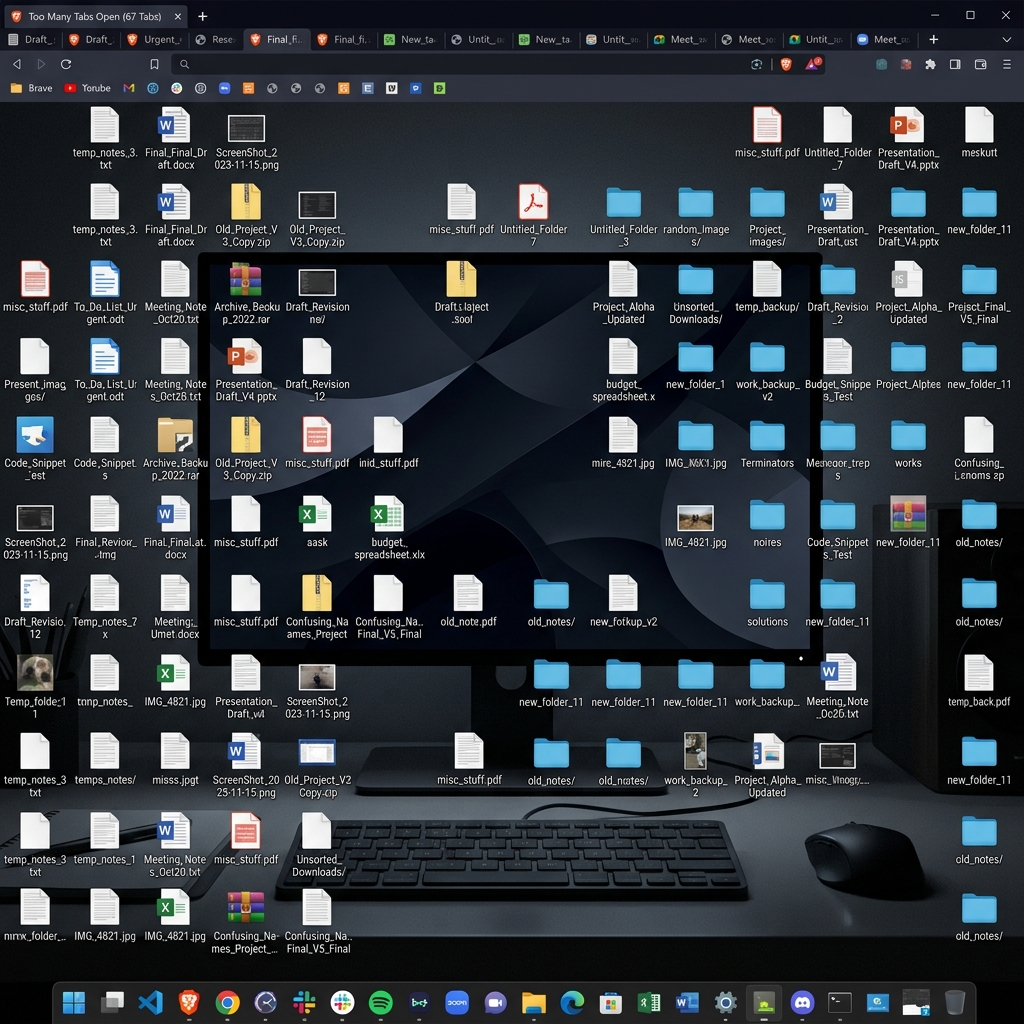
3) Environment leakage breaks premium trust
Tabs, downloads folders, notifications—fine for internal nuance; risky when your buyer’s subconscious asks: “Is this vendor careful?”
The speed vs polish dilemma (and the real fix)
The old workaround was brutal:
record raw → edit in Premiere/Resolve → export
That trades money for calendar. Teams stuck in this loop don’t have a talent problem—they have a pipeline problem.
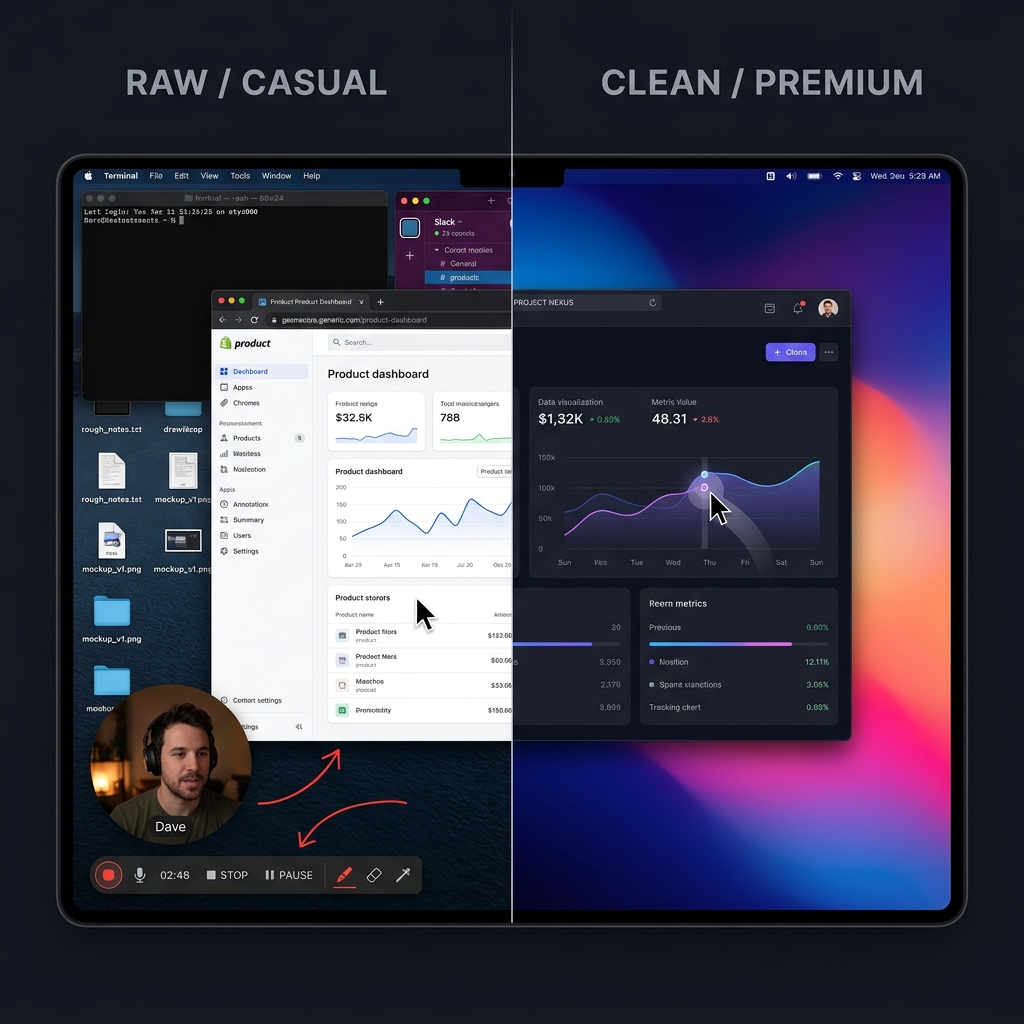
Modern presentation capture moves polish into recording:
- Auto-zoom for mobile readability
- Smooth cursor for calm guidance
- Live backgrounds for consistent staging
Concept primer: What Is Auto-Zoom Screen Recording? (Complete Guide).
What to use instead: a presentation-first recorder
If your audience is public, optimize for comprehension and credibility, not just seconds-to-link.
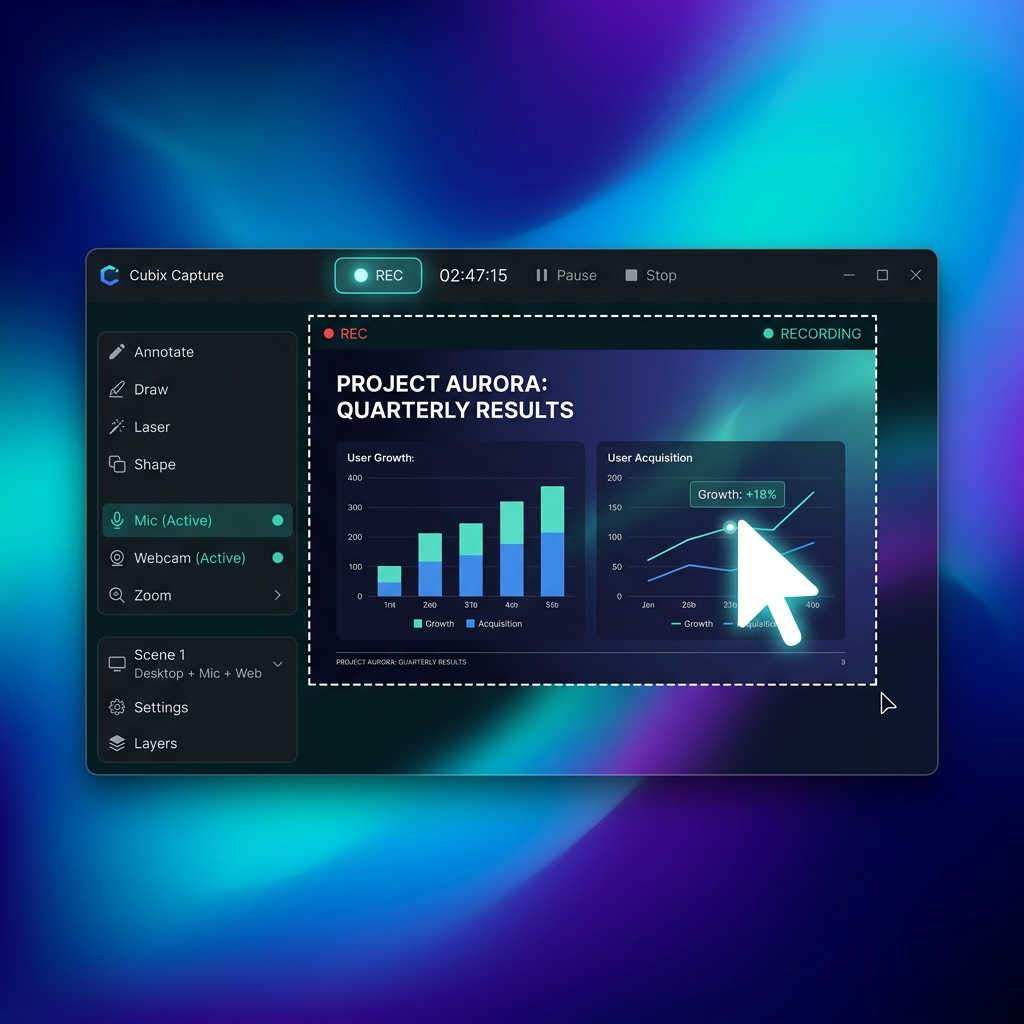
Cubix Capture is built for capture-time presentation polish:
| Problem | How Cubix Capture addresses it |
|---|---|
| Tiny UI on phones | Auto-zoom tracks interaction so text survives small screens |
| Jittery pointer | Smooth cursor motion reduces subconscious friction |
| Desktop clutter | Live backgrounds stage the product instead of your filesystem |
FAQ
Should we cancel Loom?
Usually no. Keep Loom for internal speed; use Cubix Capture for assets that represent your brand publicly.
Is this the same as “Screen Studio quality”?
Same problem domain (guided tutorials). If you’re Windows-first, start at Cubix Capture vs Screen Studio.
What’s the fastest upgrade path?
Stop optimizing bitrate first—optimize followability: Why Auto-Zoom Is the Most Important Feature Nobody Talks About.
Bottom line
Loom didn’t fail you—context changed.
If you’re speaking to the open internet, record like it: Cubix Capture.
Related reading