
Most "quick tutorials" are quick only until recording stops. Then editing begins, and a ten-minute task turns into a two-hour one.
If you want to consistently record software tutorials in under 10 minutes, the goal is not to rush delivery. The goal is to remove avoidable post-production.

The Real Bottleneck Is Post-Production
For most teams, recording is the shortest part of the process. The delay comes later: adding zooms, cleaning cursor movement, cutting dead space, and redoing unclear sections.
The fastest teams do not edit harder. They design a recording workflow that reduces editing needs from the start.
A Practical 10-Minute Tutorial Workflow
A high-output flow is simple:
Spend the first couple of minutes defining one outcome and a short step order. Record one clean pass with intentional mouse movement and clear pacing. Then export and do only lightweight trimming.
For most product education, onboarding, and support content, that is enough.
A Time-Boxed Breakdown You Can Follow
If you want predictable output, assign strict time limits:
- Minute 0-2: define one user outcome and a 4-6 step sequence
- Minute 2-7: record one focused pass at steady pace
- Minute 7-9: quick trim + title + thumbnail frame selection
- Minute 9-10: publish with clear description and links
The time box prevents perfectionism from turning into editing bloat.
What Makes Tutorials Feel Professional
Viewers decide very quickly whether a tutorial is worth following. They look for clarity.
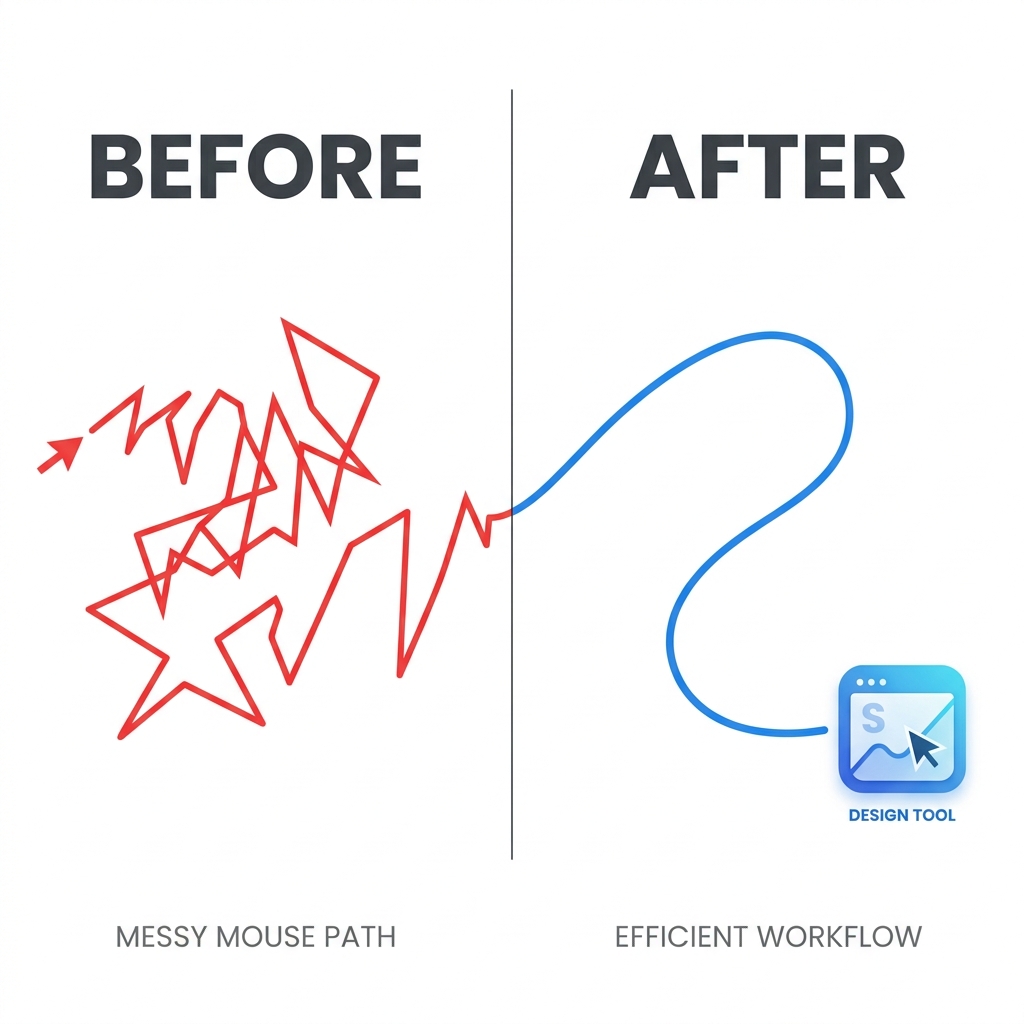
Readable UI focus, smooth cursor movement, and minimal visual noise make a bigger difference than expensive production polish. If those fundamentals are strong, the tutorial feels trustworthy.
A Script Format That Speeds Recording
Use short cue lines instead of a full script:
- "What you will achieve in this tutorial"
- "Step 1 and why it matters"
- "Step 2 and common mistake"
- "Step 3 and expected result"
- "Quick recap and next action"
Cue-line scripting keeps delivery natural while reducing retakes.
The Format That Scales Across a Content Library
Use the same editorial structure in every tutorial:
start with the user problem, preview the end result, walk through the exact steps, recap what changed, and end with one clear next action.
This makes tutorials easier to produce, easier to follow, and easier to maintain across a full content library.
Common Reasons the 10-Minute Goal Fails
- Trying to teach multiple outcomes in one video
- Recording without a talk track
- Fixing visual clarity in post instead of during capture
- Over-editing for style instead of instructional clarity
- Publishing without a consistent tutorial structure
If you remove these five problems, speed usually improves naturally.
Team Workflow for Consistent Quality
If multiple people create tutorials, standardize:
- naming conventions
- intro/outro format
- visual style (zoom and cursor behavior)
- publishing checklist
- internal review rubric
A shared standard keeps quality stable as output volume grows.
Tooling That Protects Publishing Speed
If your team is slowed by post-production, use tools that shift editing effort into capture. Cubix Capture applies auto-zoom and cursor smoothing while recording, which helps maintain both speed and quality.
Final Takeaway
Recording in under 10 minutes is realistic when you standardize your process. Clarity first, one outcome per video, and minimal post-editing will outperform a complicated workflow almost every time.
Related reading: