
Launching a new software product as a solo developer or a small team is incredibly difficult. You do not have a massive marketing budget, a dedicated PR team, or a huge list of beta testers. For indie hackers, the best way to get eyes on a new product is a strategy called "Building in Public."
Building in public means sharing your daily journey on platforms like X (Twitter), LinkedIn, or indie communities. You share your wins, your bugs, and your new features as you code them. This radical transparency builds a loyal audience that feels invested in your success before you even launch.
But there is a catch. The way you share your updates determines if people will actually pay attention. Text updates get lost in the feed. Static screenshots are easily scrolled past. Video is the ultimate tool for building an audience, but sharing a raw, messy screen recording of your early-stage software can actually hurt your brand.
Here is how top indie hackers are using smart screen recording strategies to turn their raw code into cinematic, highly engaging content that attracts real users.
Stack context: Record public-facing clips with Cubix Capture; when a launch post needs tighter pacing or captions, finish in the Cubix video editor instead of skipping the publish.
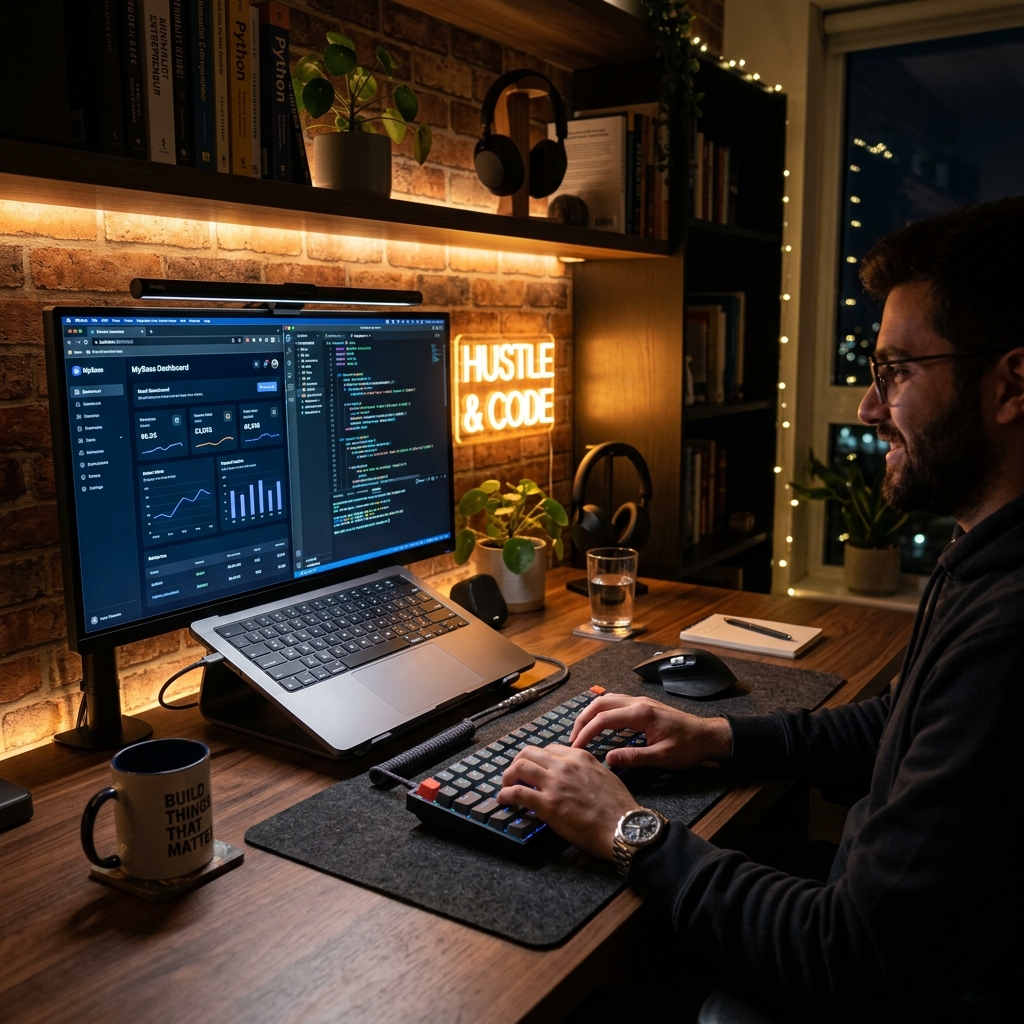
The Mobile-First Viewing Problem
When you build in public, your audience is primarily scrolling social media on their mobile phones. If you record your entire wide desktop monitor to show off a new feature in your app, that video gets shrunk down to fit a 6-inch phone screen.
The brilliant new UI button you just coded? It looks like a tiny, unrecognizable dot. If people scrolling their feed cannot clearly see what you built in the first three seconds, they will not stop to watch.
The secret to a viral product update is dynamic camera movement. Instead of showing the full screen, successful indie hackers use screen recorders with auto-zoom capabilities. As they click through their new feature, the video smoothly magnifies the exact active area. This completely removes the background clutter of the operating system and makes the update crystal clear, even for someone watching on a phone during their commute.
Polishing the "Hacker" Chaos
Indie hackers move fast. When you are excited about a feature you just got working, you jump between your code editor, your terminal, and your browser. You use fast keyboard shortcuts and flick your mouse across the screen to test buttons.
That speed is great for development, but it makes for a terrible viewing experience. A frantic, jittery mouse pointer makes your software look broken and chaotic. It creates visual anxiety for the viewer.
To make an early-stage Minimum Viable Product (MVP) look like a million-dollar SaaS, you need a calm visual guide. By utilizing smooth cursor technology, those rapid, jagged mouse movements are automatically translated into elegant, deliberate sweeps. The cursor glides perfectly across your app, making the software feel incredibly premium and expertly designed, even if you just finished coding it ten minutes ago.
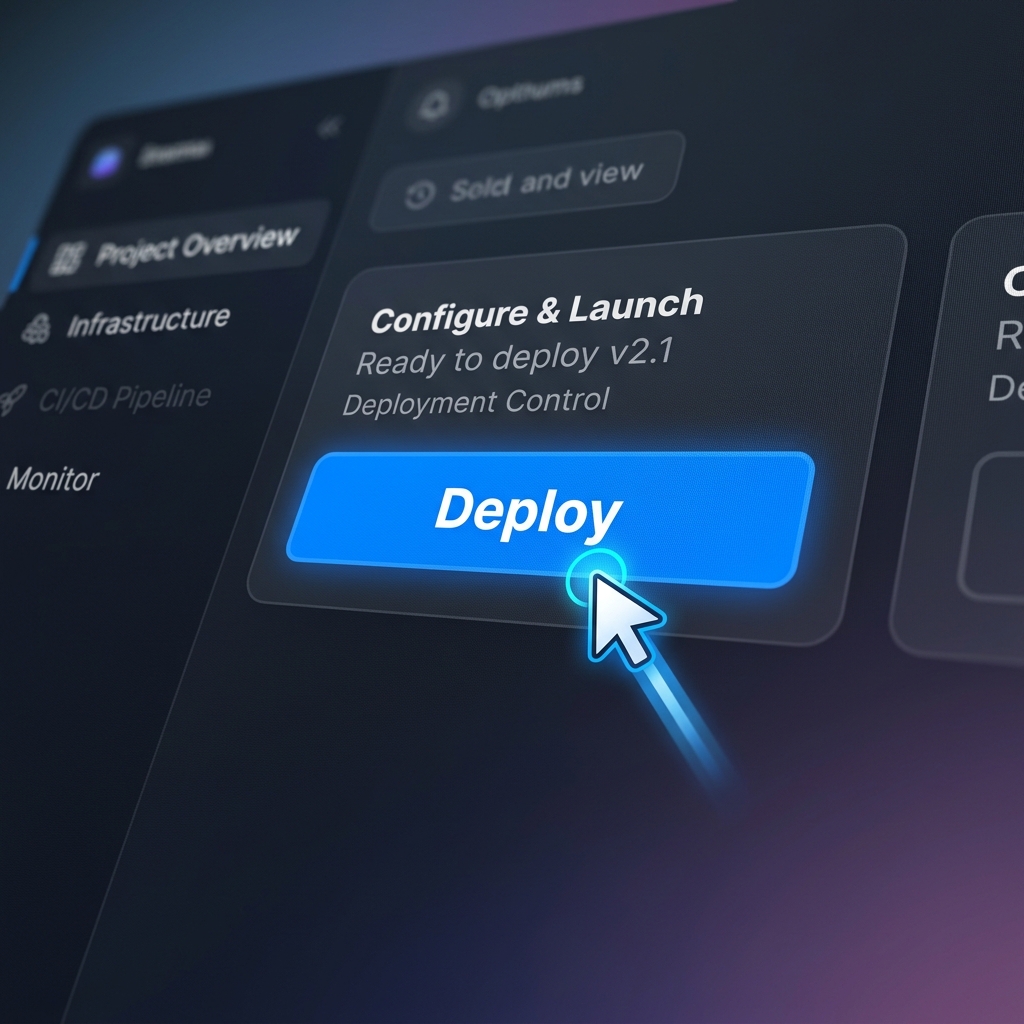
Framing the Product
When you are deep in the building phase, your desktop is probably a mess. You might have ten browser tabs open, terminal windows running, and a chaotic desktop wallpaper.
If you record a raw screen capture and share it online, people see the mess instead of the product. To build authority and trust, you need to present your software on a professional stage.
By framing your screen recording over a vibrant color gradient or a subtle live background, you instantly isolate your app. It hides your messy desktop and turns a basic, raw screen grab into a studio-quality promotional video. It signals to your audience that you take your product seriously.
The Ultimate Growth Tool for Solo Founders
The biggest enemy of an indie hacker is a lack of time. You cannot afford to spend three hours inside a heavy video editing program just to share a 30-second update on social media. You need to ship code, not edit keyframes.
To create these high-end, engaging updates instantly, the smartest workflow is to use a tool that automates the production.
This is exactly why Cubix Capture is the perfect screen recorder for building in public. It is designed to completely eliminate the video editing process. As you record your daily update, Cubix Capture seamlessly applies smart auto-zoom to keep your UI readable, perfectly smooth your cursor to make your app look premium, and frames your software over stunning live backgrounds.
You just hit record, show off what you built today, and hit stop. You immediately have a cinematic, highly engaging video ready to post. By upgrading how you share your journey, you can capture more attention, build a bigger audience, and turn your followers into your first paying customers.
A Lightweight Posting Rhythm (So You Ship, Not Perform)
You do not need daily cinematic masterpieces. A sustainable build-in-public loop looks like:
- 3× weekly: 20–40s clip of one shipped improvement (before/after if possible)
- 1× weekly: longer thread with context + metrics + lesson learned
- Monthly: compilation of clips as a “changelog video” for email or YouTube
Always lead with the user-visible outcome (“saved 2 clicks,” “cut load time”) before showing implementation trivia.
Platform Nuances
- X / Twitter: hook in the first line; assume muted autoplay—pair with tight visuals, not narration-only
- LinkedIn: slightly longer intros are tolerated; explain ICP pain in one sentence
- Indie forums: authenticity beats polish, but readability still matters—no 4K ant-sized UI
Related reading: