
As a Product Manager, your entire day revolves around communication. You are constantly trying to align designers, engineers, and stakeholders on exactly how a new feature should work or where a current user journey is failing.
When it comes to explaining a complex user flow, writing a massive text document or linking a dozen static screenshots usually leads to confusion. Showing the flow in action via a screen recording is always the fastest way to get everyone on the same page.
But there is a catch. If your screen recording is messy, hard to read, or visually chaotic, your team will spend more time trying to figure out what you clicked than understanding the actual user journey. To communicate effectively, your videos need to be as clear and structured as your product requirements.
Here is exactly what you need in a screen recorder to document user flows perfectly, without wasting your valuable time in a video editing program.
Stack context: Capture the journey with Cubix Capture; when leadership-ready narrative matters, tighten the story with the Cubix video editor.

1. Highlight the Exact Interaction
A user flow is all about specific actions: clicking a button, filling out a form, or navigating a menu. When you record your entire wide-screen monitor to show this flow, the actual interaction gets lost in the layout.
If an engineer or a stakeholder watches your video on a smaller laptop screen, the tiny drop-down menu you clicked becomes an unreadable blur. If they have to pause the video and squint to understand the step, the flow is broken.
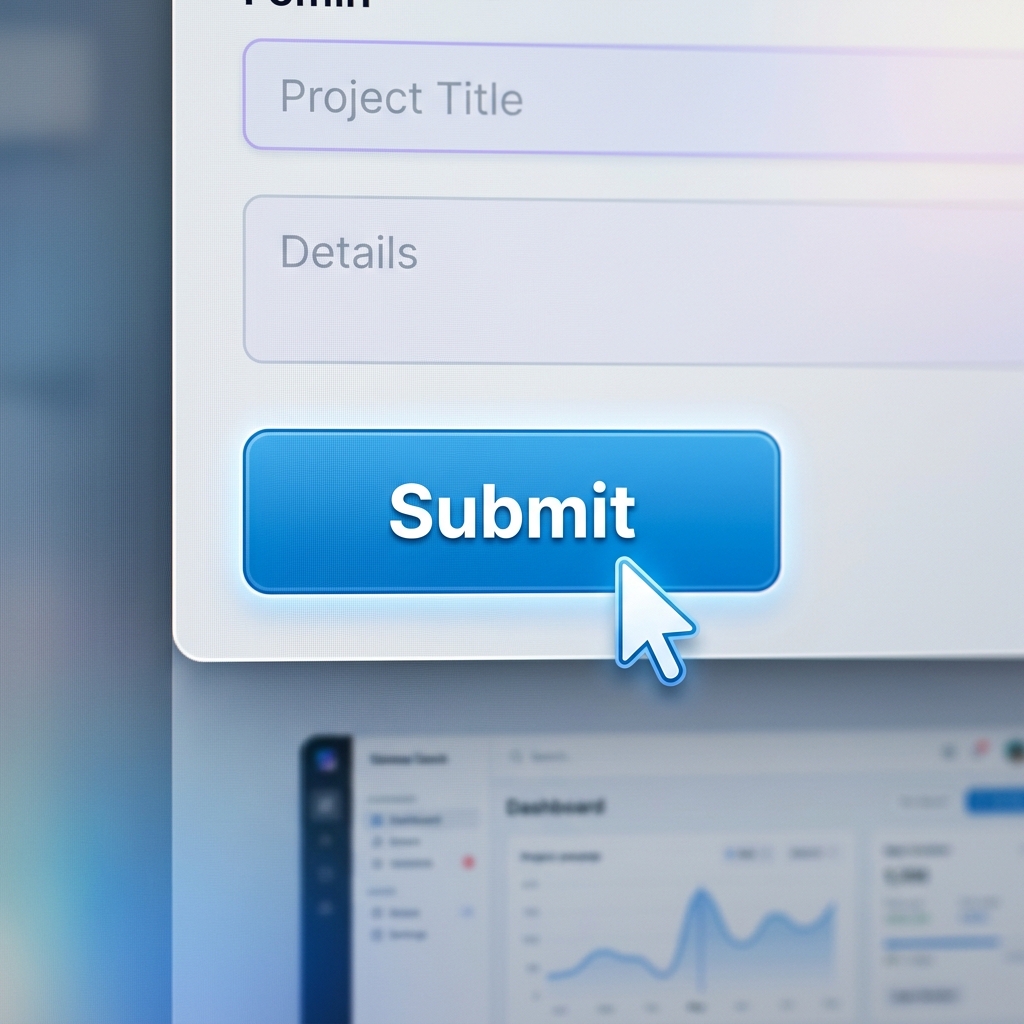
To document a journey clearly, your video needs to act like a magnifying glass. The most critical feature you need is auto-zoom. Instead of showing the entire static screen, the camera should automatically zoom into the active area where you are clicking. This removes background noise and guides your team's eyes directly to the interaction that matters most.
2. Smooth Out the Journey
Product Managers move fast. When you are recording a flow you have tested a hundred times, you probably use rapid keyboard shortcuts and flick your mouse across the UI at lightning speed.
While that speed is great for your productivity, it is terrible for your viewers. A fast, erratic mouse cursor jumping around the screen makes the user journey look far more complicated and chaotic than it actually is.
A clear product demo requires a calm, deliberate visual guide. Using a screen recorder with smooth cursor technology solves this problem instantly. It takes your rapid, jagged mouse movements and translates them into slow, elegant sweeps. Your cursor acts like a gentle pointer, helping your team easily follow the logic from step one to step two.
3. Keep Stakeholders Focused
When you are presenting a critical new user flow to the VP of Product or a key stakeholder, you want their focus to be 100% on the software. You do not want them getting distracted by your incoming email notifications, your messy desktop folders, or your personal browser bookmarks.
Even for internal team updates, a clean presentation builds trust and keeps the conversation on track.
You need a way to isolate your product. By framing your screen recording over a professional live background or a clean color gradient, you instantly hide your computer's operating system. It turns a quick, messy screen grab into a focused, highly polished internal presentation.
The No-Edit Workflow for PMs
Your job is to build great products, not to become a professional video editor. If you try to manually add zoom effects and smooth out your mouse path using heavy video editing software, you will never have time to actually record the flows you need to document.
To create these crystal-clear videos instantly, you need a tool that does the heavy lifting while you speak.
This is exactly why Cubix Capture is an essential tool for Product Managers. It is designed to create perfect, cinematic screen recordings instantly, completely eliminating the editing room.
As you walk through the user journey, Cubix Capture seamlessly applies smart auto-zoom so every button is readable, perfectly smooths your cursor to guide your team's eyes, and places your product over clean, dynamic backgrounds. When you finish the walkthrough, you instantly have a clear, professional video ready to drop into Jira, Slack, or your product documentation.
By upgrading how you record your user flows, you can eliminate the back-and-forth questions, keep your team perfectly aligned, and move your product forward faster.
Where PM Clips Should Live
Treat recordings like product artifacts:
- Ticket + PRD: link the same clip from Jira/Linear and the spec so eng never hunts for context
- Design crit: annotate Figma separately, but use video for motion/stateful behavior APIs cannot show
- Exec updates: 60–90 seconds, single decision, zero tab-hopping
If your organization already standardizes on async video, readable capture becomes part of your operating system—not a side hobby.
Related reading: