
You've Been There. We All Have.
You hit record. You pour your heart into the content. You say everything you wanted to say.
And then you sit down to edit.
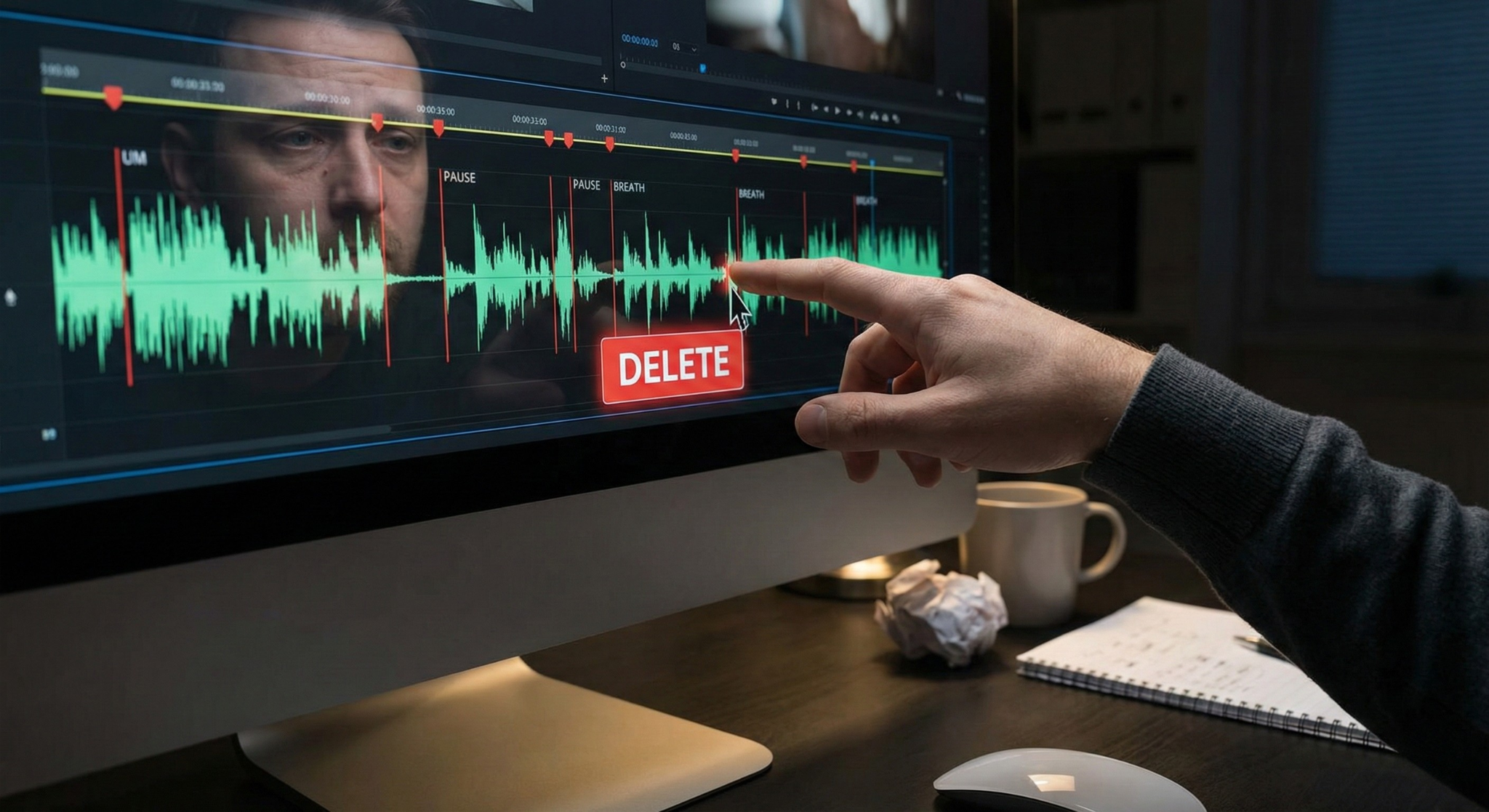
You watch yourself stutter. You hear the awkward "ums." You cringe through the long pauses where you forgot what you were going to say next. And suddenly, a 20-minute recording turns into a 6-hour editing nightmare, just trying to make yourself sound like you actually know what you're doing.
Sound familiar?
That gap between recording and a professional, polished final video has stopped more creators, educators, podcasters, and business professionals from ever hitting "publish" than any lack of talent ever could. It's not a skill problem. It's a time problem. An energy problem. A confidence problem.
Stop wasting hours chopping up dead air. Let TARS handle the heavy lifting. Start your 3-day free trial and automatically cut silences, "ums," and "uhs" from your timeline in seconds. Start 3-Day Free Trial
That's exactly why an AI silence remover exists and why, once you discover how to remove silence from video automatically, you'll wonder how you ever edited without it.
What Is an AI Video Editor to Remove Dead Air?
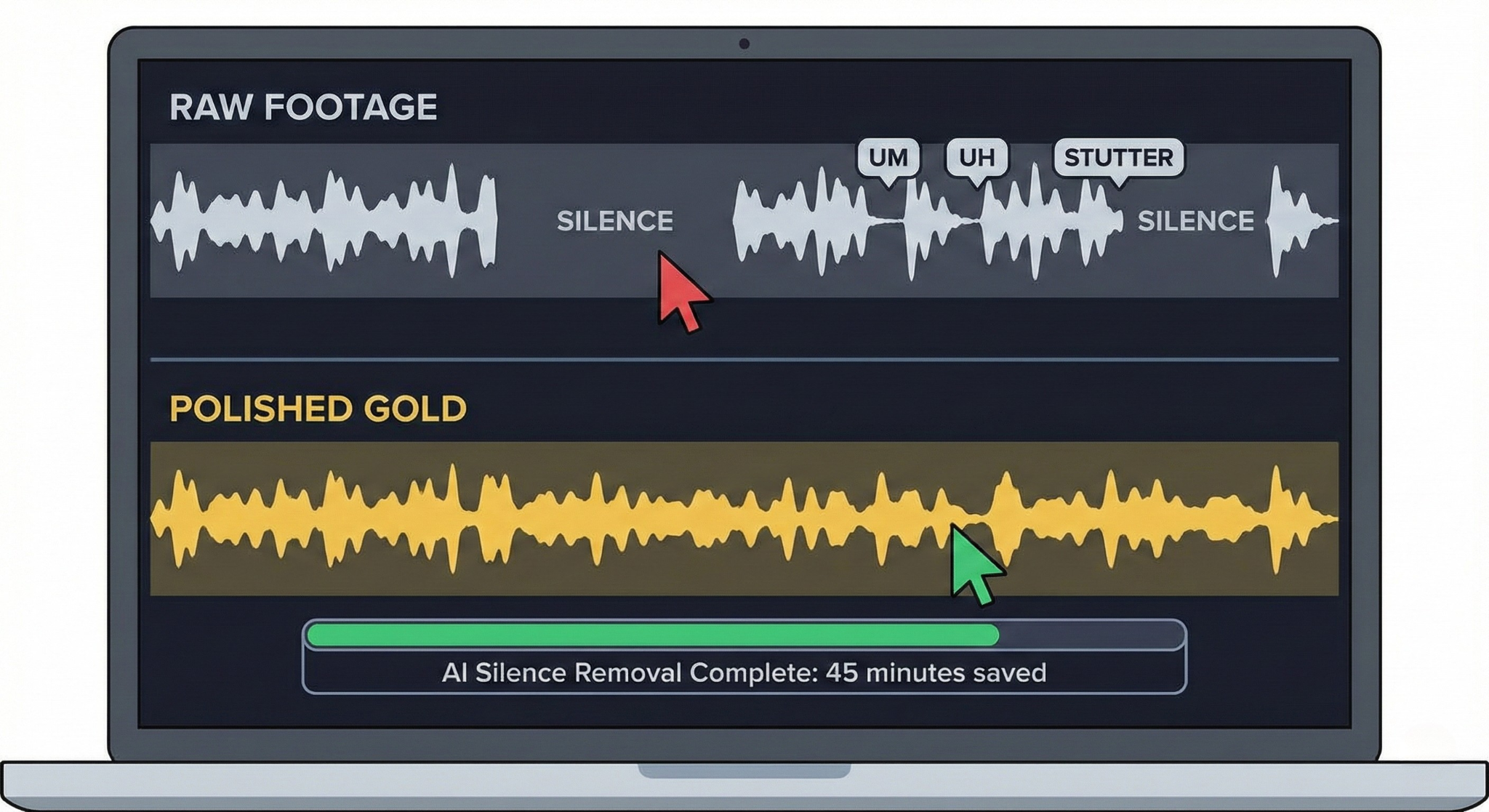
An AI silence remover is an intelligent feature in AI video editors that will remove silence from video, helping you cut dead air, long pauses, awkward gaps, and unnecessary quiet moments from your video recordings without you having to manually scrub through every second of footage.
But modern AI silence removal goes far beyond just cutting quiet moments. Today's AI video editing tools can identify and remove:
- Dead air and long pauses between sentences or thoughts
- Filler words like "um," "uh," "you know," "like," "right," "basically," "actually," and "so". Being able to remove filler words effortlessly makes you sound more professional.
- Stutters and repeated words that break the flow of speech
- Breath sounds between sentences that make audio feel unpolished
- False starts where you begin a sentence, stop, and restart
- Background noise gaps that create jarring audio inconsistencies
The result? A version of your video that sounds like you spoke every word with intention, confidence, and clarity even if the reality behind the camera was a little messier.
What Can AI Silence Removal Actually Do?
Let's get specific, because this feature is more powerful than most people realize.
🎯 Automatic Silence Detection
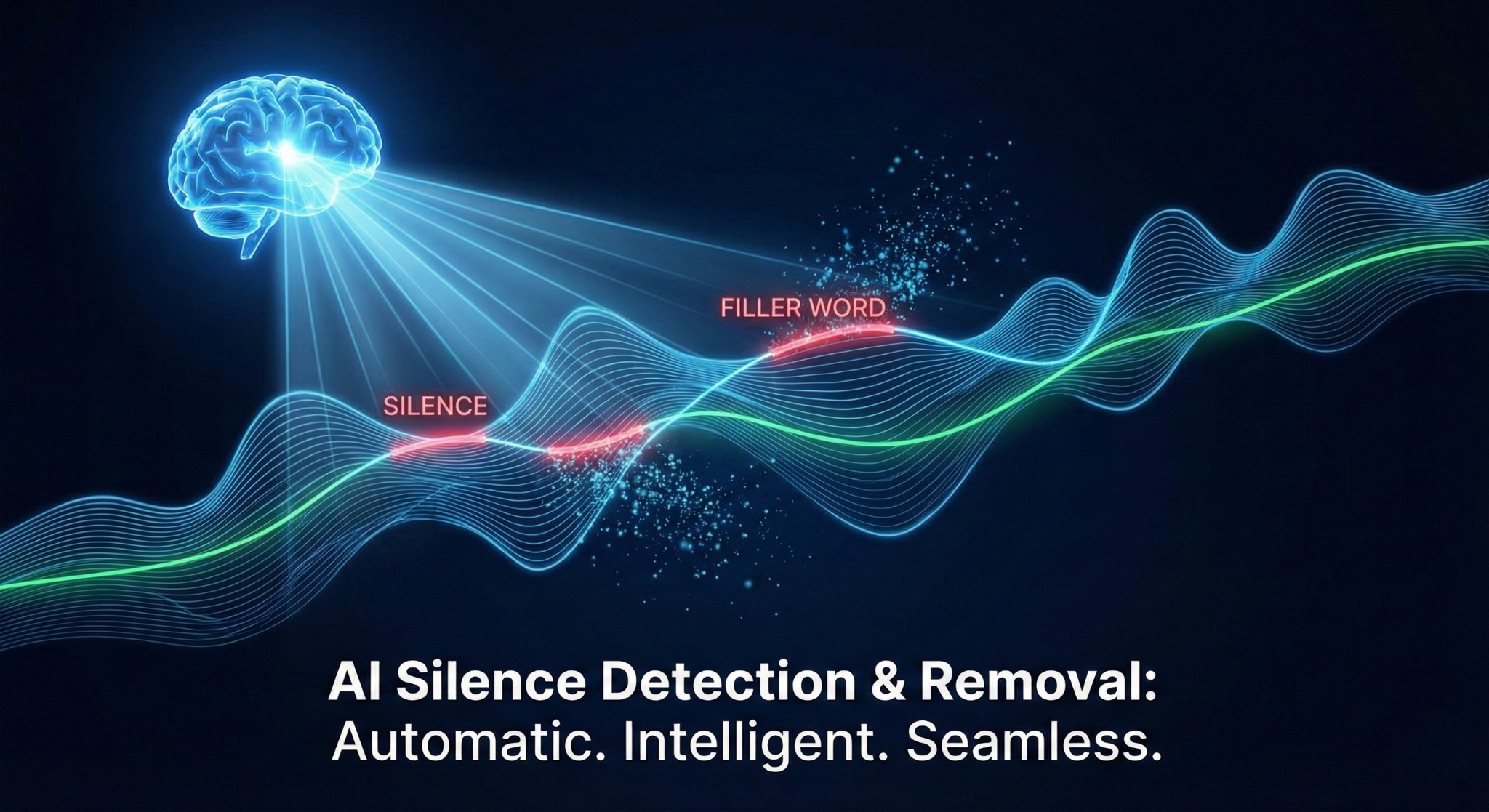
The AI uses silence detection to scan your entire video or audio track and identify every moment where meaningful speech isn't happening. It doesn't just look for complete silence, it understands the difference between a natural, rhythmic pause (like the beat between two thoughts) and dead air that serves no purpose. You get to control the threshold: how long a pause needs to be before it gets cut.
Want to see this in action on your own footage? Drop your raw video into our agentic video editor and watch the dead air disappear. Try it free for 3 days. Auto-Remove Silence Now
🗣️ Filler Word Removal
This is where things get genuinely impressive. Using speech recognition and natural language processing, the AI reads what you're saying not just how loud you're speaking. It identifies filler words contextually, removing them cleanly so that the surrounding speech flows naturally into one another. No robotic cuts. No unnatural timing. Just confident, clean delivery.
✂️ Smart Trim with Natural Flow
Silence removal doesn't just chop out the gaps. Intelligent AI editors apply slight crossfades, micro-adjustments, and audio smoothing to make the transitions invisible. The video doesn't feel edited, it feels natural. That's the difference between a tool that removes silence and one that actually improves your video.
🎛️ Customizable Sensitivity Controls
Not all creators are the same. A motivational speaker might want every half-second gap tightened. A professor explaining a complex concept might need natural pauses preserved for comprehension. Good AI silence removal tools let you dial in sensitivity choosing how aggressive the cuts are so the final product sounds like you, just a better version.
📊 Bulk Processing for Long-Form Content
Recording a 2-hour webinar? A full podcast episode? A long tutorial? An AI silence remover will auto remove silence from hours of footage in minutes, applying consistent edits across the entire timeline without fatigue, without inconsistency, and without the human error that creeps in after hour three of manual editing.
Why Does Silence Removal Matter So Much?
Here's the truth that most people in the video editing world don't say out loud:
Silence kills engagement.
The modern viewer whether they're watching your YouTube tutorial, your online course, your product demo, or your social media reel is making micro-decisions about whether to stay or leave every single second. Research consistently shows that the first few seconds of a video are the most critical for viewer retention. But what most creators don't realize is that those mid-video silences are quietly bleeding their watch time throughout the entire video.
Every awkward pause tells your viewer: "You could be doing something else right now."
Every filler word whispers: "The person on screen isn't sure of what they're saying."
It's not fair. You worked hard on that content. But perception is reality in video, and tight, confident speech creates an immediate emotional signal that this person knows their stuff, and my time is safe with them.
That's what silence removal actually gives you. Not just shorter videos. Not just cleaner audio. It gives you credibility, the silent kind that viewers feel before they even consciously register it.
Who Should Be Using Silence Removal?
If you record video or audio for any professional purpose, the honest answer is: you.
But let's break it down by specific use case, because the benefits show up differently depending on who you are.
📹 Content Creators and YouTubers
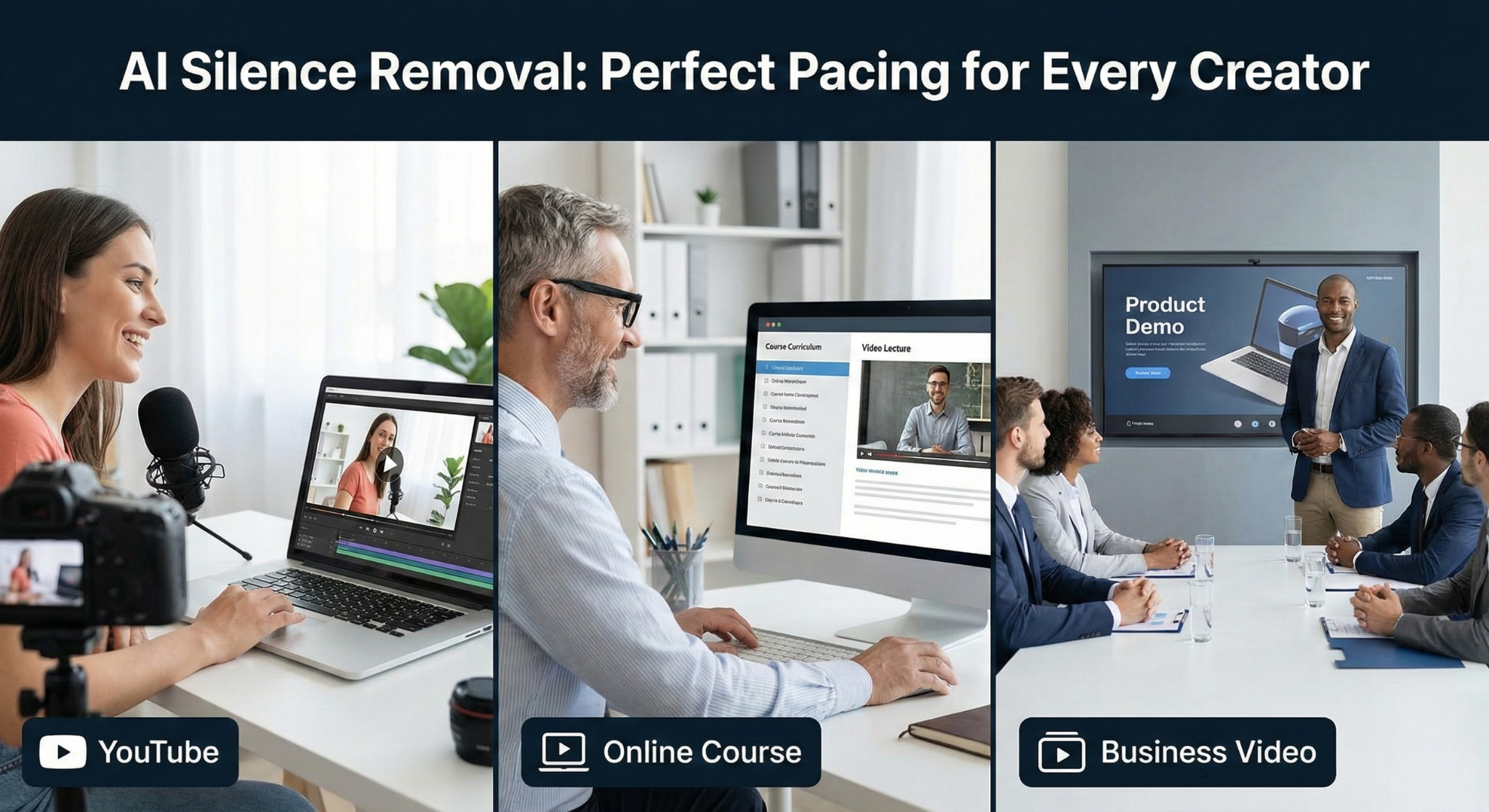
You're competing with thousands of other creators for the same eyeballs. Your editing pace is a core part of your brand. Silence removal compresses your raw footage into a tighter, faster-paced video that keeps viewers locked in from start to finish. Less time editing means more time creating and more content means more growth.
What it solves: Slow editing pace, loss of viewer retention, hours of manual trimming.
🎓 Online Course Creators and Educators
You've put enormous effort into structuring your curriculum. The last thing you want is a student clicking away because a lesson felt slow or the instructor sounded uncertain. Clean, confident speech keeps students engaged with the material and builds the kind of trust that leads to course completions, positive reviews, and referrals.
What it solves: Low course completion rates, poor perceived production quality, hours of lecture editing.
🎙️ Podcasters
Audio is your entire product. One distracted listener moment and they've switched podcasts. Silence removal keeps your conversation tight and listenable, even when the recording session ran long or had technical interruptions. It also makes transcripts cleaner for SEO and accessibility purposes.
What it solves: Bloated episode lengths, inconsistent pacing, weak perceived audio quality.
💼 Business Professionals and Corporate Teams
Internal training videos. Product demos. Client presentations. Sales enablement content. These videos represent your brand. A stumbling, pause-heavy demo can undermine confidence in your product before the prospect even hears the pitch. Polished internal videos also communicate culture that you value people's time and take your work seriously.
What it solves: Poor brand perception, low engagement on training content, time-intensive production workflows.
📱 Social Media Marketers and Video Strategists
Short-form content lives or dies by its pacing. On TikTok, Instagram Reels, and YouTube Shorts, there is zero margin for dead air. Silence removal ensures your content punches hard from the very first frame and never lets up. It's the difference between a scroll-stopper and something that gets scrolled past.
What it solves: Low watch completion on short-form, poor algorithm performance, slow ad pacing.
🧑💻 Developers and SaaS Teams Creating Demo Videos
You've built something incredible. But if your product walkthrough video has long pauses, fumbled explanations, or repetitive filler, your conversion rate will suffer. Polished product demos signal quality and quality signals trustworthiness. AI silence removal lets your team create demo videos that feel professional without needing a professional editor on staff.
What it solves: High product demo bounce rates, slow time-to-publish for marketing content, editing bottlenecks.
When Should You Use Silence Removal?
Let's talk about the specific situations where this feature earns its place:
When you talk-to-camera or record yourself naturally. The more natural your recording style, the more raw material there is to clean up. AI silence removal is specifically designed for human speech patterns.
When you're editing under a deadline. Silence removal can compress hours of editing into minutes. If you need to turn around video content fast, this is the feature that makes it possible without sacrificing quality.
When your content is long-form. The longer the video, the more silence accumulates. Webinars, lectures, and long tutorials benefit enormously from automatic trimming that keeps pacing consistent throughout.
When you're not a professional editor. You shouldn't need to be a video editor to produce professional video. AI silence removal is how non-editors produce results that look like they hired one.
When you want consistency across a content library. Human editors are inconsistent, they make different decisions depending on the day, the time, and their energy level. AI applies the same standards to every video, every time.
How AI Silence Removal Compares to Manual Editing
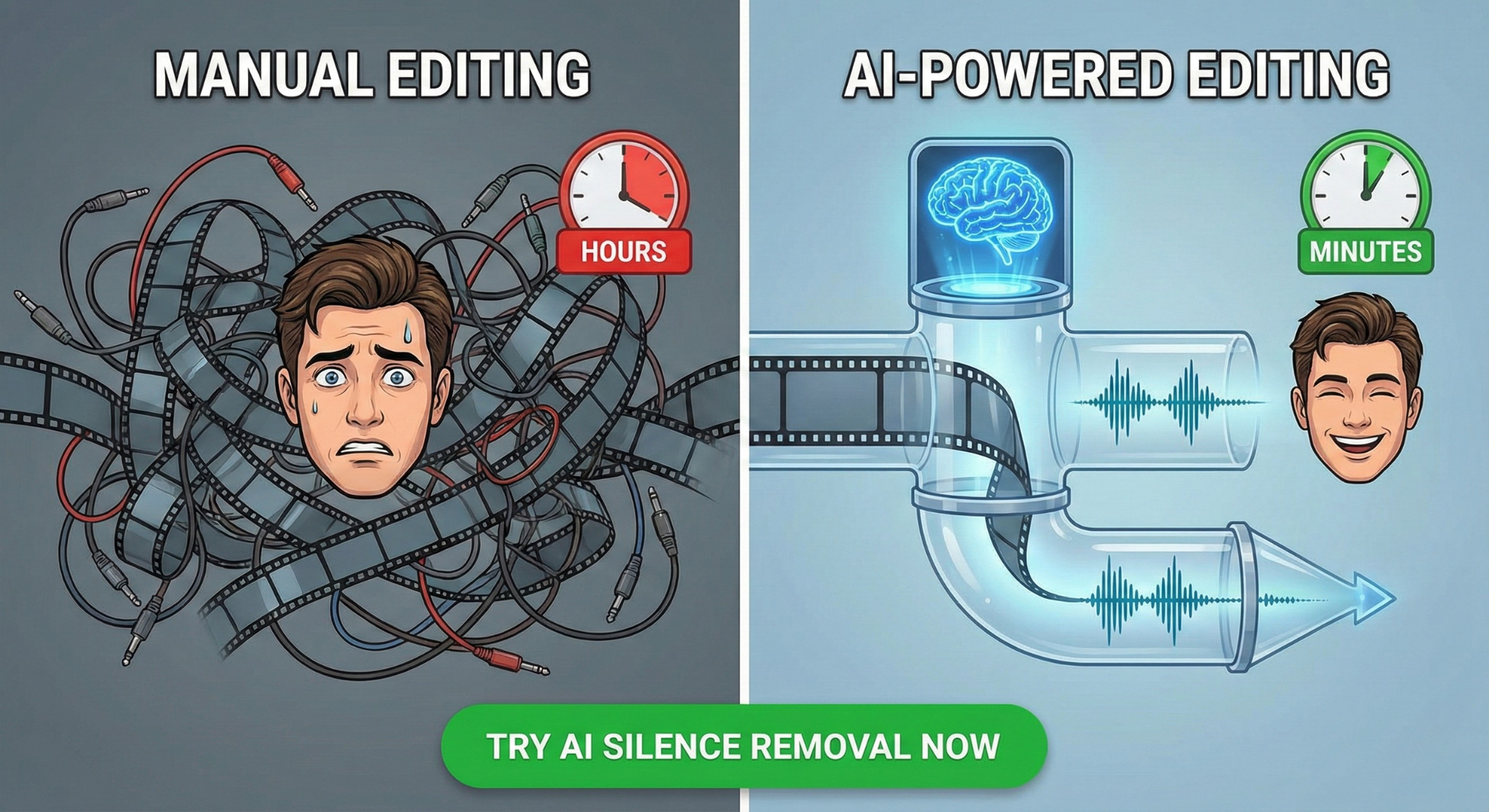
Let's be honest about what manual silence removal actually looks like:
You open your timeline. You scrub through the waveform. You identify a pause. You split the clip. You delete the gap. You close the split. You move on to the next one.
For a 30-minute video with 200 pauses and filler words, that's potentially 4–6 hours of repetitive, mentally exhausting editing work, the kind that drains your creativity before you've even gotten to the parts of editing that actually require creative judgment.
AI silence removal handles all of that in under 5 minutes.
And here's what most people don't anticipate: the energy you save by automating the mechanical parts of editing is energy you can reinvest in the creative decisions, the story structure, the visual cuts, the pacing choices that actually make a video great.
What Makes AI Silence Removal Different From Basic Audio Editing?
Traditional audio editors and video editing software have had "noise gate" features for years. So what makes AI silence removal in a modern video editor different?
Context awareness. A noise gate just looks at volume levels. If audio is below a threshold, it cuts it. Simple. But it's also dumb, it might cut a soft-spoken word or keep a loud breath. AI silence removal understands speech. It knows what's a word and what's a pause. It knows what a filler word sounds like versus a meaningful word spoken quietly.
Filler word intelligence. Traditional tools can't do this at all. Detecting the word "um" requires speech recognition knowing what was said, not just how loud the audio was. AI makes this possible.
Smooth transitions. Basic cuts create clicks, pops, and jarring jumps. AI editors apply micro-fades and transition smoothing so cuts are invisible even at high levels of silence removal.
Learning and adaptation. Modern AI tools improve their accuracy over time and across different voices, accents, and recording environments.
The Emotional Impact of Clean Video: Why It Goes Beyond Just "Better Audio"
Here's something worth sitting with for a moment.
When you watch yourself on camera stumbling, pausing, fumbling through your words, it doesn't just make the video worse. It changes how you feel about putting yourself out there. It makes you less likely to hit record next time. It feeds the voice in your head that says "I'm not good enough to be doing this."
Silence removal isn't just about the viewer's experience. It's about yours, too.
When you see a clean, confident, articulate version of yourself on screen, a version that sounds like the expert you actually are something shifts. You feel like you've earned your place in front of the camera. You feel like your message is worthy of being shared. You feel ready to do it again.
That's the version of yourself you want your audience to meet. And now, with AI video editing, they can every single time, regardless of how the recording session actually went.
Frequently Asked Questions About AI Silence Removal
Does silence removal affect video quality? No. Silence removal operates on the timeline level, it removes segments of video and audio together, and the remaining footage retains its original quality completely.
Will it remove pauses I actually want to keep? Good AI silence removal tools give you control over the sensitivity threshold. Natural pauses below a certain length are preserved; only gaps above your chosen threshold are removed. You're always in control.
Can it handle multiple speakers? Yes. Modern AI tools can process multi-speaker recordings, like interviews or panels, detecting silence across the full conversation rather than just one track.
What about videos with background music? Silence removal primarily works on the speech track. If your video has background music running continuously, the music layer is preserved while only the speech gaps are tightened.
How accurate is filler word removal? Accuracy varies by tool and by accent, but top AI video editors achieve very high accuracy rates across a wide range of voices and recording environments. Most offer a review step where you can confirm or override any detected filler words before the edit is applied.
Is silence removal safe to use on interviews or dialogue? Absolutely and it's one of the most valuable use cases. Interviews often have long pauses, "ums," and stumbling moments that eat into pace and engagement. AI silence removal makes interview content feel tight and professional without losing the conversational authenticity.
The Bottom Line: Stop Editing Manually. Start Editing Intelligently.
Every minute you spend manually scrubbing silence out of your timeline is a minute you're not spending on the things that actually grow your audience, build your business, or share your ideas with the world.
AI silence removal including automatic filler word detection, dead air trimming, and intelligent audio smoothing is no longer a luxury for big-budget production studios. It's a practical, accessible tool available right now in modern AI video editors, built specifically so that anyone who creates video content can sound like a professional without spending professional-level time in post-production.
Your content deserves to be heard. Your message deserves to land with the impact you intended. Your audience deserves the best version of what you created.
Silence removal makes all of that possible automatically, intelligently, and in a fraction of the time.
Ready to experience AI-powered silence removal for yourself? Try it in our AI Video Editor and feel the difference that cleaner, tighter video makes, not just in your content, but in how you feel about hitting publish.
Related Topics You Might Find Helpful:
- How to Automatically Remove Filler Words From Video
- AI Video Editing vs. Traditional Editing: What's the Real Difference?
- Best Tools for Speeding Up Your Video Editing Workflow
- How to Improve Video Pacing for Better Viewer Retention
- The Creator's Guide to AI-Powered Post-Production