
We have all been there. You need to record a quick software bug, a product demo, or a tutorial for a coworker. You type "screen recorder" into your search bar, and you are immediately hit with two distinct choices: click a button to install a lightweight Chrome extension, or download a full desktop application.
At first glance, the Chrome extension seems like the obvious winner. It is fast, usually free, and requires zero commitment. But later, when you try to record a 45-minute webinar and your browser crashes, losing the entire video, you start to question that choice.
In the battle of Chrome extensions versus desktop apps, neither is inherently "bad," but they are built for entirely different jobs. If you use the wrong one for your specific workflow, you will end up frustrated, wasting time, and delivering unprofessional videos. Here is the definitive breakdown of which tool wins, and when to use them.
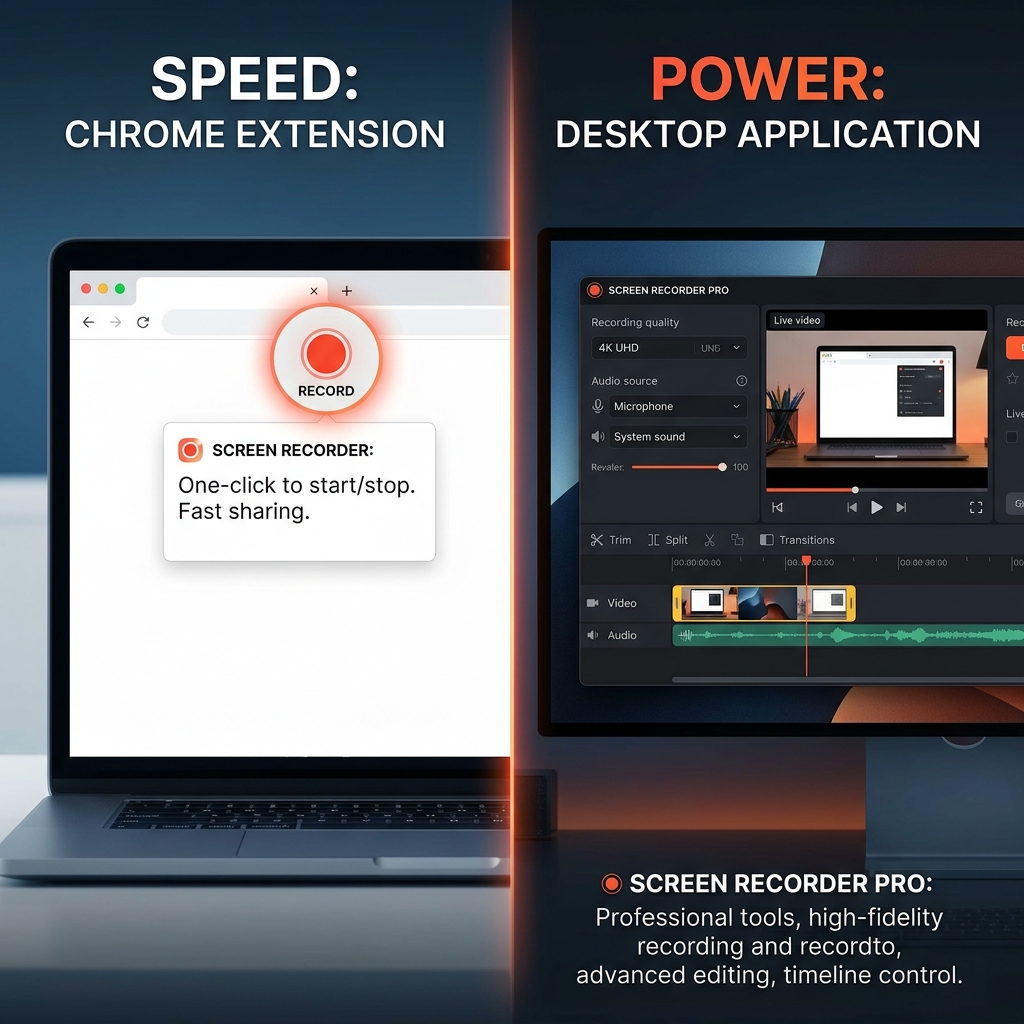
The Case for Chrome Extensions: The Quick Sprinters
Chrome extensions like the Loom browser add-on or standard free web-store recorders are built purely for speed and friction-free communication. They live right next to your URL bar, ready to launch the second you need them.
Where Extensions Win:
- Instant Access: There is no heavy software to open. You click the puzzle piece icon, hit record, and start talking.
- Zero Hard Drive Clutter: Everything is usually processed and saved directly to the cloud, meaning you are not filling up your computer's local storage with massive MP4 files.
- Browser-Centric Work: If 100% of the thing you are demonstrating happens inside a web browser (like a SaaS dashboard or a website review), extensions capture Chrome tabs effortlessly.
Where Extensions Fail:
- The "Processing" Nightmare: Because extensions rely on your browser's memory and an active internet connection, a slight Wi-Fi drop can leave a long video stuck in processing forever, completely destroying your work.
- Feature Poverty: Extensions are lightweight by design. You usually will not find advanced tools like 4K resolution, auto-zoom, or cursor smoothing.
- Browser Limitations: If you need to show your desktop, switch to an offline Excel file, or open a system menu, extensions often struggle or fail to capture the context cleanly.
The Case for Desktop Apps: The Heavyweight Champions
Desktop applications (like the Loom Desktop App, OBS Studio, or modern cinematic tools like Cubix Capture) require you to download an installer and run the software directly from your operating system.
Where Desktop Apps Win:
- Bulletproof Stability & Recovery: Desktop apps process data locally. If your internet goes down while you are recording, it does not matter. If your computer crashes, desktop apps usually have a "crash recovery" feature to save your unfinished file.
- Maximum Quality: This is where you get true 4K video recording, high-fidelity audio, and smooth frame rates.
- Professional Polish: Desktop apps have the processing power to offer premium presentation tools. You get features like drawing tools, speaker notes, live background replacements, and smart auto-zoom capabilities.
- Total System Capture: They capture every piece of software on your machine seamlessly, regardless of whether it is an offline app, a system setting, or a browser.
Where Desktop Apps Fail:
- Friction: They require a download, installation, and occasionally manual software updates.
- System Resources: Running a heavy desktop recorder can sometimes slow down older laptops if you do not have enough RAM.
The Direct Comparison
| Feature | Chrome Extension | Desktop App |
|---|---|---|
| Setup Time | Seconds | Minutes |
| Offline Recording | No | Yes |
| Max Video Quality | Usually 1080p | Up to 4K |
| Crash Recovery | Very Low | High |
| Advanced Polish | Basic / None | Advanced |
| Ideal Video Length | Under 5 minutes | Unlimited |
The Verdict: Which Wins?
There is no universal winner because they serve different masters. The winner depends entirely on what you are trying to accomplish.
Choose a Chrome extension if: You are sending a quick, 60-second video to a coworker to explain a spreadsheet, or you need to fire off a fast bug report to an IT team. It is the ultimate replacement for a long email.
Choose a Desktop app if: You are recording anything that represents your brand publicly. If you are creating a YouTube tutorial, an online course, a customer onboarding video, or a high-stakes sales demo, you must use a desktop app. The stability, the 4K quality, and the access to premium presentation features will ensure your final video looks like a professional product rather than a rushed screen grab.
By switching to a professional desktop solution like Cubix Capture, you are choosing the security of local processing and the beauty of automated cinematic effects. Stop gambling with your browser's memory and start recording with confidence.
Related reading: