
Engineering teams do not need prettier videos. They need walkthroughs people can actually follow.
That usually comes down to three practical factors: readable code, low recording friction, and async-friendly sharing. This guide compares the most relevant tools for developer walkthroughs and PR demos.

What Matters Most for Code Demos
For technical walkthroughs, prioritize:
- code readability on laptop screens
- quick record-to-share flow
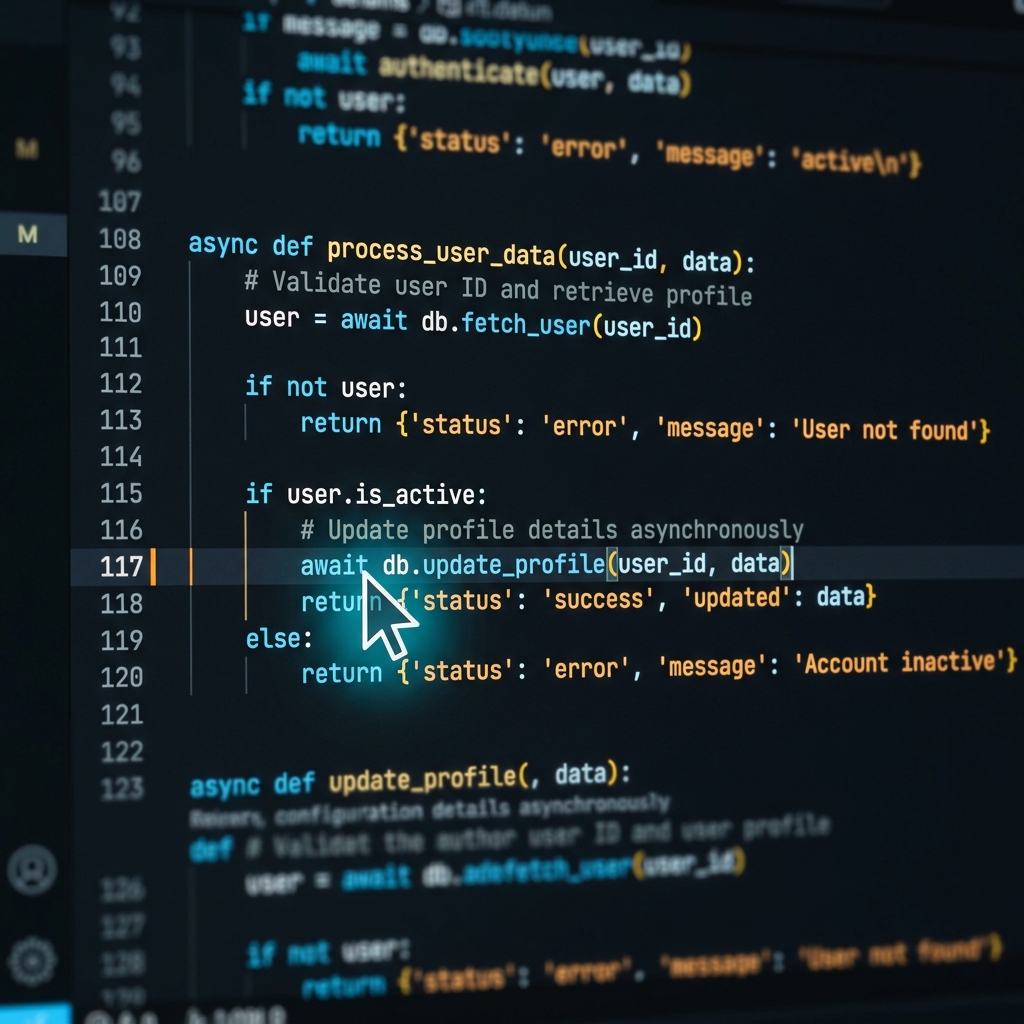
- focus control (auto-zoom/cursor clarity)
- platform coverage for mixed Mac + Windows teams
- low setup burden for frequent use
Best Screen Recorders for Engineering Walkthroughs
1) Cubix Capture - Best for readable code demos with low post-production
Cubix Capture is designed for clarity during capture, not heavy cleanup after.
Best for: Teams publishing frequent PR walkthroughs and feature demos.
Strengths: Auto-zoom focus, cursor smoothing, cleaner presentation output.
Tradeoff: Not built as a full timeline editor.
2) Loom - Best for fast internal async communication
Loom remains one of the fastest ways to record and share internal engineering context.
Best for: Quick PR summaries, bug repros, and handoffs.
Strengths: Very fast sharing workflow and broad team adoption.
Tradeoff: Less visual polish for external-facing technical videos.
3) OBS Studio - Best for advanced custom capture setups
OBS is highly flexible and popular with technical users.
Best for: Developers who want deep capture/audio/scene control.
Strengths: Powerful and free with extensive customization.
Tradeoff: More setup overhead and steeper learning curve.
4) Screen Studio - Best for polished Mac-first technical demos
Screen Studio can produce highly polished dev demo visuals.
Best for: Developer creators on Mac prioritizing aesthetics.
Strengths: Smooth visual style and premium presentation feel.
Tradeoff: Mac-only, so less ideal for mixed-OS org standards.
5) Camtasia - Best for edit-heavy technical training assets
Camtasia works well when you need deeper post-production workflows.
Best for: Structured technical training content.
Strengths: Mature timeline editing and lesson packaging.
Tradeoff: Slower for day-to-day engineering communication.
Platform Support Snapshot (Mac vs Windows)
- Cubix Capture: Mac + Windows
- Loom: Mac + Windows
- OBS Studio: Mac + Windows
- Screen Studio: Mac only
- Camtasia: Mac + Windows
If your engineering org runs both Mac and Windows, cross-platform consistency usually beats niche visual effects.
Recommended PR Walkthrough Structure
To make recordings easier to review asynchronously:
- State feature/bug context
- Show changed files quickly
- Zoom to critical logic
- Run and validate behavior
- Summarize risk and next action
Final Recommendation
For most teams, the best screen recorder is the one that keeps code readable while minimizing process overhead. In mixed-platform environments, Cubix Capture is a strong default because it combines cross-platform support with clarity-focused recording.
Related reading: