
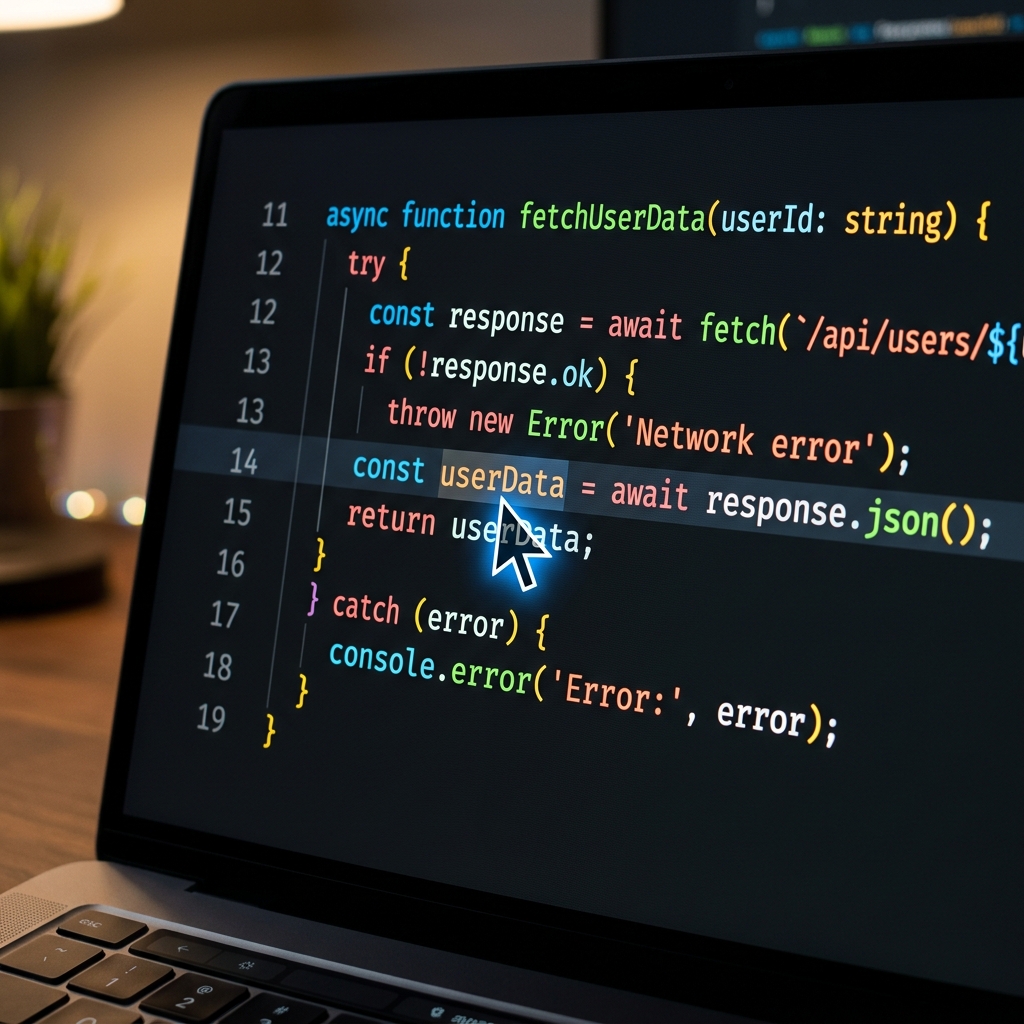
If you have ever sent a PR walkthrough and heard "I cannot read that," you already know the core problem with developer recordings: code visibility.
Developer demos are denser than typical tutorials. IDE sidebars, terminals, logs, and long code blocks all compete for attention. The right recorder should reduce this complexity, not preserve it.
Here is a practical comparison of the screen recorders developers rely on for code walkthroughs and technical demos.

How We Evaluated These Tools
For engineering use cases, we prioritized:
- code readability on laptop screens
- speed for PR/feature walkthrough recording
- focus control (zoom/cursor behavior)
- low-friction sharing with teams
- suitability for internal docs and external demos
Best Screen Recorders for Developer Walkthroughs
1) Cubix Capture - Best for readable code demos with minimal post-editing
Cubix Capture focuses on clarity-first recording during capture.
Best for: Engineers and teams shipping frequent walkthroughs.
Strengths: Auto-zoom for focus regions, cursor smoothing, cleaner presentation output.
Tradeoff: Not meant to replace full timeline editing suites.
2) Loom - Best for fast async engineering communication
Loom is strong when speed and sharing simplicity matter most.
Best for: Quick PR explanations and async team updates.
Strengths: Fast recording/share loop and team familiarity.
Tradeoff: Less presentation polish for public-facing technical demos.
3) OBS Studio - Best for advanced technical control
OBS gives maximum capture flexibility for technical workflows.
Best for: Developers who want full scene/control customization.
Strengths: Powerful and highly configurable.
Tradeoff: Higher setup overhead and steeper learning curve.
4) Screen Studio - Best for polished developer demo aesthetics
Screen Studio can produce visually polished tech tutorials.
Best for: Developer educators and content creators prioritizing look/feel.
Strengths: Smooth visual presentation.
Tradeoff: Workflow/platform fit depends on team environment.
5) Camtasia - Best for heavy edit-after training assets
Camtasia is useful when you need deeper timeline editing and tutorial packaging.
Best for: Structured training content with post-production time available.
Strengths: Mature editing workflow.
Tradeoff: Slower iteration for day-to-day engineering comms.
Platform Support Snapshot (Mac vs Windows)
- Cubix Capture: Mac + Windows
- Loom: Mac + Windows
- OBS Studio: Mac + Windows
- Screen Studio: Mac only
- Camtasia: Mac + Windows
If your engineering org uses both Mac and Windows machines, standardizing on a cross-platform recorder reduces friction in internal documentation workflows.
Which Tool Should Developers Choose?
- Need clear code walkthroughs quickly -> Cubix Capture
- Need quick async team explanations -> Loom
- Need deep manual control -> OBS
- Need heavy editing pipeline -> Camtasia
Developer-Specific Mistakes to Avoid
- Recording full monitor when only one file matters.
- Leaving font size unchanged for viewer context.
- Moving cursor too quickly across dense code.
- Showing noisy desktop/notifications during demos.
Recommended Recording Pattern for PR Demos
Use this sequence:
- State the bug/feature context
- Show changed files
- Zoom/focus on critical logic
- Run and validate behavior
- Summarize risk and next steps
This structure makes walkthroughs easier to review asynchronously.
Final Recommendation (Information-First)
For Mac-only dev creators, Screen Studio can be compelling for aesthetics.
For mixed-platform engineering teams, cross-platform consistency typically matters more than visual flair.
For most teams prioritizing readable code demos, low recording friction, and Mac/Windows compatibility, Cubix Capture is a practical default.
Related reading: