
Auto zoom on click
- Cubix Capture
- Screen Studio
- Loom
- Kite
Free Screen Recorder for Mac & Windows with Auto Zoom
The cinematic screen recorder for Mac & Windows. Auto-zooms when you click, live backgrounds, studio-quality output. A free Screen Studio alternative, just hit record.
Standard recording, no zoom, static view.
Auto-zoom enabled, dynamic focus, professional motion.
Record screen and audio, record screen with audio, record screen and sound, and capture screen and audio together for tutorials, demos, walkthroughs, and team updates.
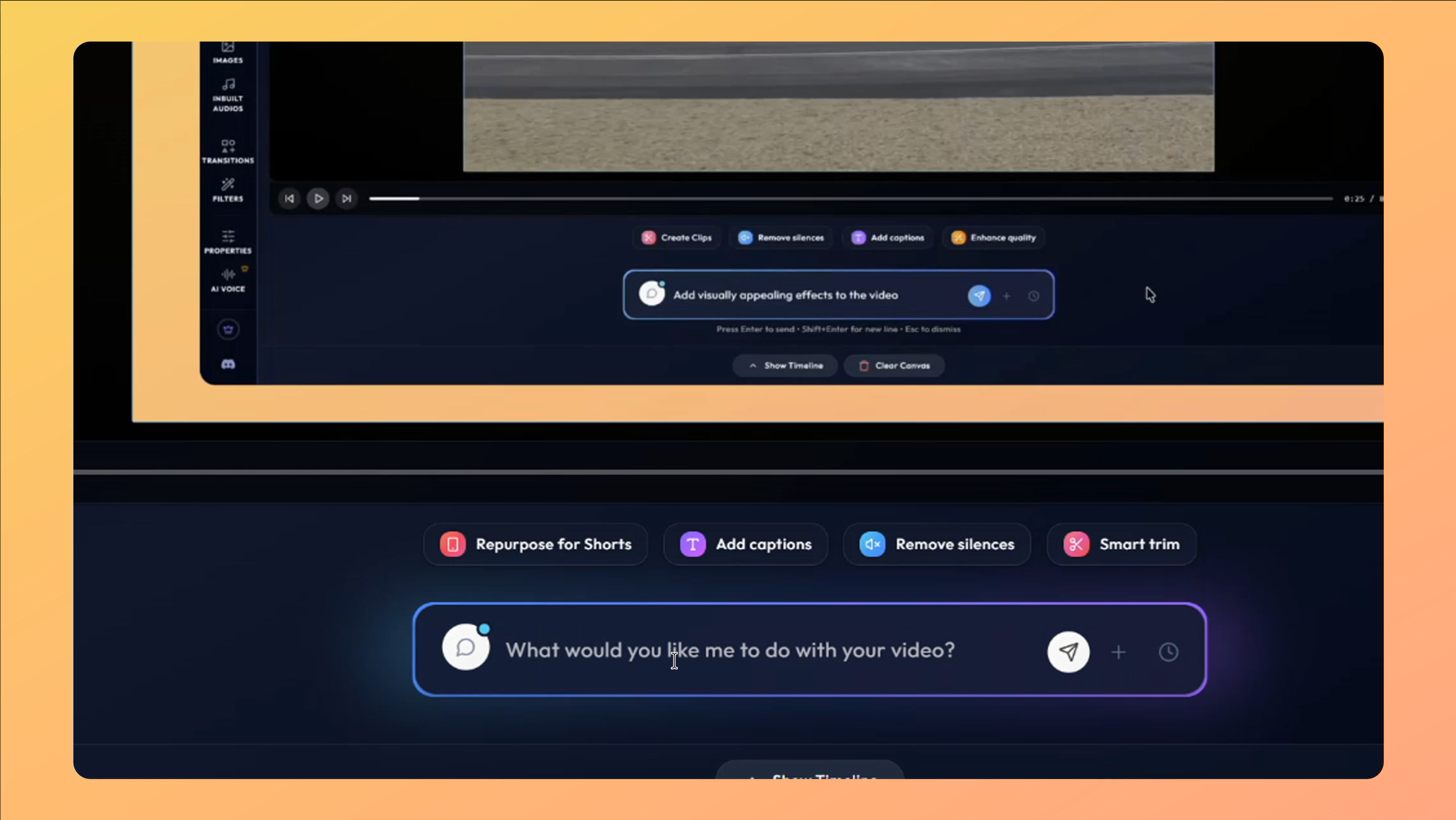
Auto zoom screen recorder with no editing required. Zooms into your clicks automatically, no timeline, no post-production.
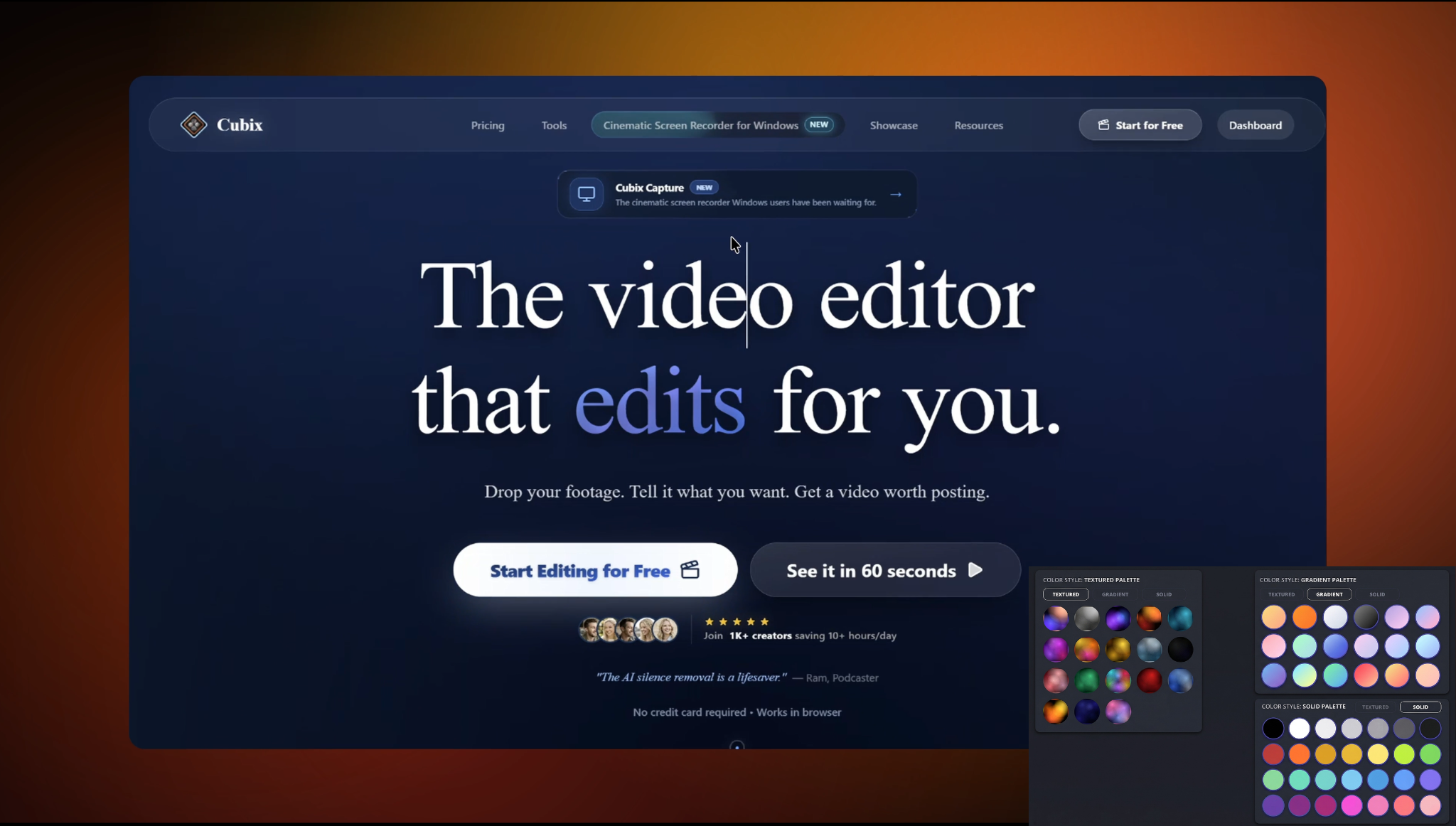
The screen recorder with live backgrounds built in. Apply stunning Live, Gradient, Textured, or Solid backdrops instantly, no design skills needed.
Record your screen and face together with a clean floating bubble.
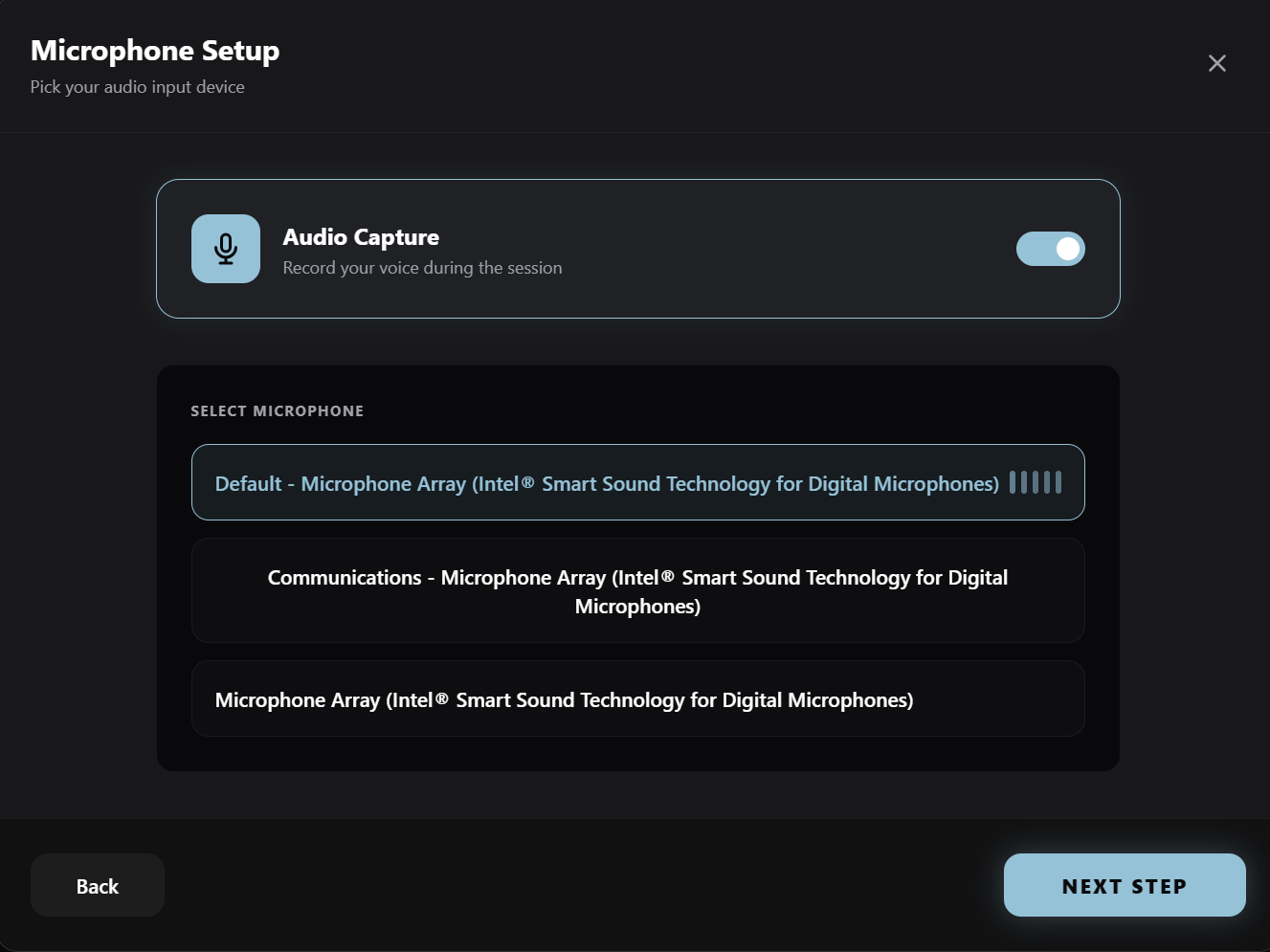
Crystal clear mic and system audio, captured together.
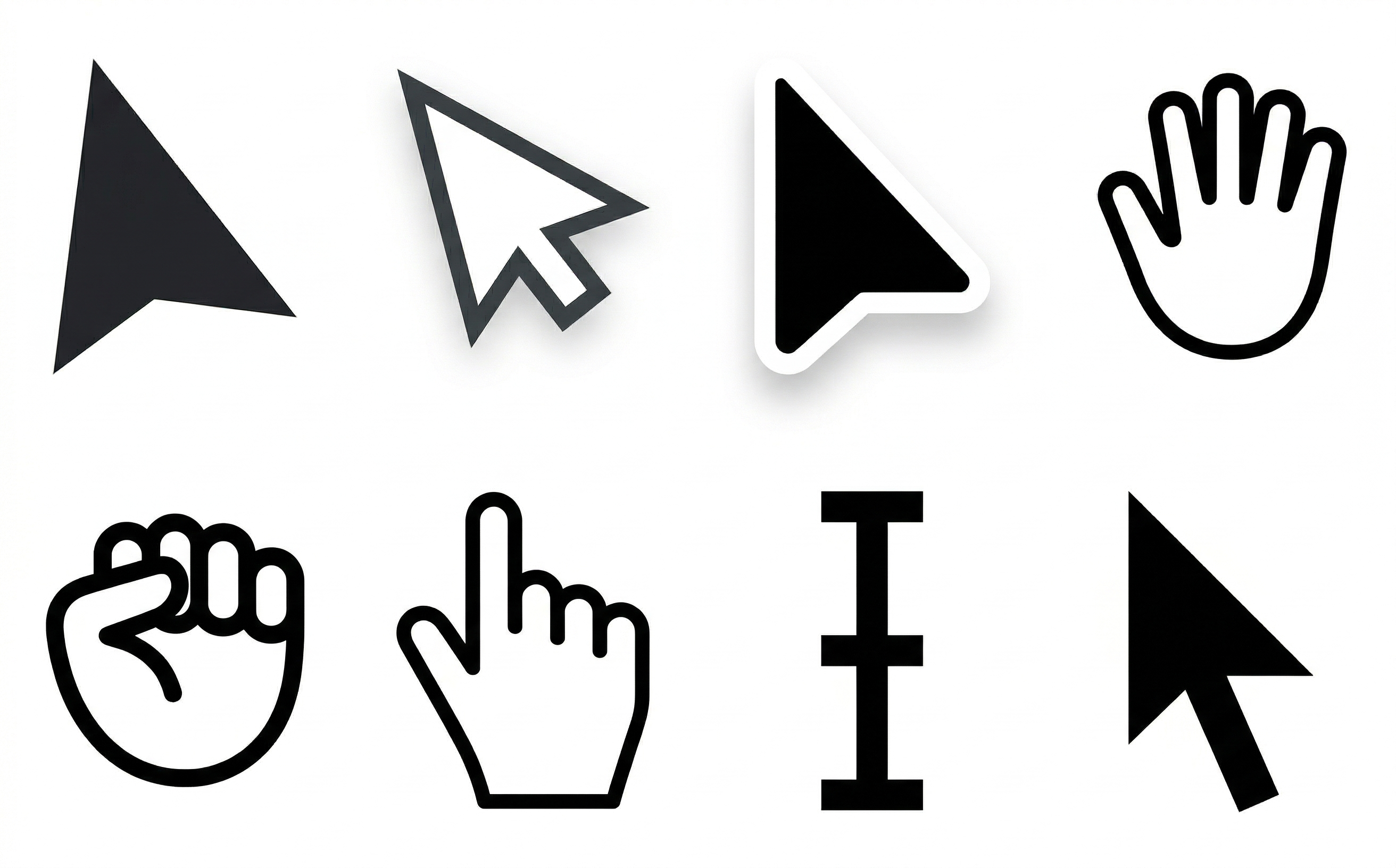
No more jerky mouse movements, silky smooth cursors automatically.
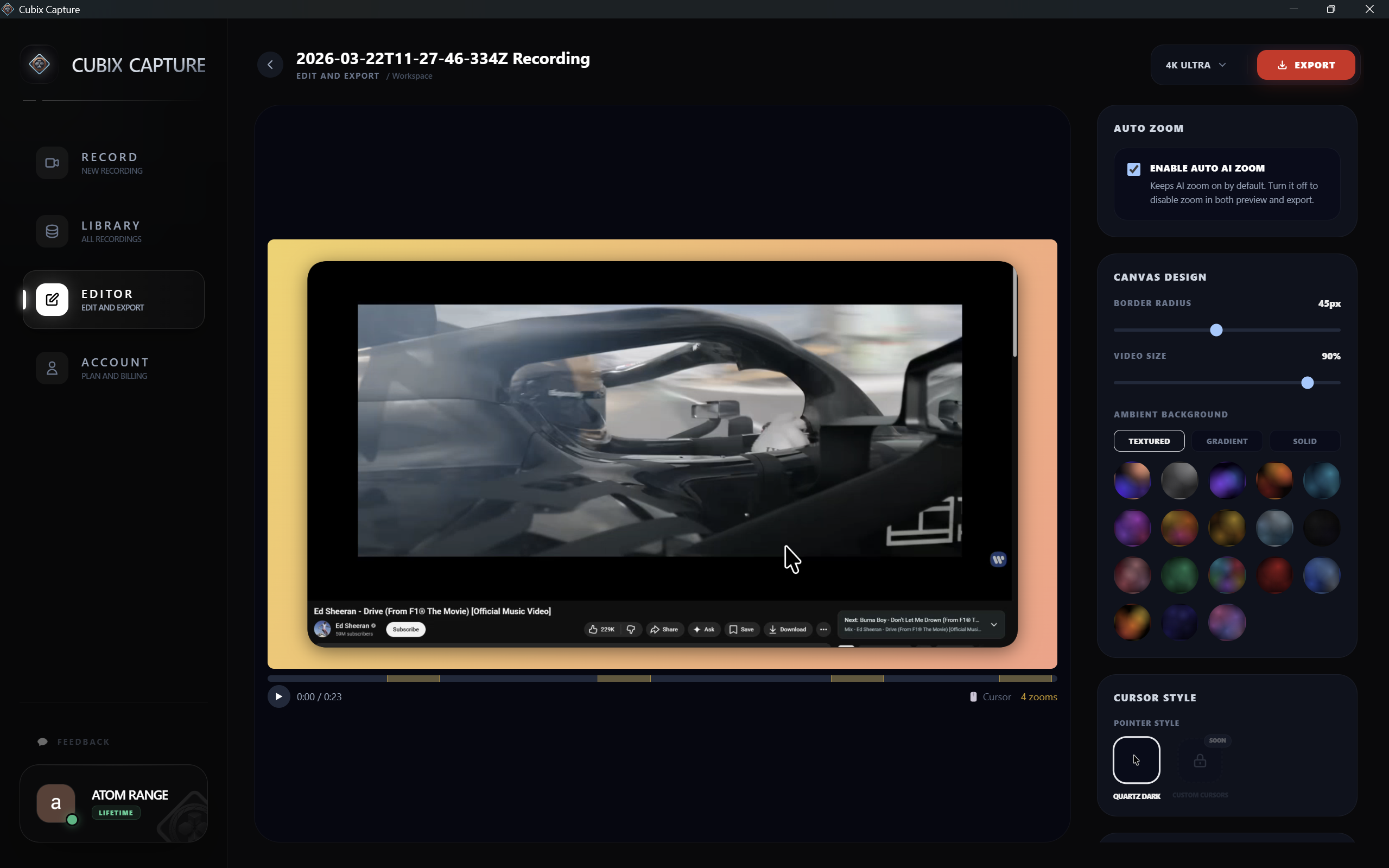
Buttery smooth, native resolution. Every pixel, every frame.
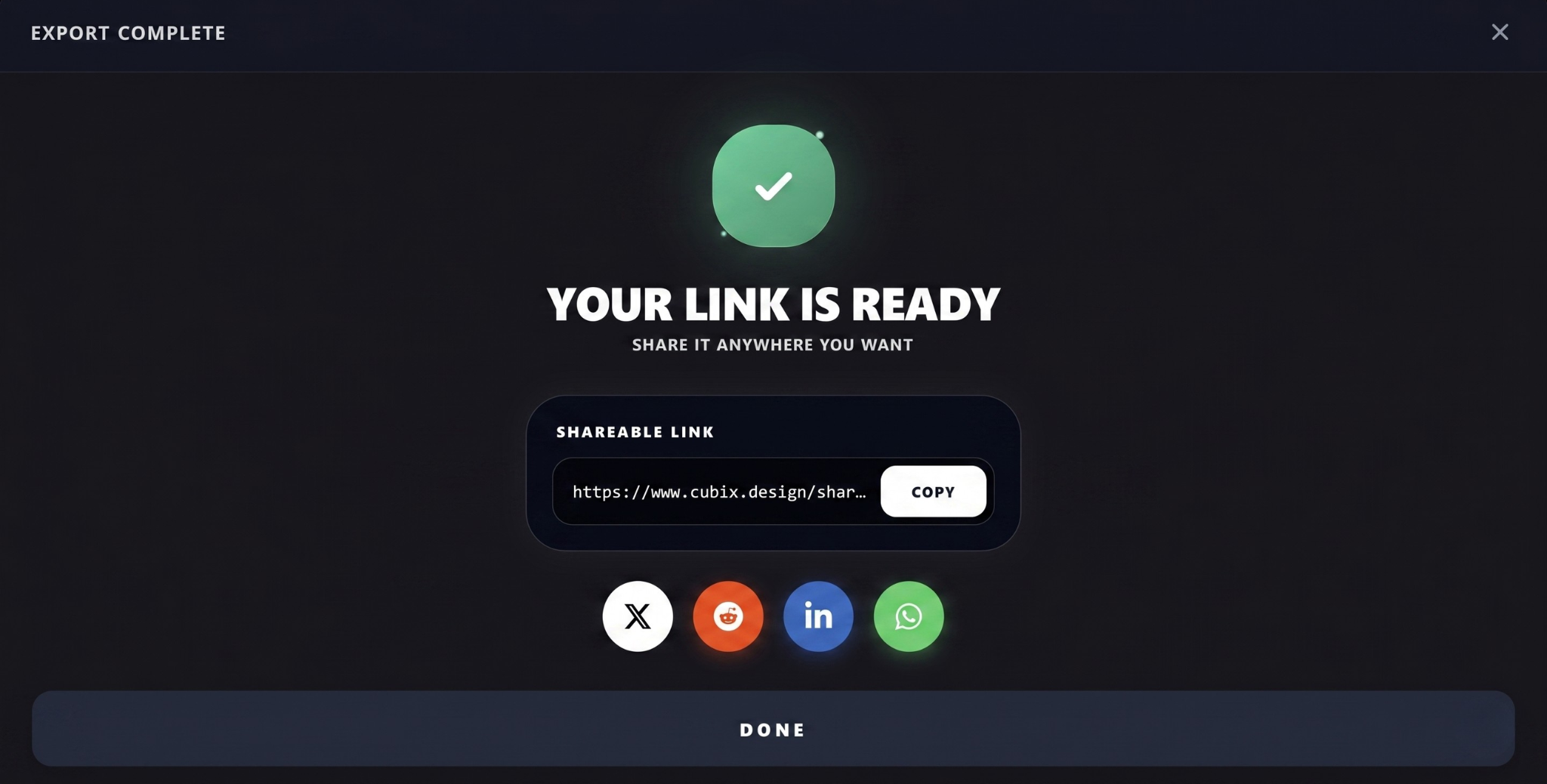
Instantly upload and share your recordings with team members and clients. Cloud hosting with one-click secure links.
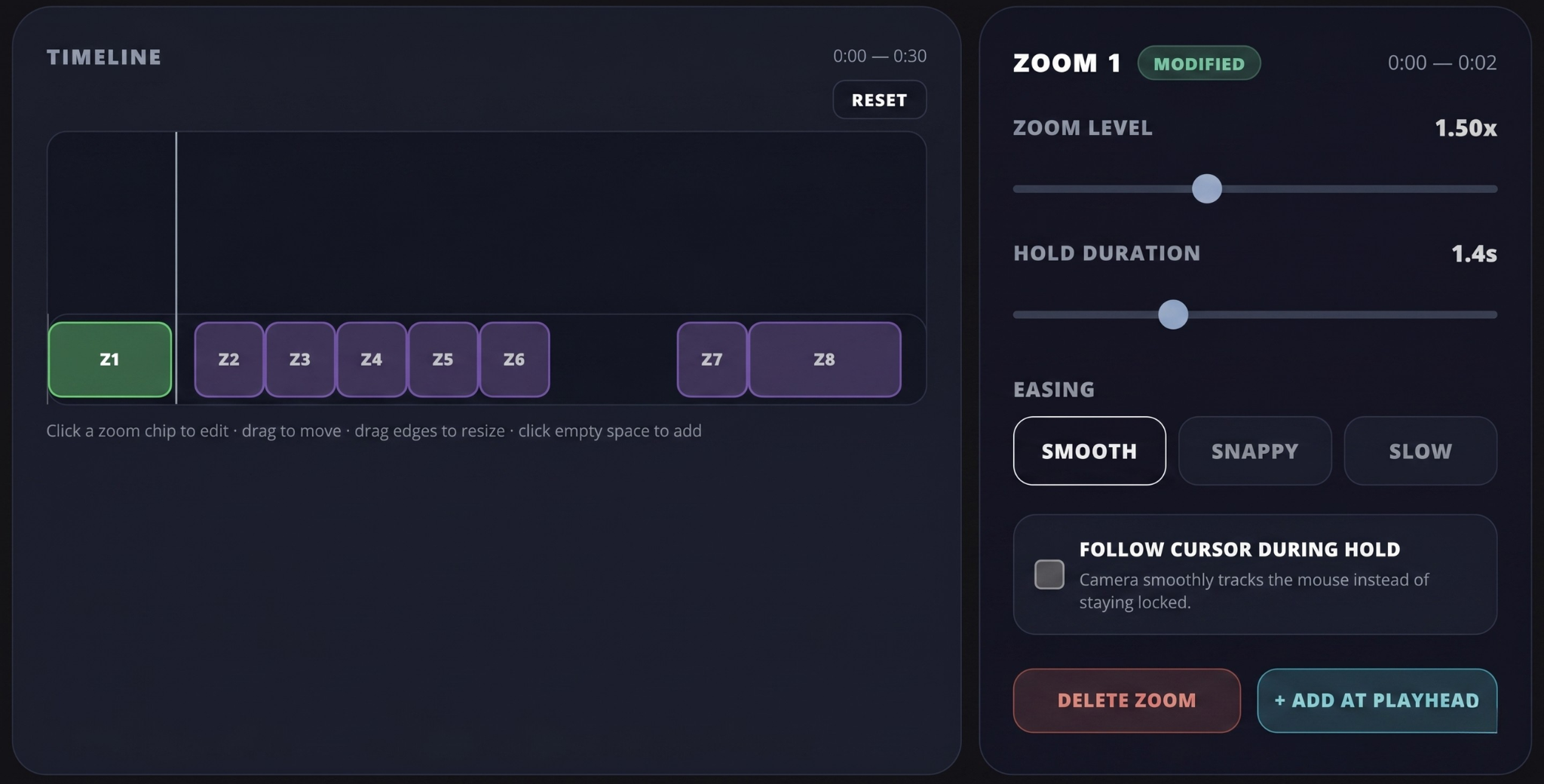
Take full creative control. Fine-tune automatic zooms or add your own manual zoom points for the perfect focus every time.
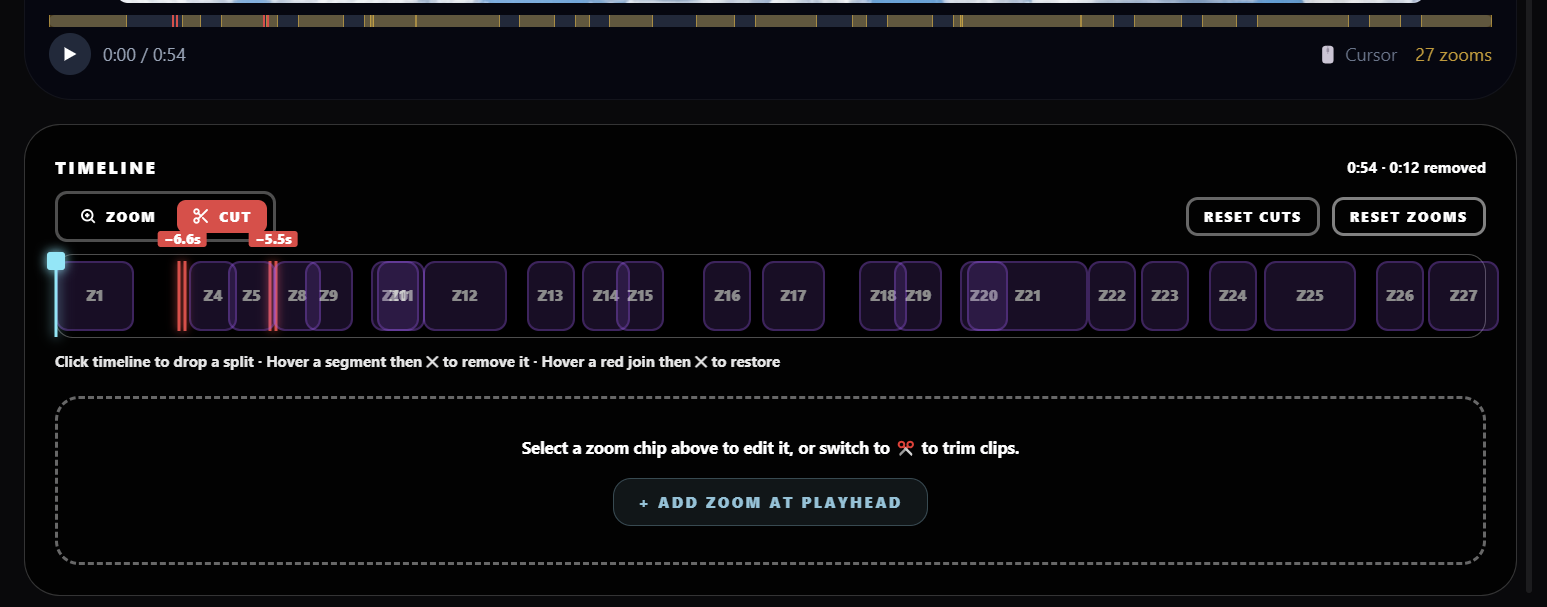
Easily trim and cut unwanted sections of your recording with zero effort. Keep only the parts that matter.
Render and export recordings directly in the cloud at lightning-fast speeds, saving time and disk space.
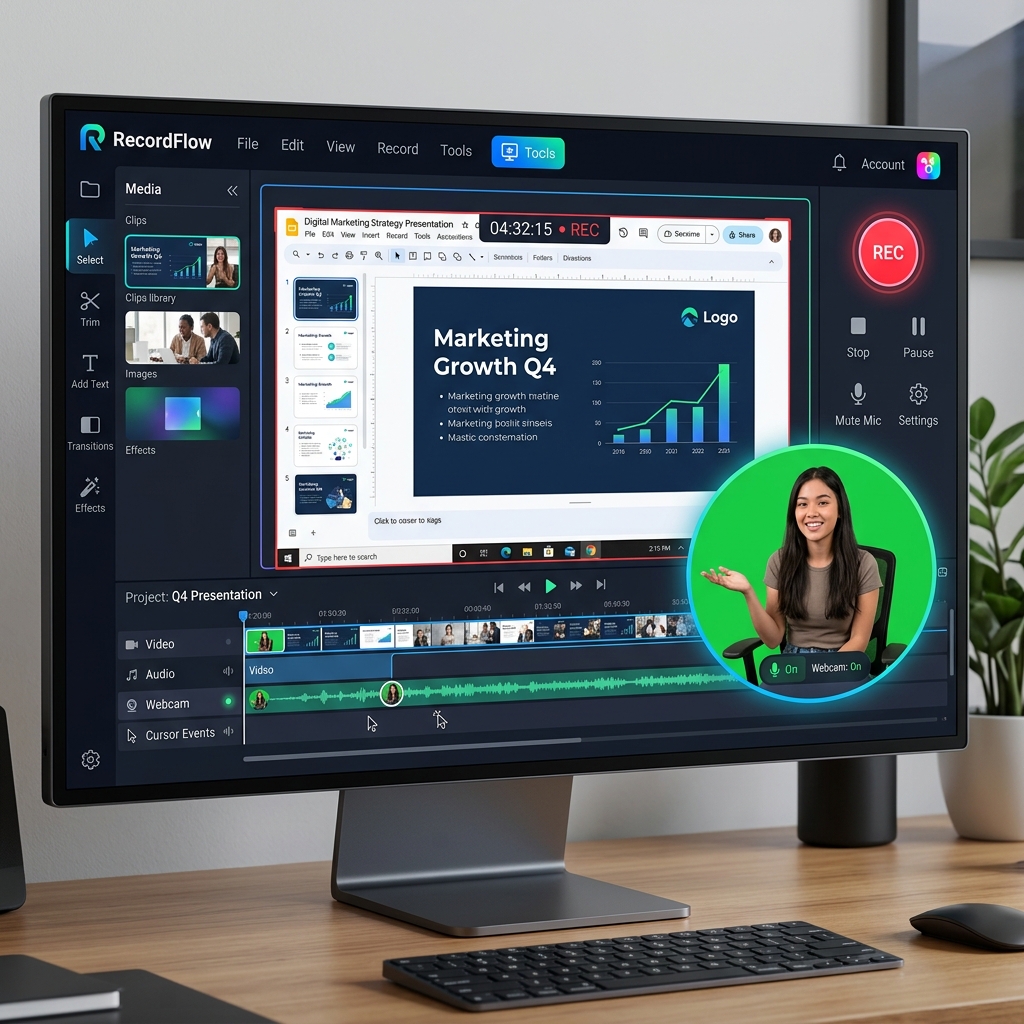
Add background blur, insert custom background images, or apply green screen keys directly to your webcam feed.
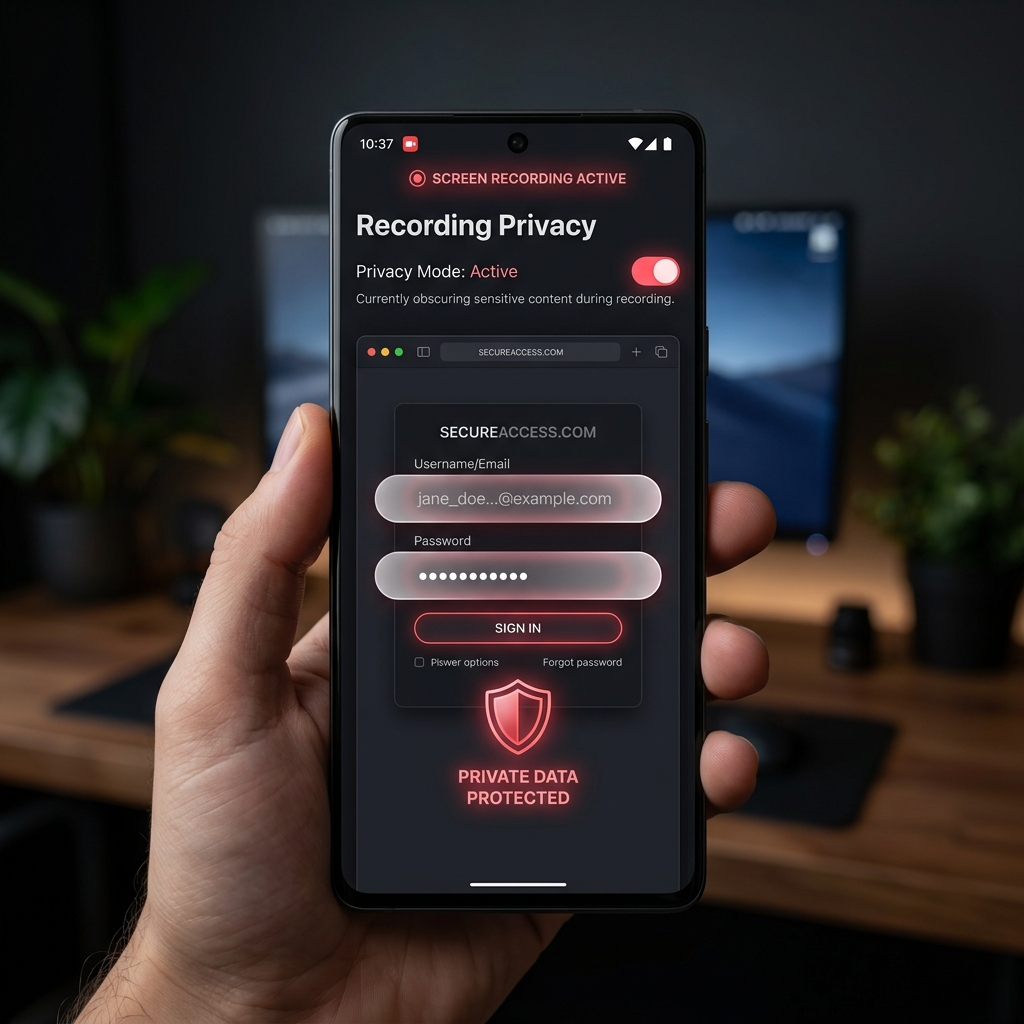
Easily blur out passwords, API keys, emails, or personal data on your screen with smart, automated privacy filters.
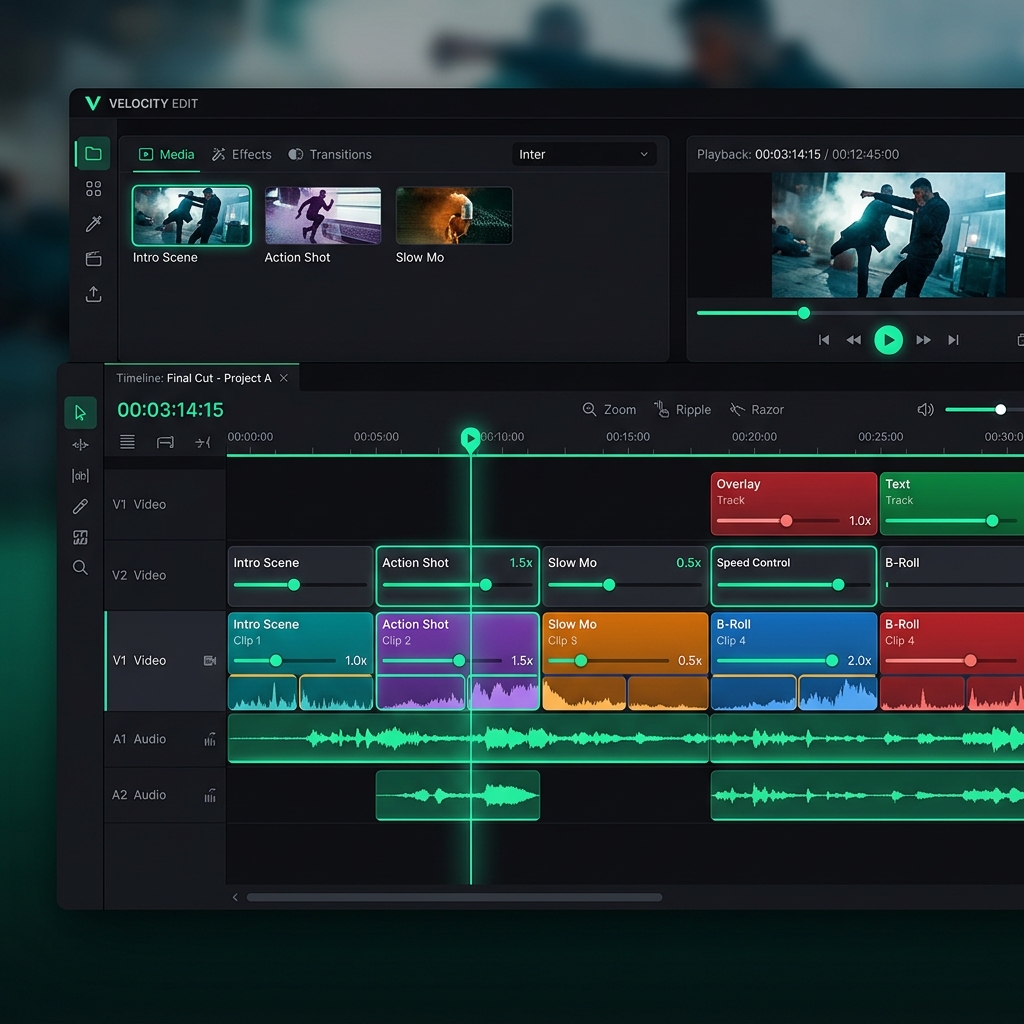
Combine multiple recordings into one and trim timeline gaps effortlessly.
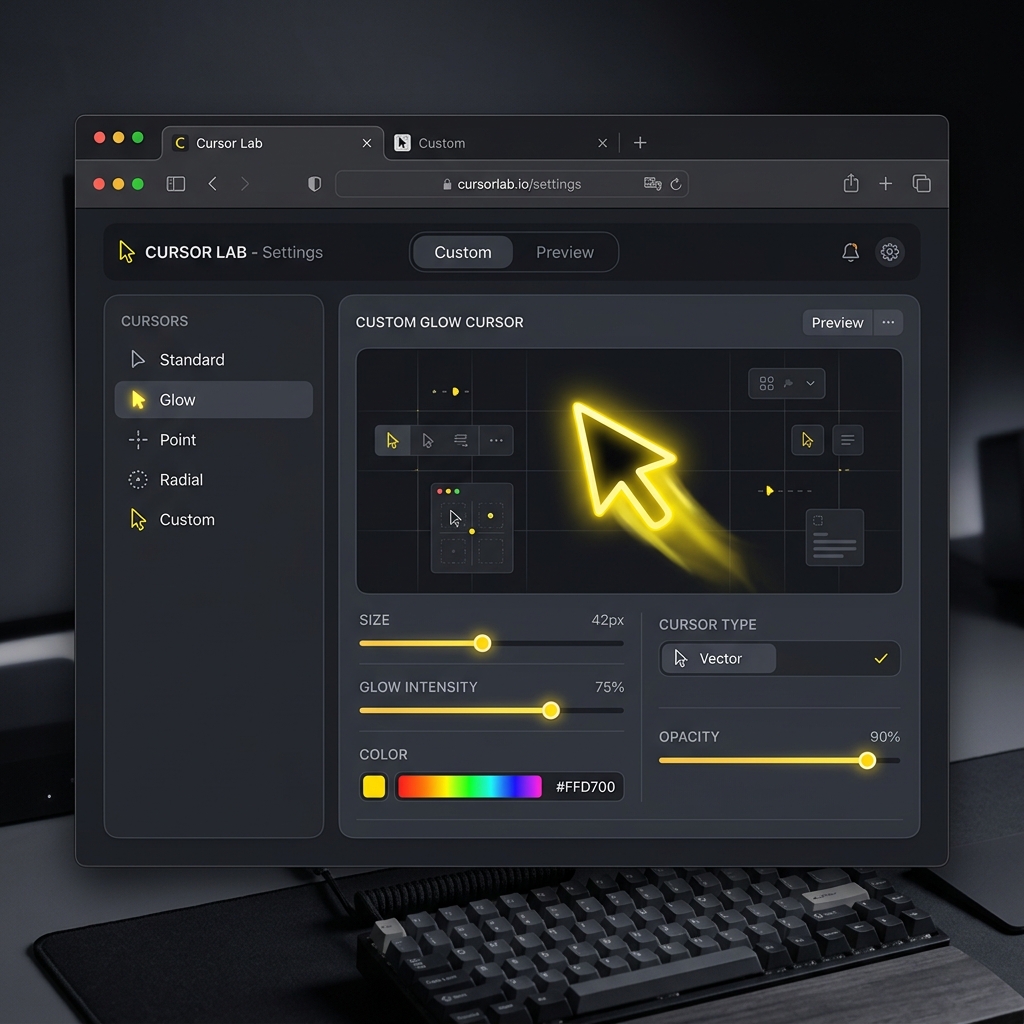
Adjust mouse cursor sizes dynamically to keep your viewers focused on key actions and navigation points.
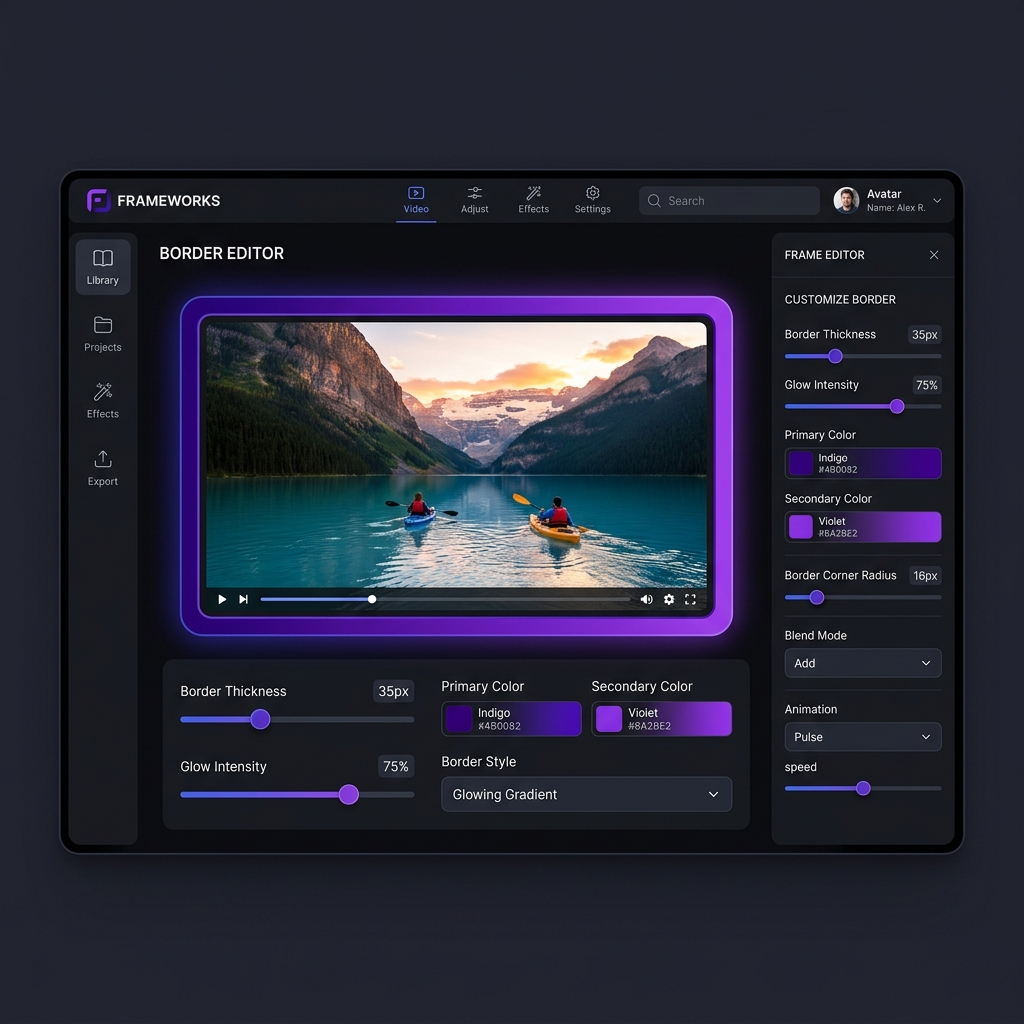
Easily increase or decrease border thickness and add elegant frame-like styles to your videos for a polished, premium look.
Auto zoom screen recorder with no editing required. Zooms into your clicks automatically, no timeline, no post-production.
The screen recorder with live backgrounds built in. Apply stunning Live, Gradient, Textured, or Solid backdrops instantly, no design skills needed.
Record your screen and face together with a clean floating bubble.
Crystal clear mic and system audio, captured together.
No more jerky mouse movements, silky smooth cursors automatically.
Buttery smooth, native resolution. Every pixel, every frame.
Instantly upload and share your recordings with team members and clients. Cloud hosting with one-click secure links.
Take full creative control. Fine-tune automatic zooms or add your own manual zoom points for the perfect focus every time.
Easily trim and cut unwanted sections of your recording with zero effort. Keep only the parts that matter.
Render and export recordings directly in the cloud at lightning-fast speeds, saving time and disk space.
Add background blur, insert custom background images, or apply green screen keys directly to your webcam feed.
Easily blur out passwords, API keys, emails, or personal data on your screen with smart, automated privacy filters.
Combine multiple recordings into one and trim timeline gaps effortlessly.
Adjust mouse cursor sizes dynamically to keep your viewers focused on key actions and navigation points.
Easily increase or decrease border thickness and add elegant frame-like styles to your videos for a polished, premium look.


"I used Cubix again today and holy the auto zoom is getting so good. I cut some zooms out but all the ones it applied I left alone. Couldn't have manually made them any cleaner"
Luke
Dev
"this is how solid products are made tbh , keep going 💪"
Alex Ibragimov
founder & dev
"Kudos. This was one big bottleneck in video editing for tutorials. When I worked as a TA, I had to make tutorials for the students to follow along for the labs, and I had to manually use keyframe animation to zoom into what I'm exactly clicking."

Hamsa
Dev
"Great bro 👍 Excellent really"

Kumaraj MFD
Financial planner
"that's so great man"

mscode07
Building in Solana
"this is sick man. love this"

BChop
Solo dev
"Cubix Capture looks interesting."

RepoRunner
App
"I used Cubix again today and holy the auto zoom is getting so good. I cut some zooms out but all the ones it applied I left alone. Couldn't have manually made them any cleaner"
Luke
Dev
"this is how solid products are made tbh , keep going 💪"
Alex Ibragimov
founder & dev
"Kudos. This was one big bottleneck in video editing for tutorials. When I worked as a TA, I had to make tutorials for the students to follow along for the labs, and I had to manually use keyframe animation to zoom into what I'm exactly clicking."
Hamsa
Dev
"Great bro 👍 Excellent really"
Kumaraj MFD
Financial planner
"that's so great man"
mscode07
Building in Solana
"this is sick man. love this"
BChop
Solo dev
"Cubix Capture looks interesting."
RepoRunner
App
"great project mate"
Aman Yadav
Dev
"Legend!"
Gene
Software Developer
"Great work."

Satoshi T.A.N
Entrepreneur
"classic dogfooding solve. best way to guarantee exactly what you need"

王科长
Department Head
"Cool"

TTT
Co-founder_CMO
"This would help a lot in growing"

Sattyam Samania
Helping businesses scale
"great project mate"
Aman Yadav
Dev
"Legend!"
Gene
Software Developer
"Great work."
Satoshi T.A.N
Entrepreneur
"classic dogfooding solve. best way to guarantee exactly what you need"
王科长
Department Head
"Cool"
TTT
Co-founder_CMO
"This would help a lot in growing"
Sattyam Samania
Helping businesses scale
"Crazy"

Arpit
Dev
"Nice one bro🔥"

Samteic
Programmer
"When the demo feels this smooth, the bottleneck usually becomes distribution, not product."

Thibault Jaigu
Co-founder
"this is one hell of a beast"

Dominik Martin
marketing & growth strategies
"Love the flexibility, will make editing way smoother"

Mykhailo Sorochuk
Founder
"The UI looks amazing to my eye"

James Malsawm
Content Creator
"Crazy"
Arpit
Dev
"Nice one bro🔥"
Samteic
Programmer
"When the demo feels this smooth, the bottleneck usually becomes distribution, not product."
Thibault Jaigu
Co-founder
"this is one hell of a beast"
Dominik Martin
marketing & growth strategies
"Love the flexibility, will make editing way smoother"
Mykhailo Sorochuk
Founder
"The UI looks amazing to my eye"
James Malsawm
Content Creator
Get the same professional auto-zoom recordings on every desk.

Record your SaaS product with auto-zoom that follows every click. Gradient backgrounds make your UI look polished without any design work. Ship demo videos in minutes, not hours.
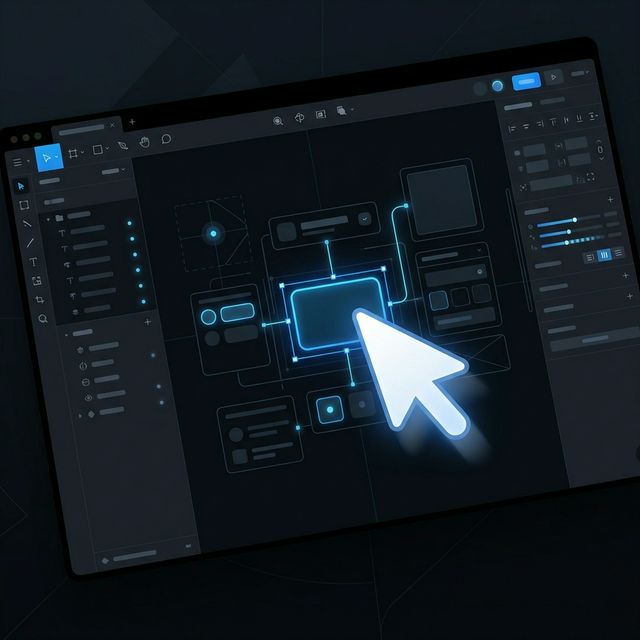
Every click zooms in automatically so viewers always know where to look. No post-production. No timeline editing. Just record and share.

Walk new users through your product clearly and professionally. Cubix Capture handles the zoom, the cursor, and the background you can focus on what you're explaining.
The simplest screen recorder with auto zoom. From raw recording to studio masterpiece in seconds, no timeline editing required.
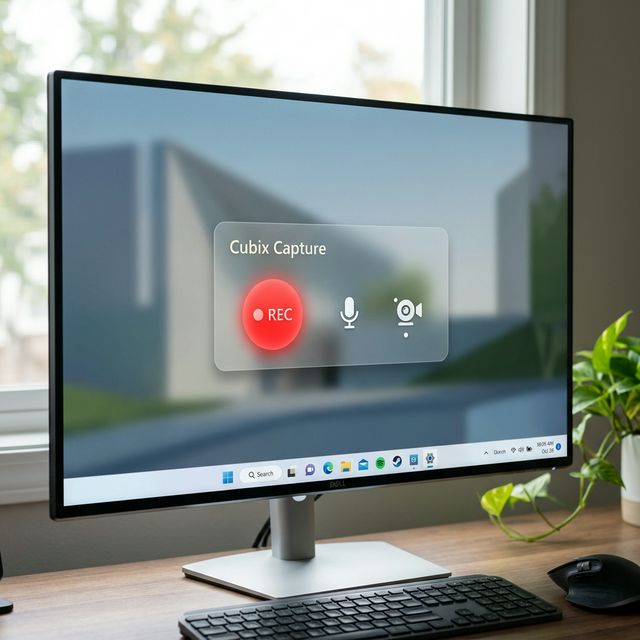
Open Cubix Capture and hit record. No drivers, no complicated setup. Just pick your screen and start.
As you click and scroll, our AI identifies important actions and applies smooth, cinematic zooms automatically.
Stop whenever you're done. Your recording is instantly wrapped in a beautiful gradient background with smooth cursor motion.
Choose the plan that fits your recording needs.
For getting started
For creators who publish regularly
Pay once, use forever
We're constantly evolving. Here are the features currently in development to supercharge your workflow.
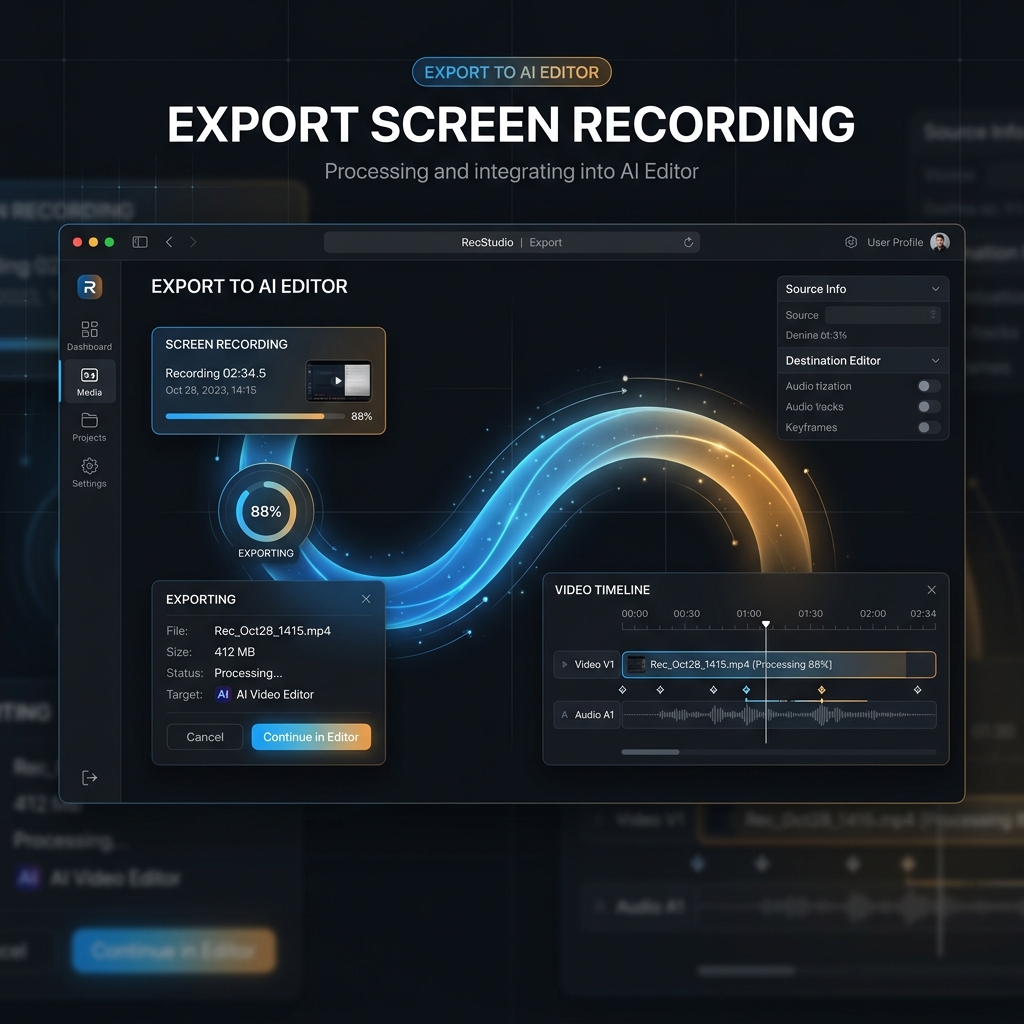
One-click export to the Cubix AI Editor for professional-grade post-production and agentic video refinement.
Adjust playback speed independently for each clip or section to create fast-paced sequences or slow-motion highlights.
Download free for Mac & Windows. No account required.
Cubix Capture is a free screen recorder for Mac and Windows with auto zoom, live backgrounds, webcam overlay, and system audio capture. A Screen Studio alternative for PC and a screen recording program for creators who need a polished screen record program Windows users can start in one click. Record tutorials, product demos, presentations, and software walkthroughs with professional quality output.